AQUA SALT
+
MAINTENANCE AND INSTRUCTION MANUAL
Salt chlorine genera ENGLISH
ADSP7000753 rev. 5.0 09/07/2019 17/51
SUPERCHLORINATION KEY AND LED:
Boost key activates superchlorination. The generator stops its internal adjustments and starts working at 100%, for 12 hours.
At the end of the superchlorination process, the generator goes back to the set work mode. Green LED steady on if
superchlorination is active.
WINTER MODE/SHUTTER KEY AND LED:
This key allows you to manually activate the Winter mode, which reduces chlorine generation by 15% minimum (within a
programmable range from -15% to -100%). The corresponding red LED is:
• steady if winter mode is active;
• flashing if covering shutter is detected.
ALARM LED: Red steady Led on, if an alarm not included within those indicated by the Maintenance led goes off (see Alarms
section);
MAINTENANCE LED: Red steady Led on, if Maintenance Cell or Cell Replacement early-warning/alarm go off;
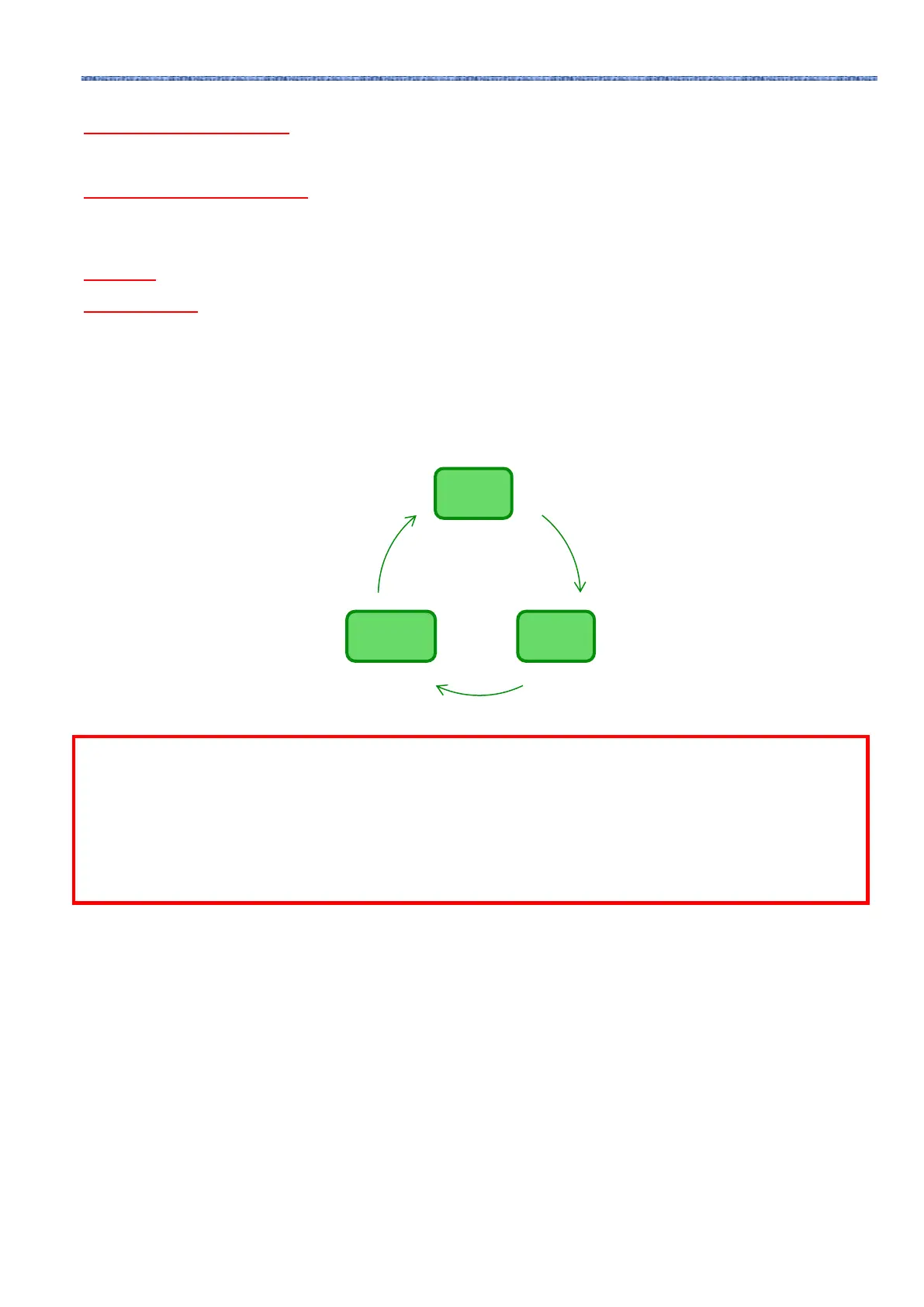
In order to check the parameters of the pool and to control the correct operation of chlorine generators,
you can access menus, submenus and sections using the keypad keys as shown above. We are showing
below an overview of the menus available and how to switch from one to the other when you are in one
of their sections. A detailed explanation of the various menus and sections is also provided. The picture
below shows the three menus available, and how to switch from one to the other.
General instructions to use the menus:
1) Some sections of the menus belong to certain models and/or working modes and/or states or phases of the device, and
will be visualized only if the device is set to show them. More in detail:
1.1) Sections related to the pH will be present only if the chlorine generator is equipped with a pH probe
1.2) Values expressed in ppm are present only if working mode is "proportional” and the device is a "pH/Chlorine” model.
1.3) Values expressed in mV are present only if working mode is “proportional” and the device is a "pH/Rx" model.
2) If keys are close to the sections, the values can be modified, otherwise they are read-only.
3) Press F to switch from a section to the following one.
4) The units of measurement of the parameters can be chosen in the System Settings Menu.
The User Menu visualizes information regarding the system and some pool parameters. The AQUA_SALT
display goes back to the main section of this menu if you do not press any key on the user interface during
more than two minutes.
• Press and hold F for 3 seconds to switch to the Programme Start Menu.
• Press and hold Enter for 1 second to access the Password Menu
• The sections marked with * can be visualized also when the device is Off.
The User Menu visualizes the following sections:
User
Menu
Password
Menu
Installation
Menu



 To Next Page