AQUA SALT
+
MAINTENANCE AND INSTRUCTION MANUAL
Salt chlorine genera ENGLISH
ADSP7000753 rev. 5.0 09/07/2019 24/51
It allows you to visualize and
change the percentage of
chlorine the generator has to
produce, during operation
under normal conditions.
It allows you to view and
change the percentage
amount of chlorine that the
generator has to produce,
during operation in Winter
Mode.
Visualize and change the
value set for the chlorine set
point.
Item displayed only if the type
of unit includes the presence
of chlorine Jumo probe, and
the operation is
"proportional".
Visualize and change the
value set for the Redox set
point choosing among
0…1000 mV.
Item displayed only if the type
of unit includes the presence
of Redox probe, and the
operation is "proportional".
Visualize and change the
value set for the pH set point
choosing among 5.0… .9.0.
Item only appears if the
control unit includes the
presence of the pH probe.
Visualize and change the
value set for the pH work
mode choosing between acid
or alkaline.
Item only appears if the
control unit includes the
presence of the pH probe.
Visualize and change the
value set for the salinity set
point choosing between
0.0…5.0 g/l or 0…5000 ppm
Visualize and change the
value set for the polarisation
period from 1 to 16 hours. To
learn what Polarisation is, see
par. 2.2
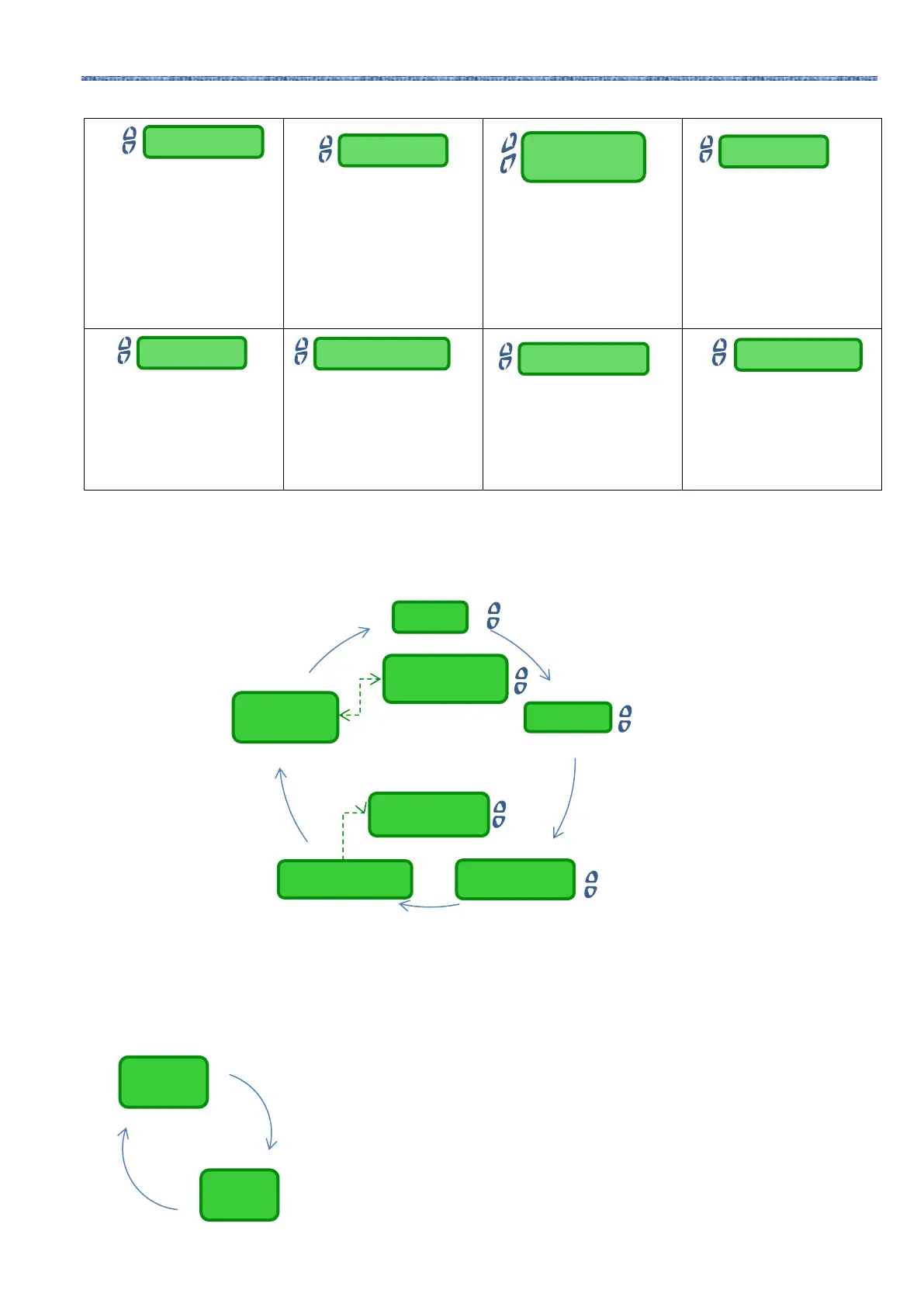
The Alarms Menu allows to enable or disable the alarms. Read more about the Alarms menu sections at section
5.
• Press and hold Enter for 1 second to go back to the "Alarms" section of the Installer Menu.
Ice alarm
Cell Service
Cell Replacement
Cell Service alarm
reset
Cell
replacement
alarm reset
The Communication Menu modifies some characteristics about the communications between the
device and the user programme installed on the PC.
• Press and hold Enter for one second to go back to the Communication section of the Installer
Menu.
Cell replacement
Confirm? Yes/No
Cell maintenance
Confirm? Yes/No
Connection
Type
Modbus
Address



 To Next Page