AQUA SALT
+
MAINTENANCE AND INSTRUCTION MANUAL
Salt chlorine genera ENGLISH
ADSP7000753 rev. 5.0 09/07/2019 19/51
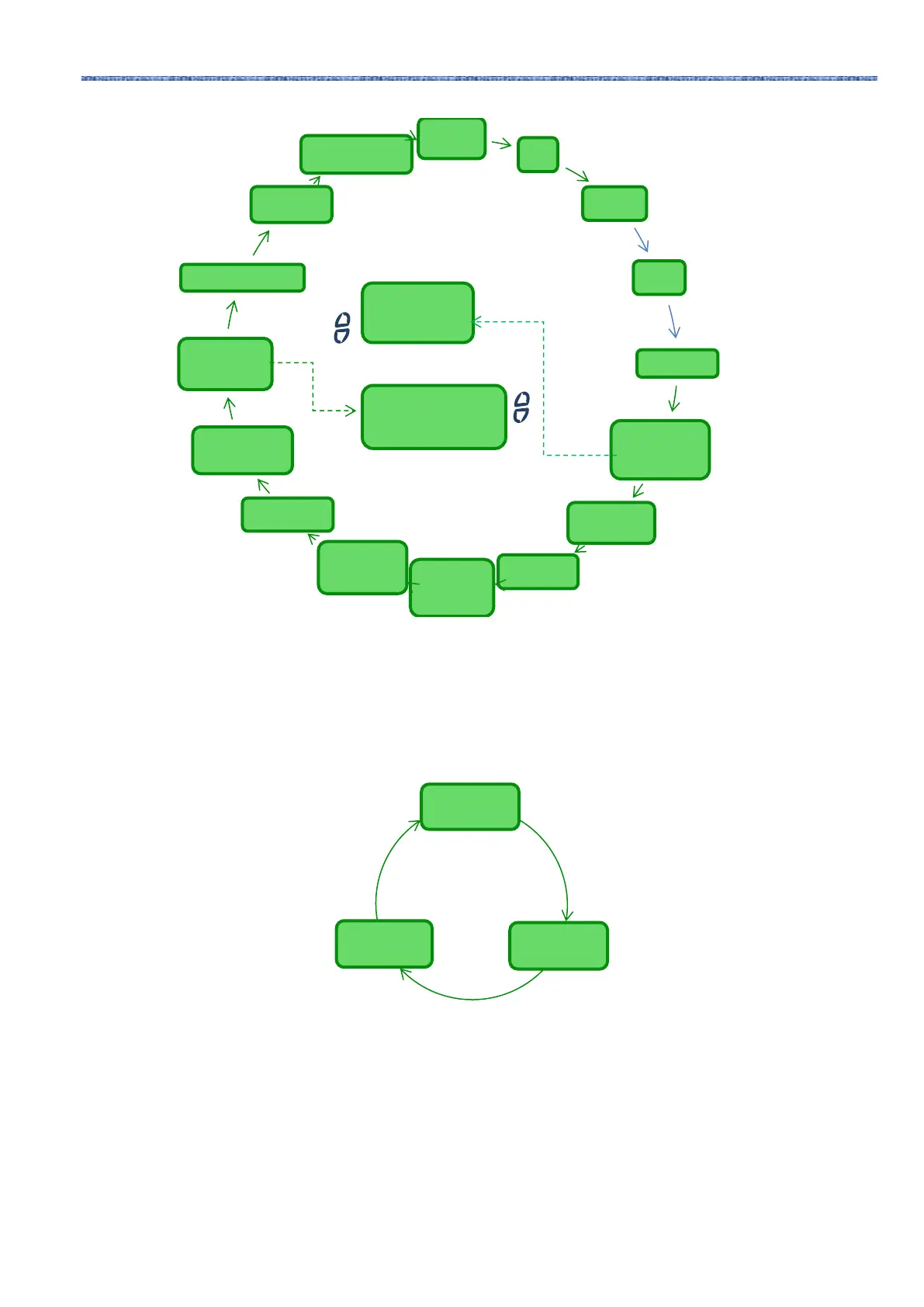
Chlorine
pH
Redox
Chlor
time left
clock phase
phase time
left
polarization
time
VOut
IOut
estimated
chlorine
generator
operation
temperature
instant
salinity
estimated
Average
salinity
estimated
Flow & Pressure
Cell check
*
cell
replacement *
Password
Installer Menu
User Menu
Password Menu gives you access to the Installer Menu after inserting the correct four-character
password. After 1 or 2 errors, you will go back to the first section of this menu and you will be asked
to insert the password again. After 3 errors, you will return to the User Menu.
The Installer menu opens the following submenus:
• Press Enter to access the submenus.
• Press and hold Enter for more than 1 second to go back to the User Menu
• When accessing a menu whose sections are marked with * the device pauses (Stand-by) and
chlorine generation temporarily stops.
Stop phase
Confirm?
Yes/No
Reset average
salinity
Confirm? Yes/No



 To Next Page