47
7.0 OPERATING NEXUS/STYLUS
7.1 Turning Nexus/Stylus On And Off
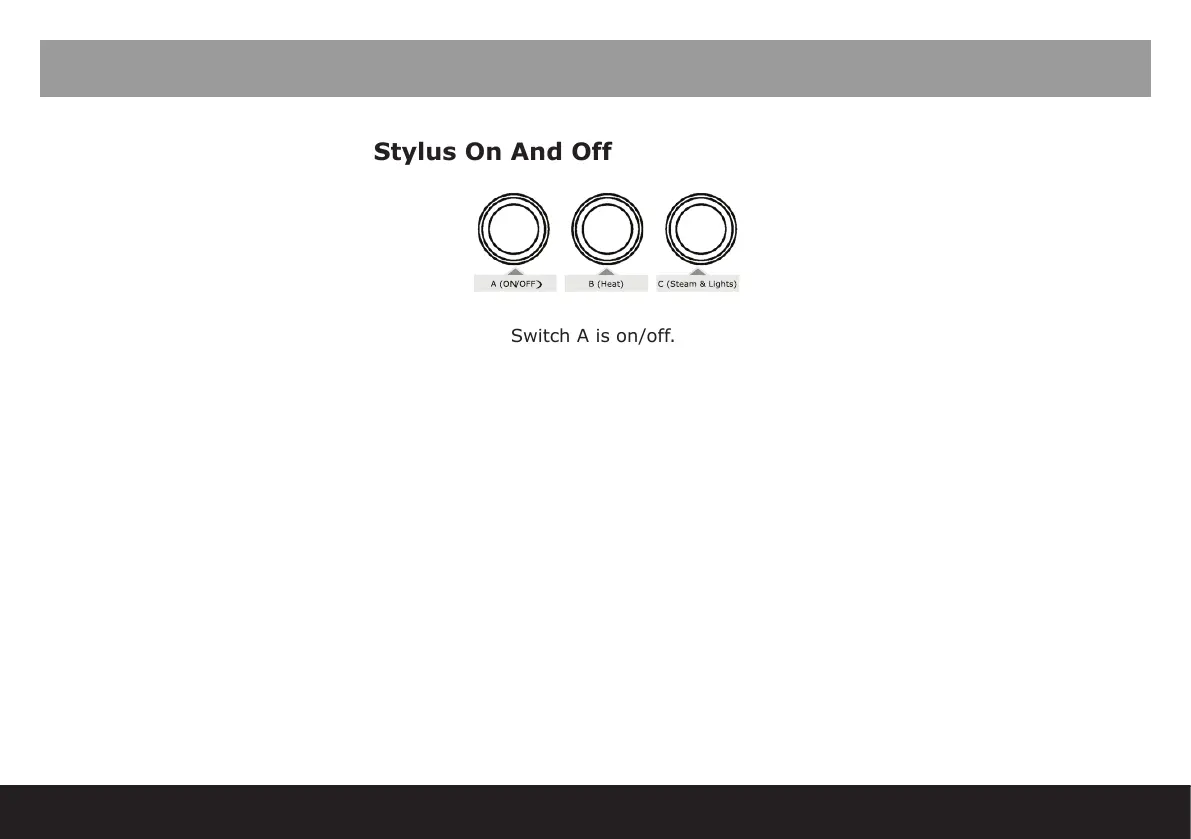
Switch A is on/off.
Switch B is heat.
Switch C is lights and steam.
To use the machine please turn all three switches on.
If the program on/off mode is active – screen says ‘OFF’ this is in SLEEP mode. Hold down reset button on
function screen to turn on.
7.2 Operator Buttons
Group Heads
Dose One: Single press to start, push and hold to stop.
Dose Two: Double press to start, push and hold to stop.
Free pour: Push and hold for 1 second. Single press or press and hold to stop.
Purge : Hold 2 seconds.



 To Next Page