53
8.0 OPERATING WEXUS - NEXUS MODELS ONLY
8.3 Start Up And Synchronisation
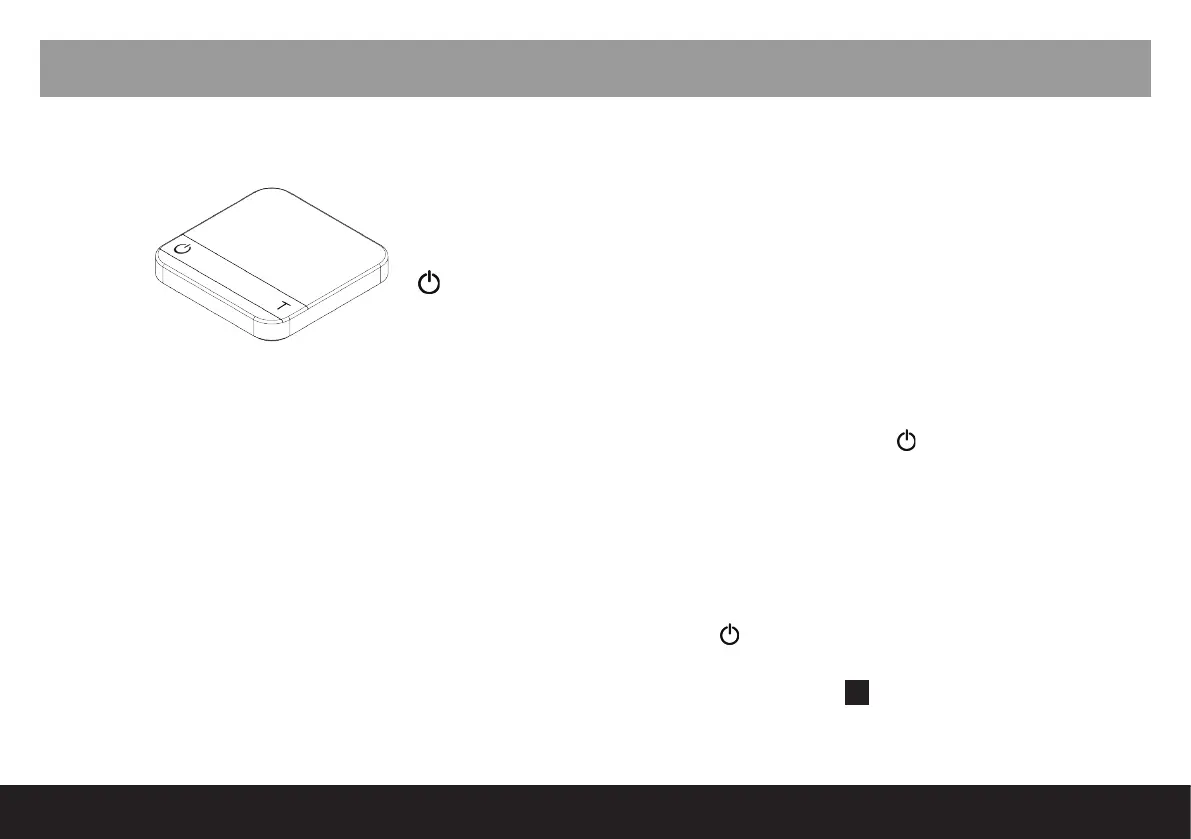
1. Turn on scale and place on bench (not in the machine).
2. Turn on Nexus.
3. Wait for synchronisation light on the scale to illuminate - round white dot near the
button on the
scale.
4. Once illuminated, place scale under correct group.
Note: The scale number must align with the correct group. Group 1 is always the rst head on
the left. Corresponding scale numbers are on the base of each scale.
5. Ensure Wexus scale is in correct mode by touch and hold of the key to toggle through modes.
Note: Nexus will not tare automatically unless Wexus scale is in Square mode. Aremde
recommends to only operate Wexus in this mode.
Symbols:
T - Tare
- Power



 To Next Page