30
6.0 PROGRAMMING AND SET UP
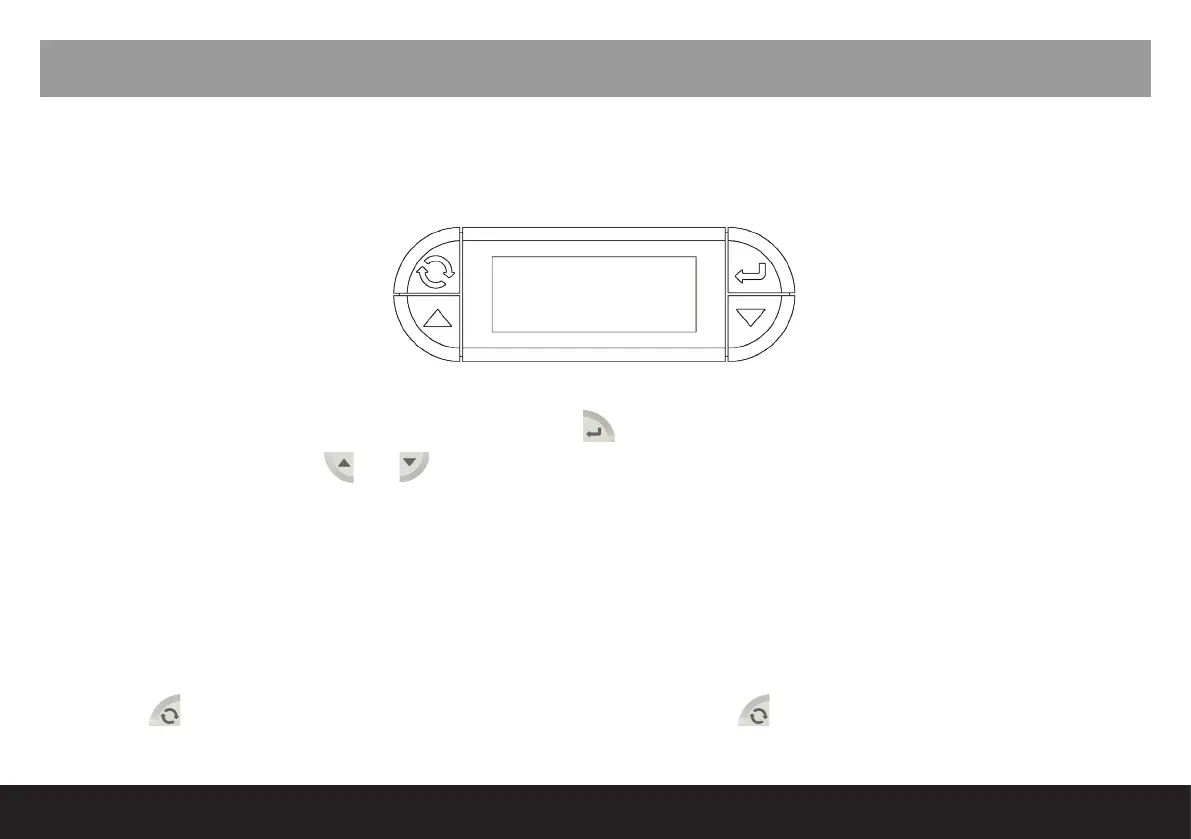
Nexus/Stylus operates with two programming menus accessible by using buttons on the UCU-E or remote
control.
1. Barista Mode
Barista Mode can be accessed by holding down the button for four seconds and ‘AUTO CLEAN CYCLE’
appears on the screen.
and keys can be used to scroll through the sub menu.
1. Auto Clean Cycle
2. Doses
3. Delivery Count
4. Total
5. Machine Total
6. Cleaning Counter
The
button is used to go back a step in the menu mode, or push until the home screen appears to
exit menu.
6.1 Programming Modes
Up Down
Enter
Reset
(On/Off)



 To Next Page