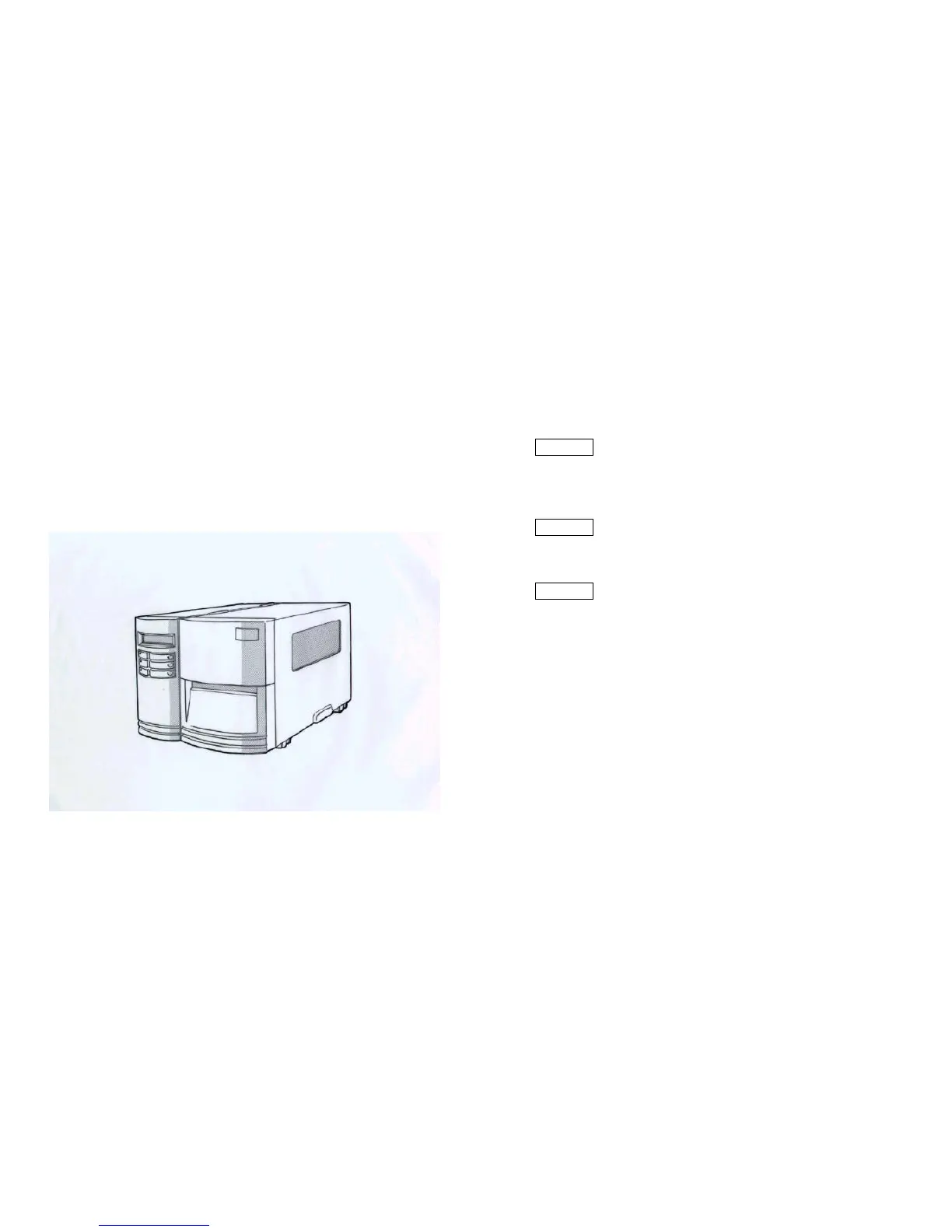
Operator Controls LED Indicators
Front Panel There are three LED indicators on the front panel, “READY”, “MEDIA” and
“RIBBON”. These indicators display the operation status of the printer.
The front panel includes
✸ READY
The READY indicator will remain lighted except if any of the
following conditions prevail.
- The printer is at PAUSE state.
- A fault condition
✸ MEDIA
The MEDIA indicator will remain on for the normal
operation of the printer.
Blinking – Media run out
✸ RIBBON
ONIII– under thermal transfer mode with ribbon installed.
OFF – under direct thermal mode. ( no ribbon installed )
Set by Windows driver or command.
Blinking – Ribbon run out
- 3 LED indicators (READY, MEDIA and RIBBON)
- 3 buttons (FEED, PAUSE and CANCEL)
- A LCD display
21
22



 To Next Page