Troubleshooting
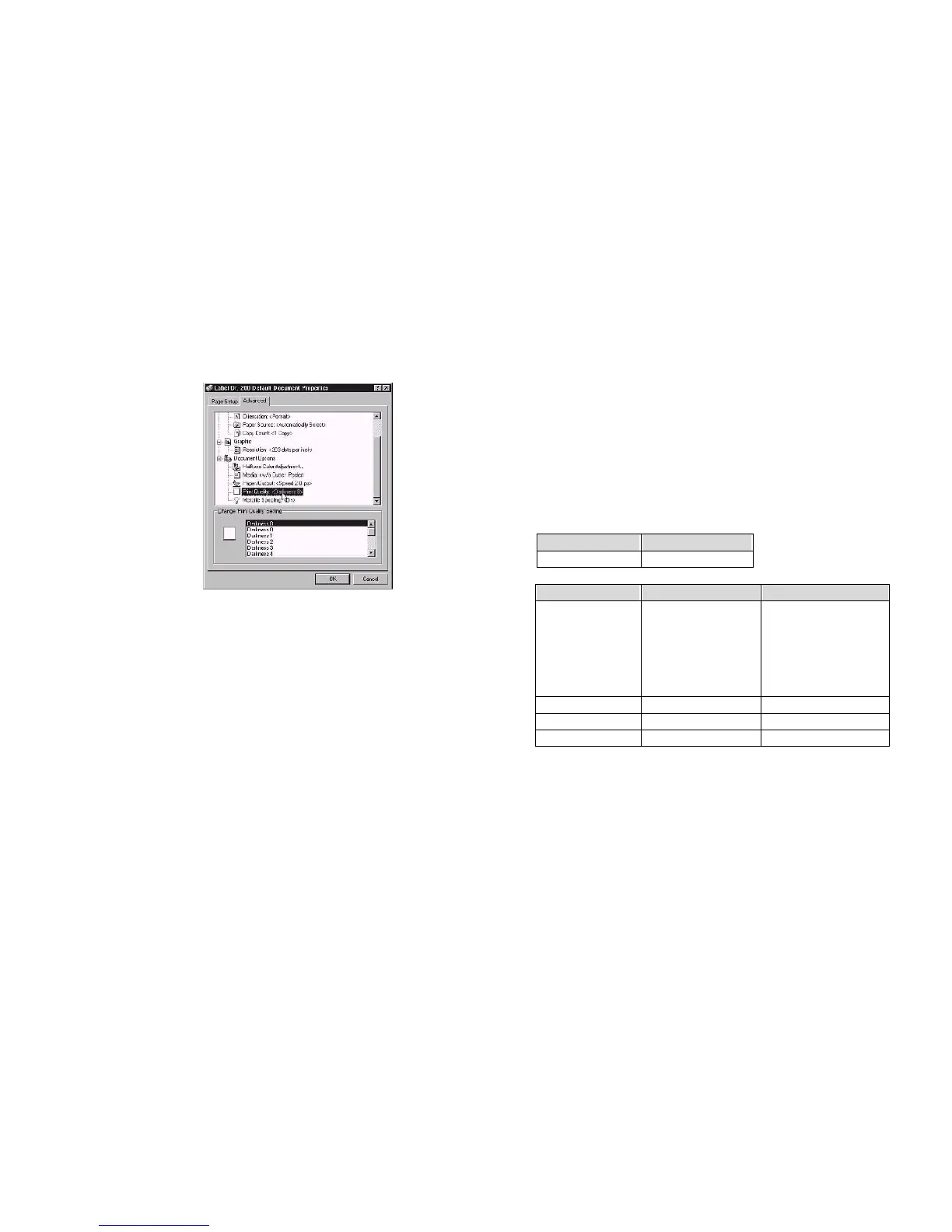
Paper/Output
(Speed)
Generally, when a malfunction or an abnormal condition occurs, the
“READY” LED will keep blinking and printing and communication
between the host and printer will stop.
Print quality
(Darkness)
Default Document menu
To understand what the problem, please check the
LEDs and LCD display on the front panel first:
click "Advanced"
click each item to
select desired
A. Problems on media
parameter
click "OK"
Blinking Indicators READYand MEDIA
LCD display MEDIA OUT
Create a new size
Please refer to the
procedure of create a
Possible Problems Solutions Remarks
Missing gap . Check the media
path
. Check the position of
label sensor.
If you use continuous
media, check your
application soft ware
and driver.
You should select
continuous.
Media out . Supply the media roll
Media not installed . Install the media roll
Media jam . Recover the jam
new size on Win 2000.
If everything is OK try to make the label sensor calibration.( Refer to P31)
45
46



 To Next Page