3. Interface Specifications Connection with host:
Introduction Host 25S Printer 9P Host 9S Printer 9P
(PC or compatible) (PC or compatible)
This appendix presents the interface specifications of IO ports for the
printer. These specifications include pin assignments, protocols and
detailed information about how to properly interface your printer with
your host or terminal.
DTR 20 ……….. 1 DSR DTR 4 ……….. 1 DSR
DSR 6 ……….. 6 DTR DSR 6 ……….. 6 DTR
TX 2 ……….. 2 RX TX 3 ……….. 2 RX
RX 3 ……….. 3 TX RX 2 ……….. 3 TX
CTS 5 ……….. 7 RTS CTS 8 ……….. 7 RTS
RTS 4 ……….. 8 CTR RTS 7 ……….. 8 CTS
GND 7 ……….. 5 GND GND 5 ……….. 5 GND
Serial
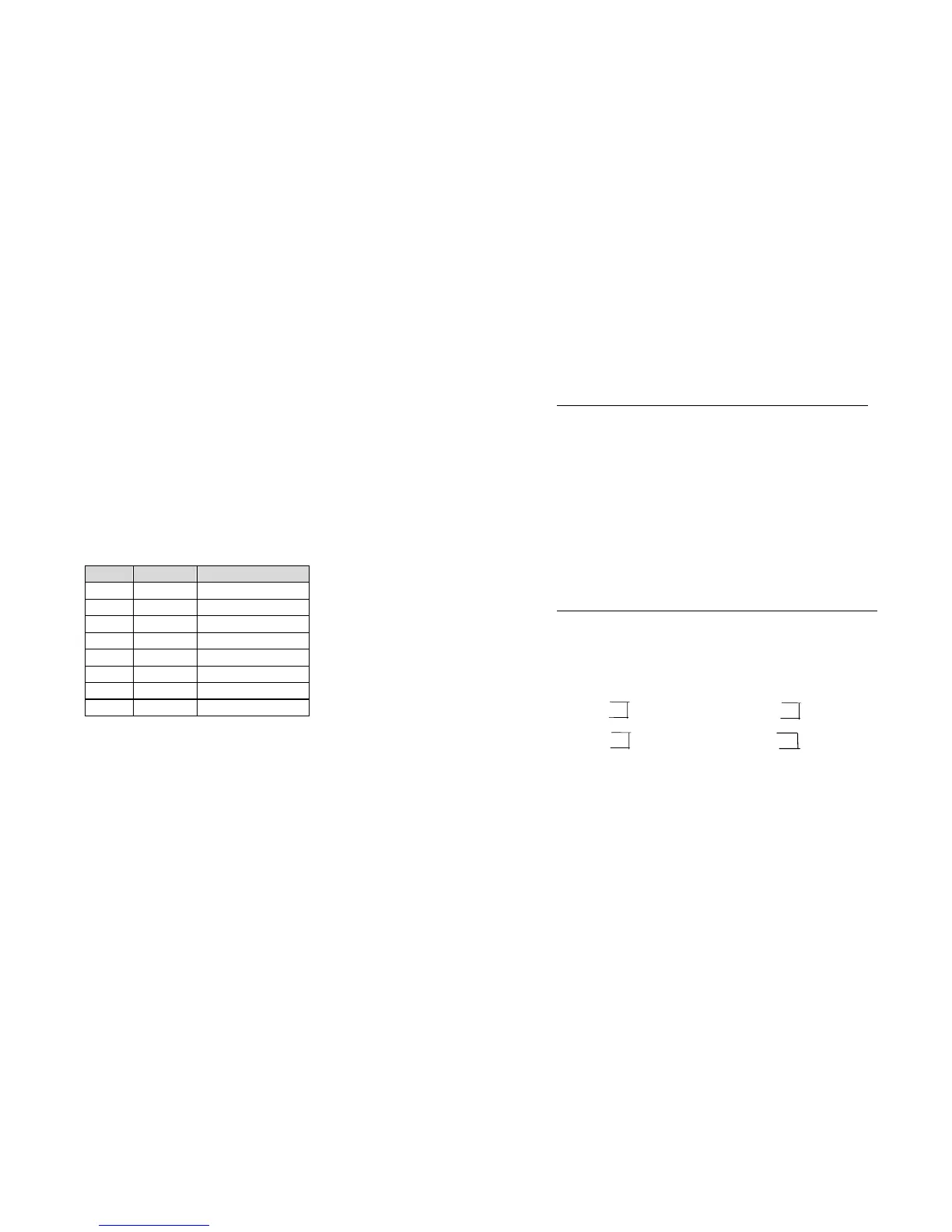
The RS232 connector on the printer side is a female, DB-9.
Pin Direction Definition
1 In DSR
2 In RxData
3 Out TxData
5 - Ground
6 Out DTR
7 Out RTS
8 In CTS
9 Out +5V
Alternatively you can just connect the 3 wires in the following way.
Host 25S Printer 9P Host 9S Printer 9P
(PC or compatible) (PC or compatible)
TX 2 ……….. 2 RX TX 3 ……….. 2 RX
RX 3 ……….. 3 TX RX 2 ……….. 3 TX
GND 7 ……….. 5 GND GND 5 ……….. 5 GND
pin 4 pin 4
pin 5 pin 6
pin 6 pin 7
pin 20 pin 8
Note :
Pin 9 is reserved for KDU(keyboard device unit) only, therefore do not
connect this pin if you are using a general host like a PC.
56
55



 To Next Page