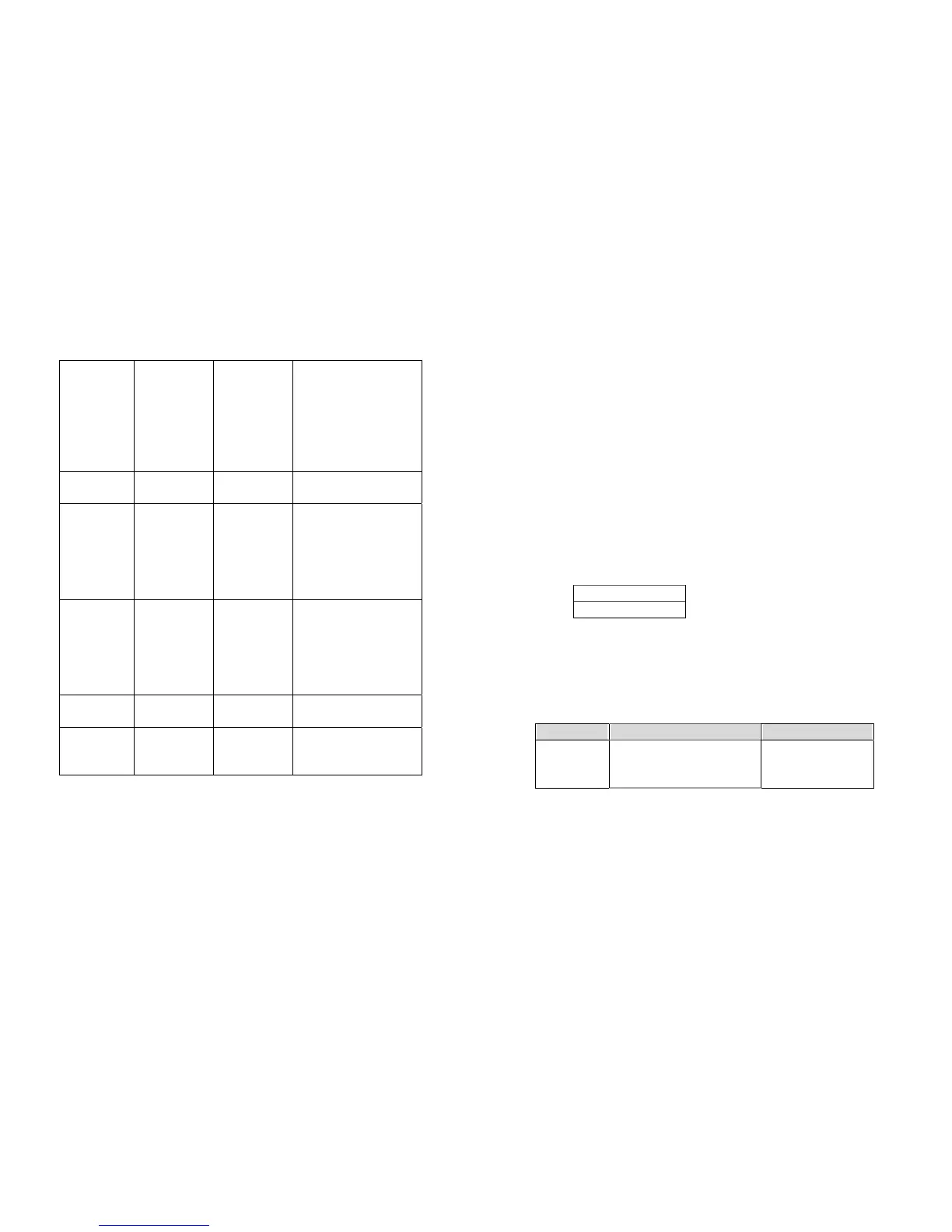
ON position.
For general media, set it
to “CHECKED” except for
thick media.
BACK FEED DISABLED,
ENABLED
DISABLED
BACK
DISTANCE
10~40 mm 0 mm This item appears only
when BACKFEED is
enabled.
3. Before selecting the see-through sensor make sure the main board
version is 5.0 or later, otherwise it can not work.
Setting Display Language
The printer supports six languages, English, French, German, Italian,
Spanish and Portuguese for LCD display.
To select the language
1. Press PAUSE and CANCEL buttons at the same time.
2. Hold both buttons for about 3 seconds.
3. Release buttons.
4. The language item will appear.
LANGUAGE
ENGLISH *
5. Press FEED button for next language.
6. Press CANCEL button to select or set the language for your
need.
Pressing PAUSE or PAUSE+CANCEL buttons exits setting and enters
normal mode.
Item Range Factory Default
LANGUAGE ENGLISH, FRENCH,
GERMAN, ITALIAN,
SPANISH, PORTUGUESE.
ENGLISH
Notes:
1. To make sure the settings take effect you had better restart the
printer after changing them.
2. When you store graphics with compression in flash board, do not
use them under non-compression mode. They must be consistent.
27
28



 To Next Page