Caring for your Printer Reference Technical Information
1. General Specification Before maintenance be sure to turn off the printer power.
1. Cleaning the print head(TPH)
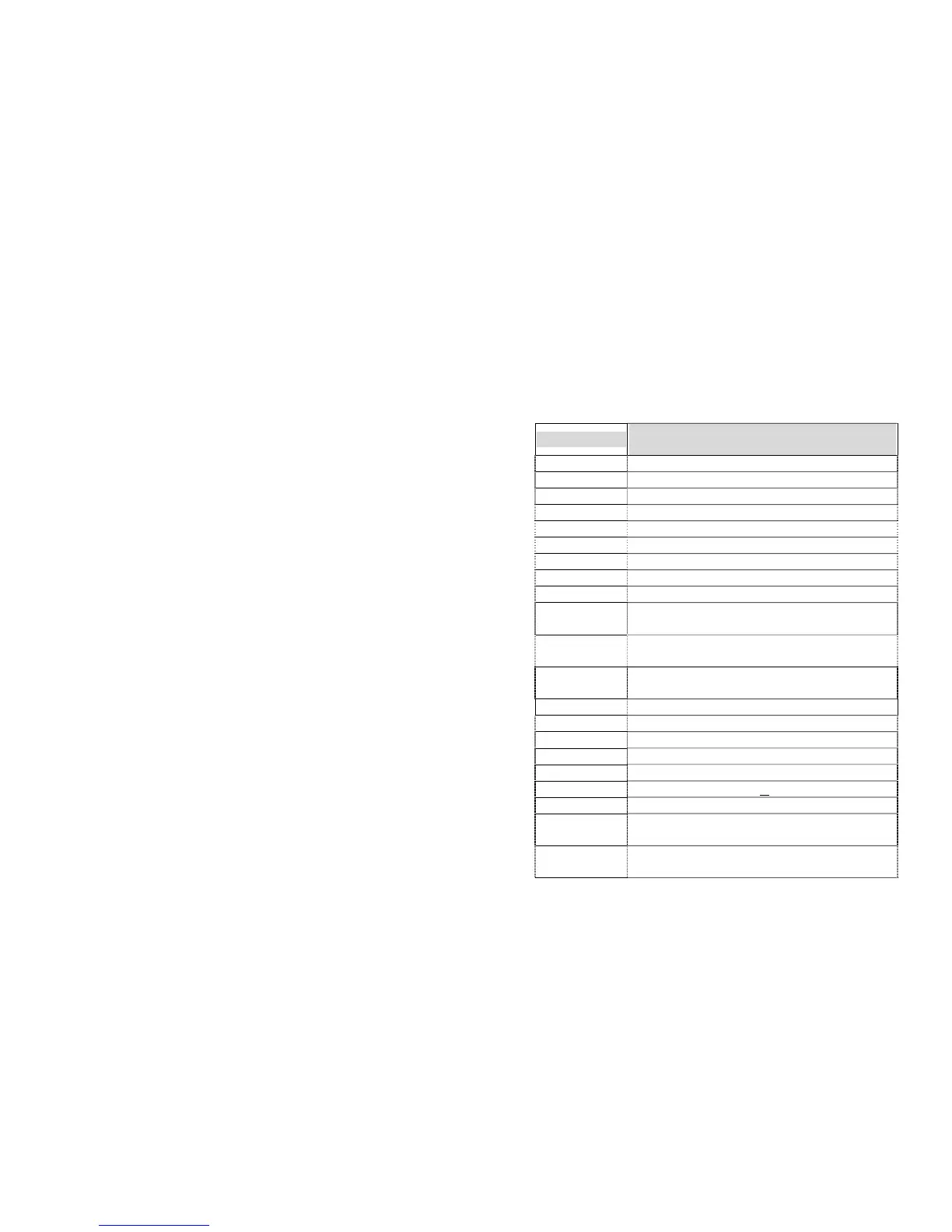
Specification
Model
X-2000 Zip
Print method Direct thermal and thermal transfer
Resolution 203 DPI ( 8 dots/mm)
Printing width 0.1”~4.09”(25 ~104 mm)
Printing length 0.5”~43” (13 ~1092 mm)
Printing speed 2~6 ips (51~152 mm/s)
Memory 2M bytes DRAM / 1M bytes Flash ROM
CPU type 32 bit RISC, Microprocessor
Media sensor Reflective,Transmissive
Display LCD display, 2-lineX16,LED indicators X 3
Communication
interface
Centronics parallel, RS-232 serial
Maximum label
roll diameter
8 in.(203 mm) outside diameter
1.5 in. ~ 3.0 in.(38 mm ~ 76 mm) inside diameter
Media type Roll-feed, die-cut, continuous, fan-fold, tags, ticket in
thermal paper or plain paper.
Label indexing Black stripe and gap
Ribbon types Wax, Wax/resin and Resin, Coating inside
Ribbon size OD 3 in. (76mm), ID 1 in. (25 mm)
Compact size W9.8” ╳ H10.2” ╳ L16.0” (W250╳ H260╳ L410 mm)
Weight 24.6Ibs (11.4 kg )
Power source 110/220 VAC + 10%, 50/60 Hz
Agency listing CE, UL, CUL, FCC class B
Operating
temperature
40° ~ 100°F (4° ~ 38°C)
10~90% non condensing
Storage
temperature
-40°F ~ 140°F (-4°C ~ 60°C)
Turn off the printer, open the cover, print head module and remove
the ribbon. Rub the print head with a piece of cotton which has
been moistened with alcohol. Check for any traces of black
coloring or adhesive on the cotton after cleaning. Repeat if
necessary until the cotton is clean after it is passed over the head.
Note :
The print head should be cleaned at least every time the ribbon is
replaced and more often depending on actual usage and conditions.
2. Cleaning the roller
Using a cotton moistened with alcohol, clean the roll and rip off the
attached glue.
Note :
The roller should be cleaned whenever it has been in contact with
foreign materials such as dust or adhesives.
3. Cleaning the media compartment
Clean the media compartment with cotton which has been
moistened with a mild detergent. Every time a media roll is printed
this compartment should be cleaned to reduce the incidence dust.
51
52



 To Next Page