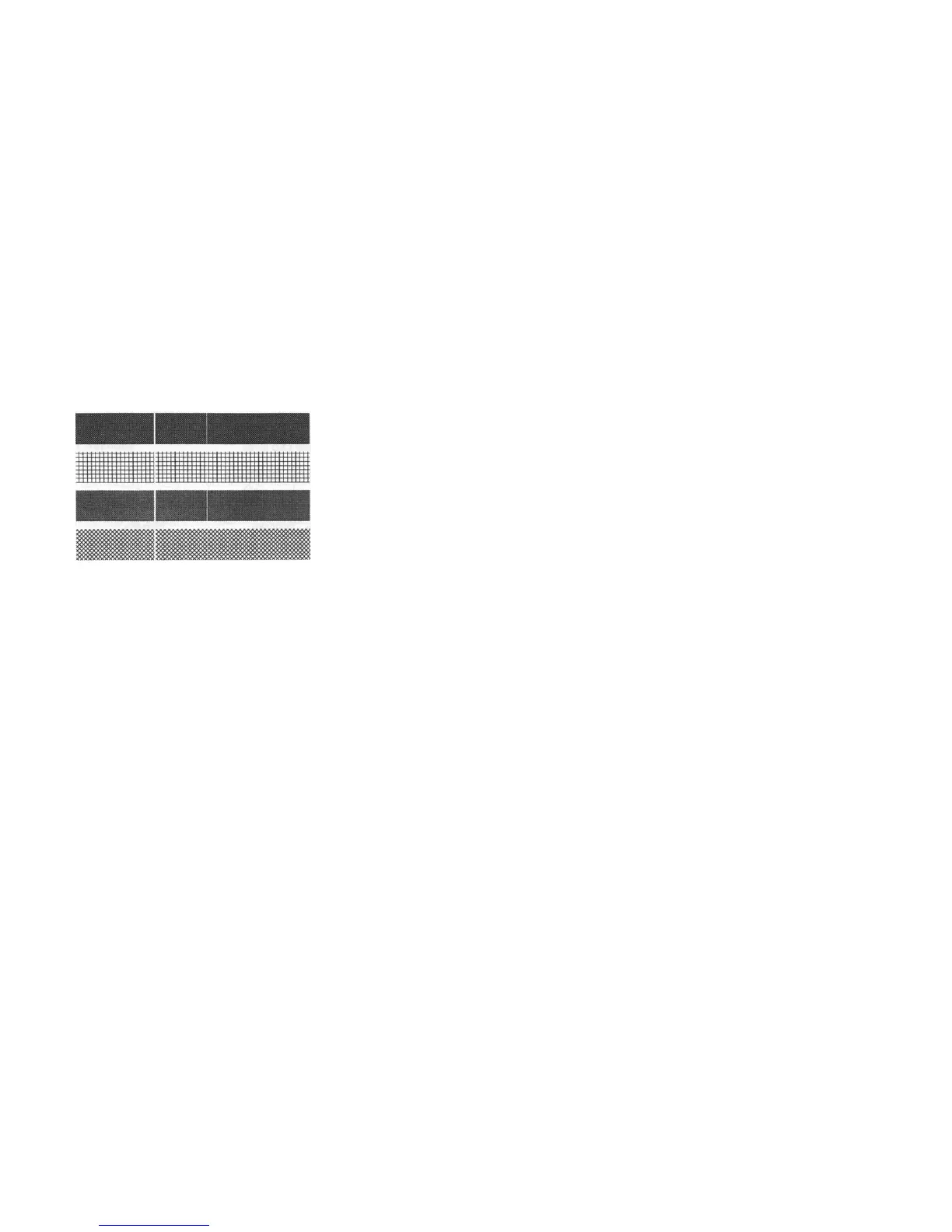
Addendum Vertical streaks in the printout usually indicate a dirty or faulty print
head. Clean the print head first, if they still persist, replace the print
head.
♦
♦
♦
Unstable ribbon roll rotation.
Check the label path and make sure the head latch is securely
closed.
Poor printout quality.
. The ribbon may be not qualified.
. The media may be not qualified.
. Adjust the Darkness (heat temperature).
. Slow down the print speed.
. Refer to the following paragraphs and clear the related modules.
Recovery
In order to continue your print jobs after any abnormal conditions have
been recovered, simply press the CANCEL button or restart the printer.
Make sure that the LED indicator is illuminated and not blinking and
remember to resend your files.
50
If you use small labels ( label height is less than 30 mm ) and the area
near top is unprintable you can adjust the top margin slightly by the
following procedure.
1. Hold FEED ( or PAUSE ) button and count the blink times for READY
LED. Each blink stands for 1 pixel. For 0.5 mm you need 4 blinks for
X-2000 Zip.
2. Release the button.
3. Restart the printer.
4. Send data to printer to print again.
5. Check the print position.
If you make calibration again the slight adjustment will be reset.
49



 To Next Page