001-31249-EN rev. 3
How to Use the Maxi Sky 2 Plus14
display
battery
charge
remarks
100% Fully charged
75%
Normal operating range
50%
25%
Low–Accompanied with a
short beep when one of the
following button is pressed:
< 5%
Critical–Icons alternate
accompanied with two short
beeps every 10 seconds
The graph in Fig. 12 illustrates the relationship
between the number of lifts that can be performed
with the Maxi Sky 2 Plus before reaching the
battery's critical level, versus the load being lifted.
Note that battery depletion rates may differ between
each ceiling lift in the Maxi Sky 2 Plus.
No. of Lifts
Load (lb/kg)
0
0
250 (113) 500 (227) 750 (340) 1000 (454)
25
50
75
100
125
150
175
Fig. 12
Charging the Batteries
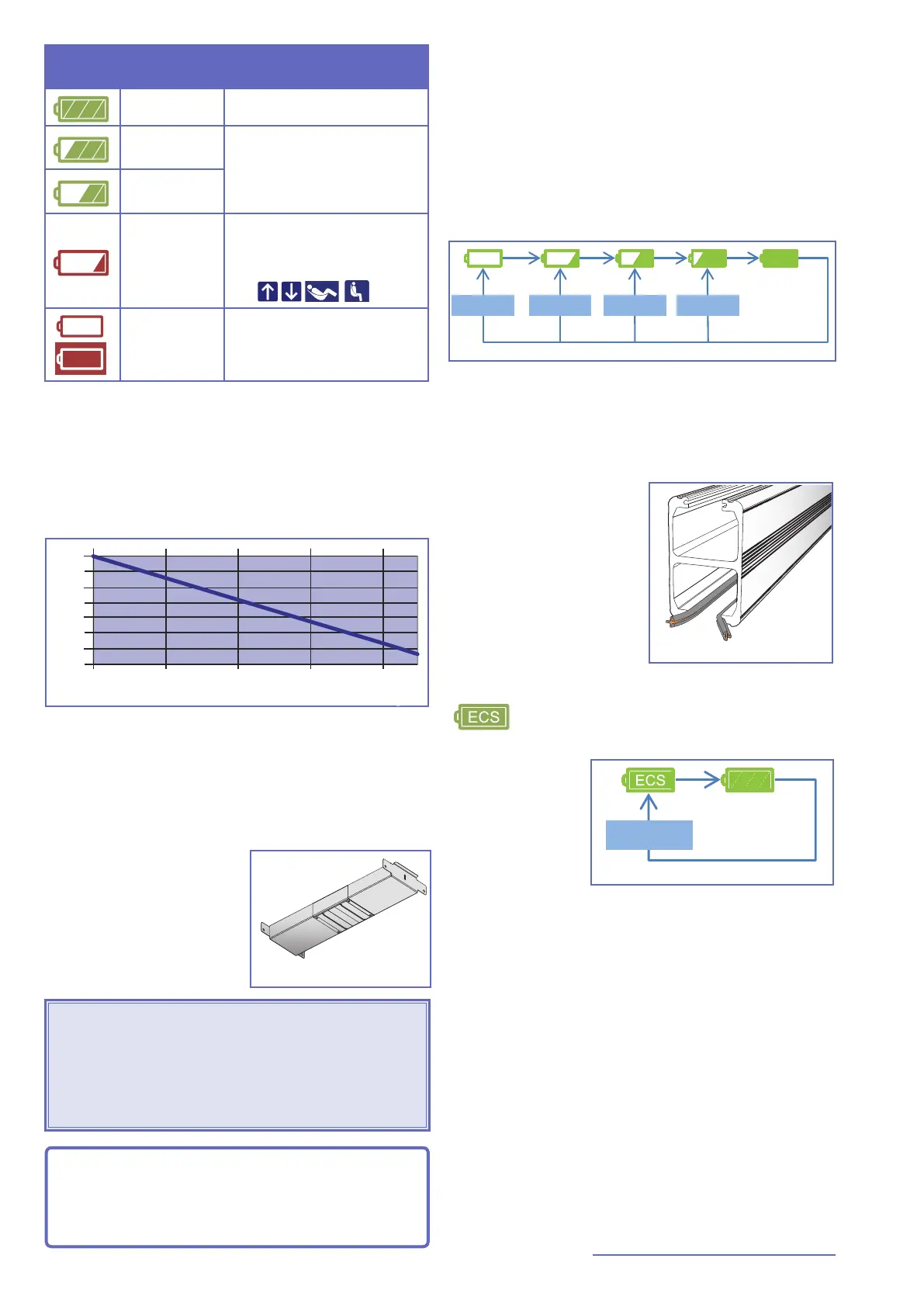
The Maxi Sky 2 Plus is equipped with two universal
AC voltage chargers; one per ceiling lift.
Regular Charging System
The chargers feed a
charging station located
between the tracks. It
transfers power to the
Maxi Sky 2 Plus for the
recharging of the
batteries.
Fig. 13
WARNING: Do not operate the charging station
with a damaged cord or if the station has been
dropped or damaged. Do not bend the power
cord by force, or place a heavy object on it,
since it could damage the cord and may cause
re or electrical shock.
NOTE: When underneath the charging station,
the lift can be operated at any time. Operating
the lift will automatically stop the charging
process.
To initiate battery charging, move the ceiling lift
under the charging station.
Check the LED to conrm that batteries are
charging properly.
• The LED will ash green for a xed period
of 8 hours.
• The display will cycle through charge level
icons according to actual battery charge
level to show the charging progress.
Fig. 14
If the batteries have been completely drained it
could take up to 8 hours to completely recharge
them.
ECS Charging System
The Maxi Sky 2 Plus is
also compatible for use
with the KWIKtrak
Enhanced Charging
System (ECS). This track
system allows the ceiling
lift to benet from
continuous charging
wherever it is on the
track.
Fig. 15
Systems equipped with ECS will display the
icon when batteries are charging.
The LED will ash
green for a xed
period of 8 hours.
After that time
period, the device
will initiate another
8-hour charging
< 80%
Fig. 16
period if the batteries are still below 80%.
Otherwise, the LED will become solid.
If a function is activated during the charging
process, the ECS icon will disappear and the
ashing green LED will become solid. Once the
function button is released, and if the battery
charge level is still below 80%, the device will
attempt to reconnect to the ECS system after
approximately 20 seconds.
If the ECS system is not supplying voltage due to a
system fault or power failure, the display will show
the actual battery level as it would for a non-ECS
system. If the battery charge level is below 80%,
the ceiling lift will try reconnecting to the ECS
system with three attempts at 15-minute intervals.



 To Next Page