Armfield Instruction Manual
28
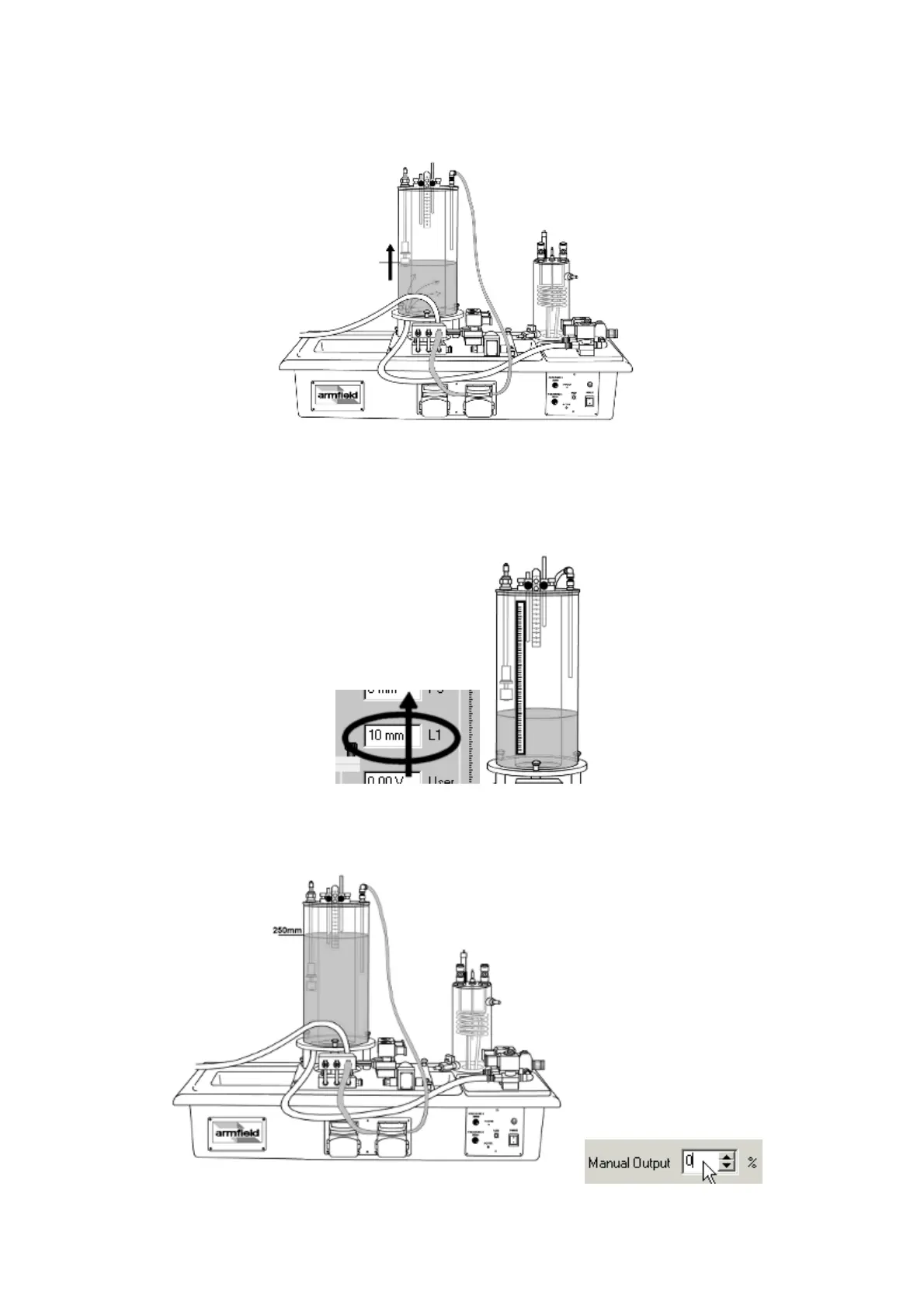
25. The large process vessel will begin to fill with water.
26. Observe that the level sensor reading on the software screen increases as
the water level rises. The sensor output should approximately match the level
reading from the gauge on the vessel side (the calibration procedure for the
sensor is described in the PCT40 software Help Text).
27. Allow the water in the large process vessel to reach a level of 250mm, then
close the valve SOL1 by setting it back to 0%.



 To Next Page