Armfield Instruction Manual
40
Controlling the Gear Pump
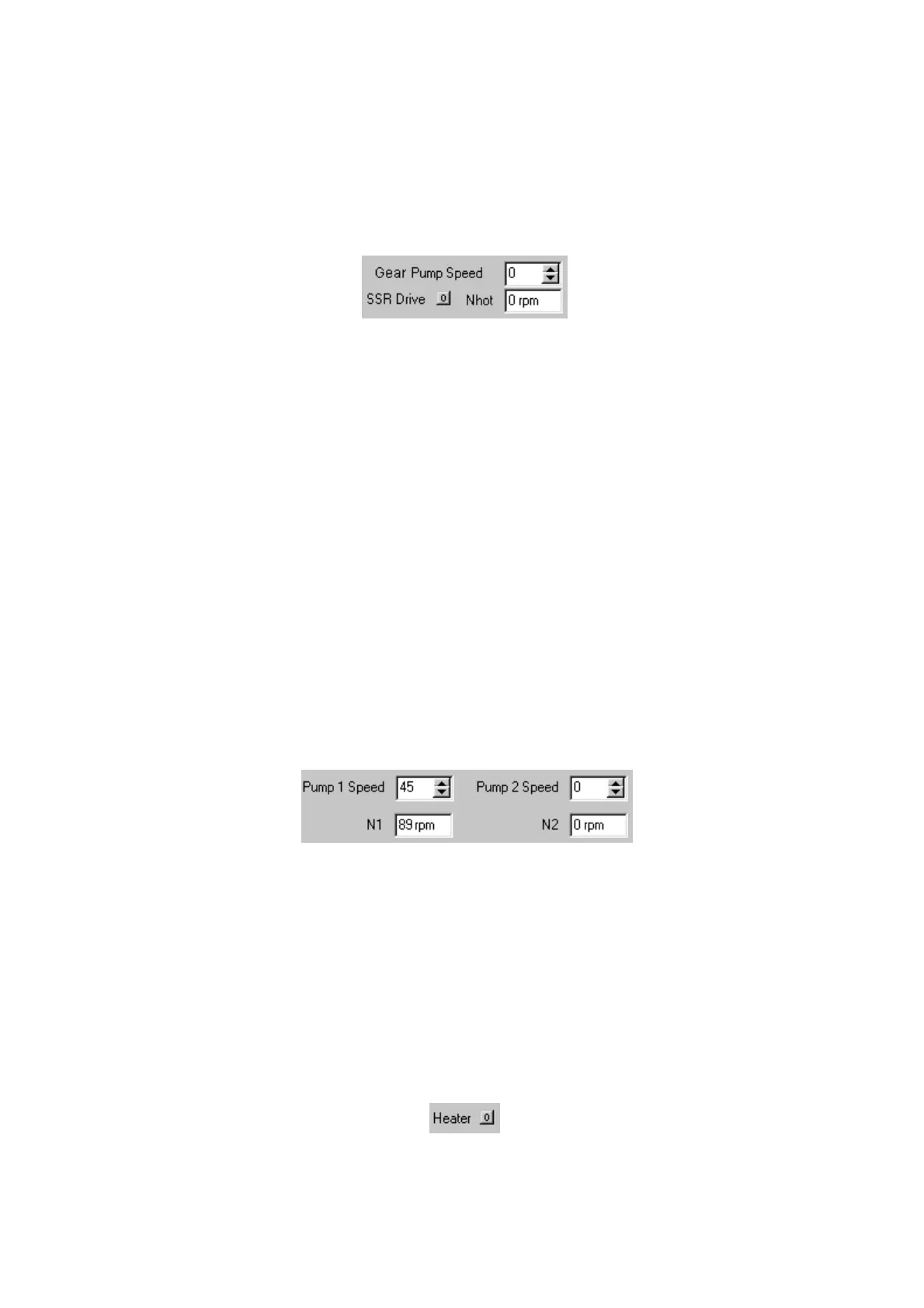
When required for a teaching exercise, the gear pump is controlled from the mimic
diagram screen in the PCT40 software. The pump setting is displayed as a
percentage value and a value in revolutions per minute. The required setting may be
typed directly into the percentage display box, or adjusted up or down using the
arrow keys attached to the box.
Some exercises include PID control of the gear pump. In these exercises the pump is
controlled via the PID control window, and the control boxes are displayed onscreen
only to give an indication of the pump speed and (where applicable) the current
manual setting.
Using the Peristaltic Pumps
To insert flexible tubing into the pump head:
Raise the cover on the pump head. Adjust the knurled screw at each side until the
indicator aligns with the tube size is indicated (6.3mm inside diameter in the case of
PCT40). Lay the tube over the rollers then carefully close the pump head ensuring
that the tubing is not trapped and is located centrally in the vee at each side. Not that
only the silicon tubing with 1.6mm wall thickness can be used in the peristaltic
pumps.
For teaching exercises that use the peristaltic pumps, the pumps are controlled from
the mimic diagram screen in the PCT40 software. The pump settings are displayed
as percentage values and a value in revolutions per minute. The required settings
may be typed directly into the percentage display box, or adjusted up or down using
the arrow keys attached to the boxes. A fault light is also displayed in the software,
which will light if a fault is detected with the pump.
Some exercises include PID control of one peristaltic pump. In these exercises the
pump is controlled via the PID control window, and the control boxes are displayed
onscreen only to give an indication of the valve position and (where applicable) the
current manual setting.
Operating the Heating Element
The heating element operates on a simple On/Off switch. When required for a
particular teaching exercise it is controlled from the mimic diagram screen in the
PCT40 software. The switch is represented as a button on the screen, and is
operated by clicking on it with the cursor. The switch will display a ‘0’ when the
heating element is off and a ‘1’ when the element is on.



 To Next Page