!
!
6 Main Menu Overview
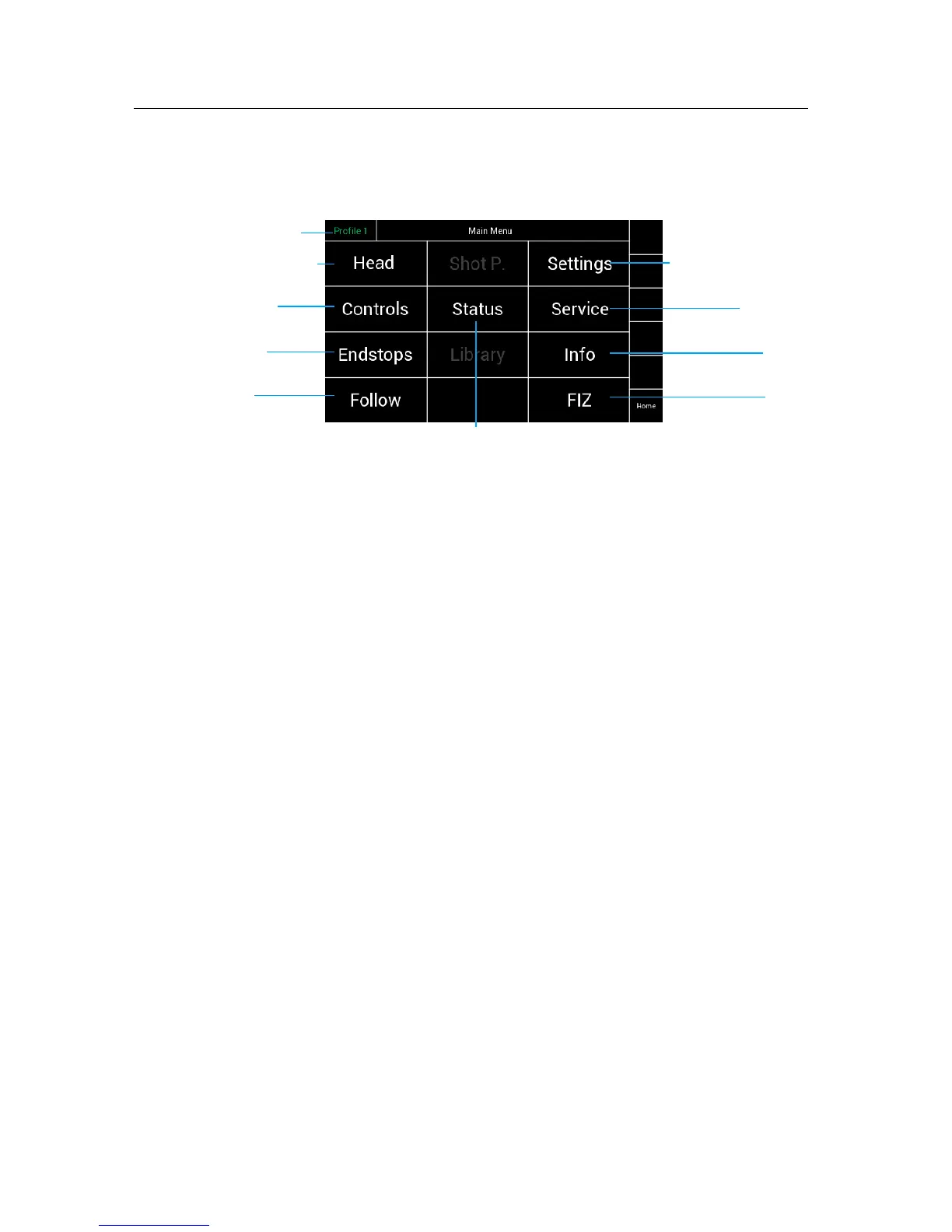
Selecting Menu on the Home Screen will display the Main Menu page on the display.
!
!
!
!
!
!
!
!
!
!
!
!
!
!
!
6.1!
Head
!
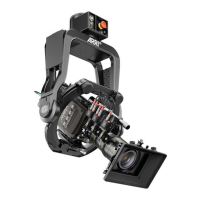
Selecting Head will open a new touchscreen display to control the motors and PID
settings for each axis.
Sensitivity, Speed, Ramp and Deadband of each control can be set in this menu.!
!
Controls!
Selecting Controls will open a new touchscreen display menu. The Controls menu !
will adjust the Joystick, Zoom, Focus and Wheels control where applicable.!
!
Endstops!
Selecting Endstops will open a new touchscreen display menu. The Endstops menu !
will allow the operator to assign end positions for each axis and enable or disable them
individually. !
NOTE !
Note that the main Endstop on/off button on the Home screen will turn on/off !
all Endstops enabled.!
!
Follow!
Selecting Follow will open a new touchscreen display menu. The Follow menu will control
the speed, Deadband and ramp of the optional follow mode for each axis. In normal remote
head operation the follow mode will be turned off.
Shot Preset
Future feature!
!
Status!
Selecting Status will open a new touchscreen display menu. The Status menu will display
the status of controller expanders, wireless status, and status of individual connections.
(LBUS, FF-CAN Bus, wireless connection)
!
Library!
Future feature
!
Settings
Selecting Settings will open a new touchscreen display menu. The Settings menu will
display the adjustable control panel and wheel brightness and invert the controller display.!
!
Service
Selecting Service will open a new touchscreen display menu. !
The Service menu will allow the operator to restore the SRH-3 to Factory defaults and
calibrate joystick and other controllers.


 To Next Page