!
!
!
17.4 !
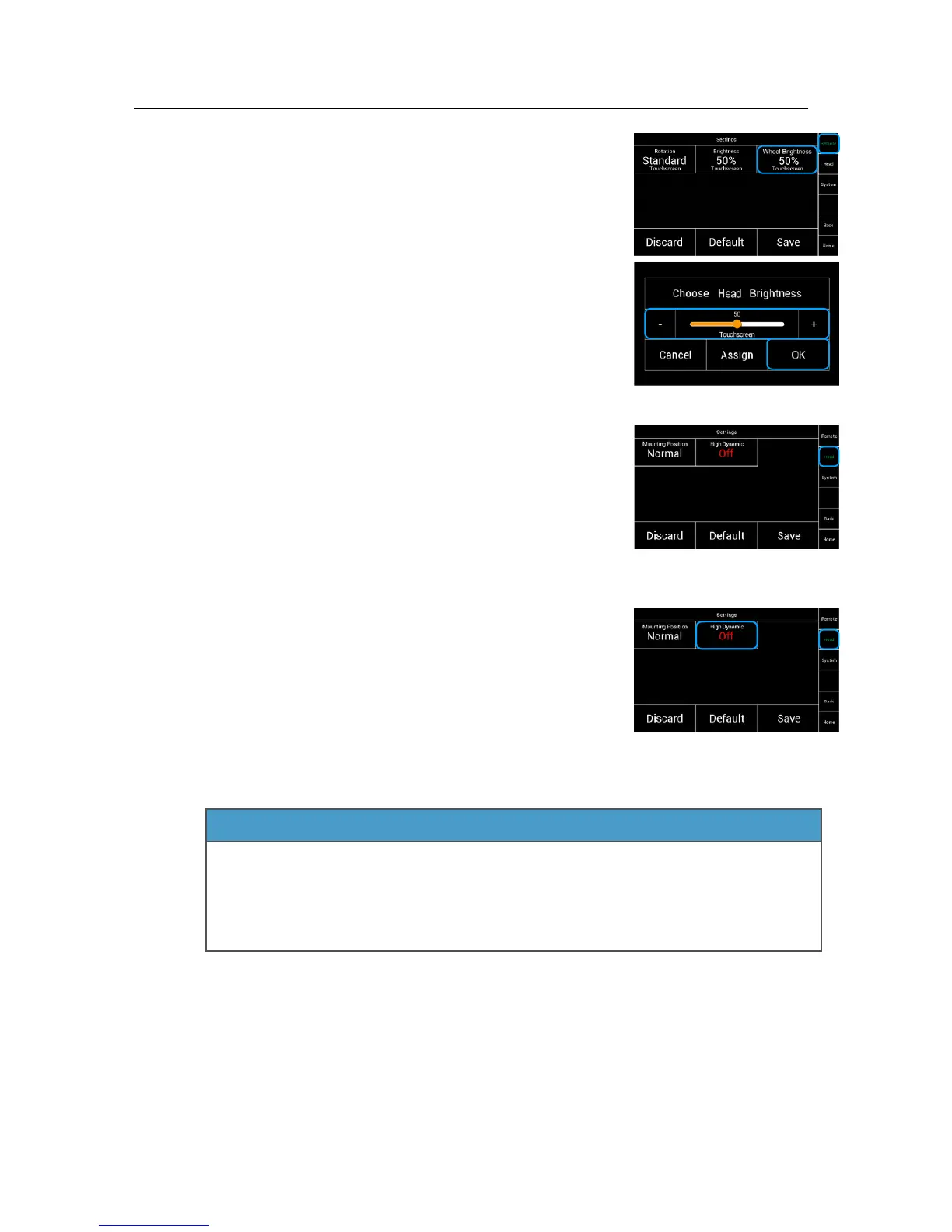
Brightness Wheel!
Selecting Wheel Brightness will open a new window.
17.5!
Settings Head!
Touching Head will open this screen.
Here the status of the mounting position of the head will !
be displayed and the High Dynamic Mode can be accessed.
!
!
17.6!
High Dynamic Mode!
If the head is used under extreme centrifugal circumstances,
you can increase the overall stabilization by activating the
High Dynamic Mode.!
!
!
!
!
!
!
!
!
The activation of the High Dynamic Mode will take up to 5 - 10 seconds. !
Do not move the head while the head is activating the High Dynamic Mode!
Each time the head and remote control are turned on again after a pause or battery
change, the High Dynamic Mode is reactivated. This will take 5 - 10 seconds.
Do not move the head while the head it is activating the High Dynamic Mode!



 To Next Page