!
!
19.4 !
Service Head!
!
!
19.5 !
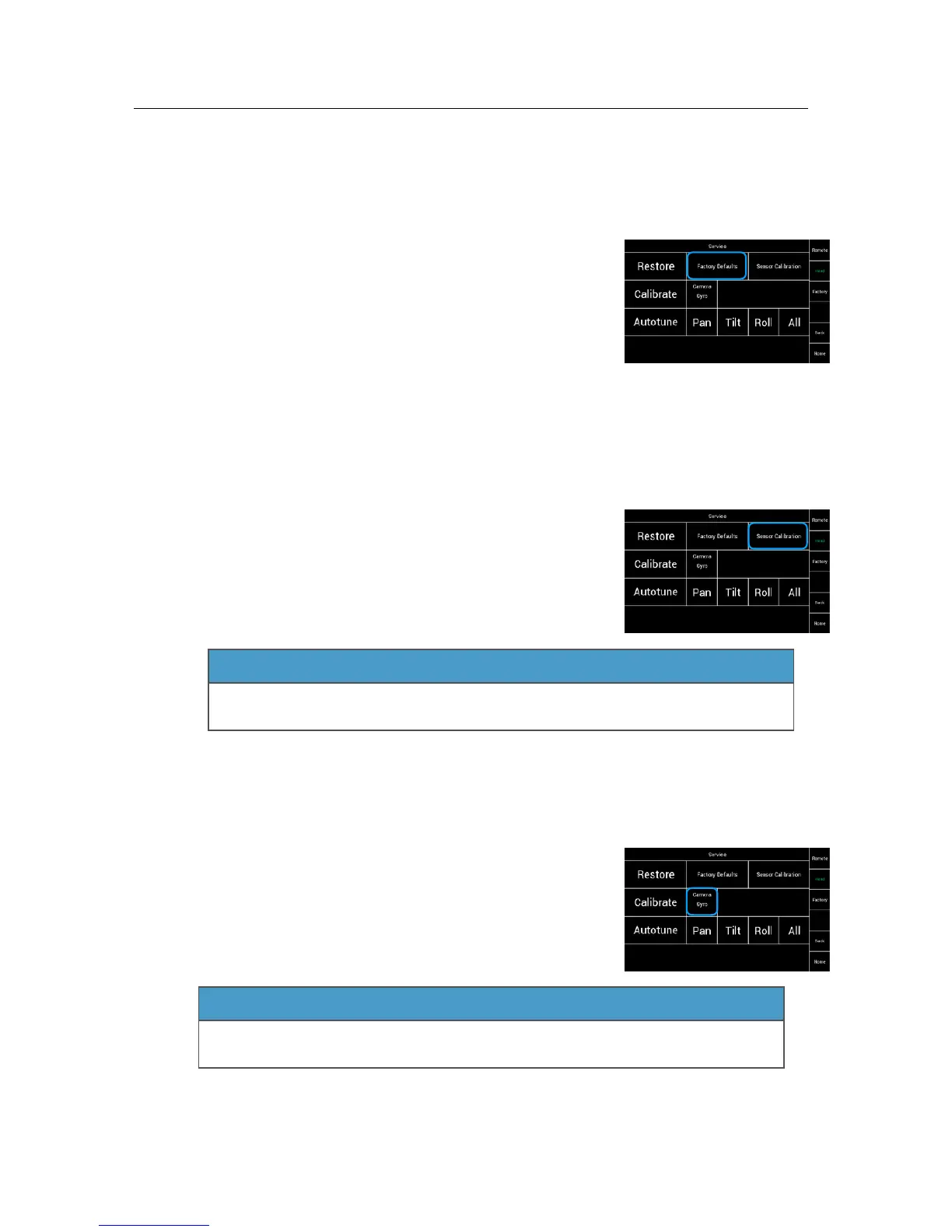
Restore Factory Defaults!
!
Selecting Restore Factory Defaults will open a new !
touchscreen display menu, here you can restore the !
head to the factory settings.!
!
NOTE
The actual settings and values are deleted by the restore!!
!
NOTE!
After a restore, you need to restart the remote head and !
the remote control, by disconnect the power supply for a !
short while.!
!
!
!
!
19.6 !
Restore Sensor Calibration!
Selecting Restore Sensor Calibration will open a new !
touchscreen display menu, here you can restore the !
head to the factory settings.
!
!
!
!
!
!
!
!
!
!
!
!
!
!
!
19.7 !
Calibrate Camera Gyro!
!
Selecting Camera Gyro will open a new touchscreen !
display menu and the gyro will recalibrated automatically.!
!
!
!
!
!
!
!
!
!
!
!
!
!
The remote head needs to be placed on an even ground and should not be
touched during the calibration process



 To Next Page