Overview
IPC1100 Advanced IP Client Video Set-top • Installation and Operations Manual
365-095-24769 x.1 10/13
Link-Local IP addressing enables MoCA set-tops to operate on a private local area network (LAN) using a
defined range of reserved IP addresses. The MoCA set-tops in a home automatically self-assign an IP
address in the range above 169.254.1.18.
The Link-Local address space is registered with the Internet Assigned Numbers Authority (IANA). For
detailed information about Link-Local addressing, visit www.faqs.org/rfcs/rfc3927.html.
Multi-Room DVR
Multi-room DVR enables the customer to simultaneously play back programs recorded on a VMS
gateway (server) on up to four connected IPC1100 media terminals (clients). Service providers can
enable multi-room DVR for all customers or provide multi-room DVR as an extra-cost option. Clients can
also receive Live-Off-Disk time-shifted content from the VMS, depending on available resources and the
customer's subscriptions.
One IPC1100 client is required.
Figure 7 – Multi-room DVR network
Viewers in the home can simultaneously:
• Record up to six programs
• View one recorded program on the TV connected to the media hub
• View a recorded program on the TVs connected to up to four media terminals
Any connected IPC1100 can act as a media terminal. A household can support up to two VMS's with
each VMS serving up to four clients.
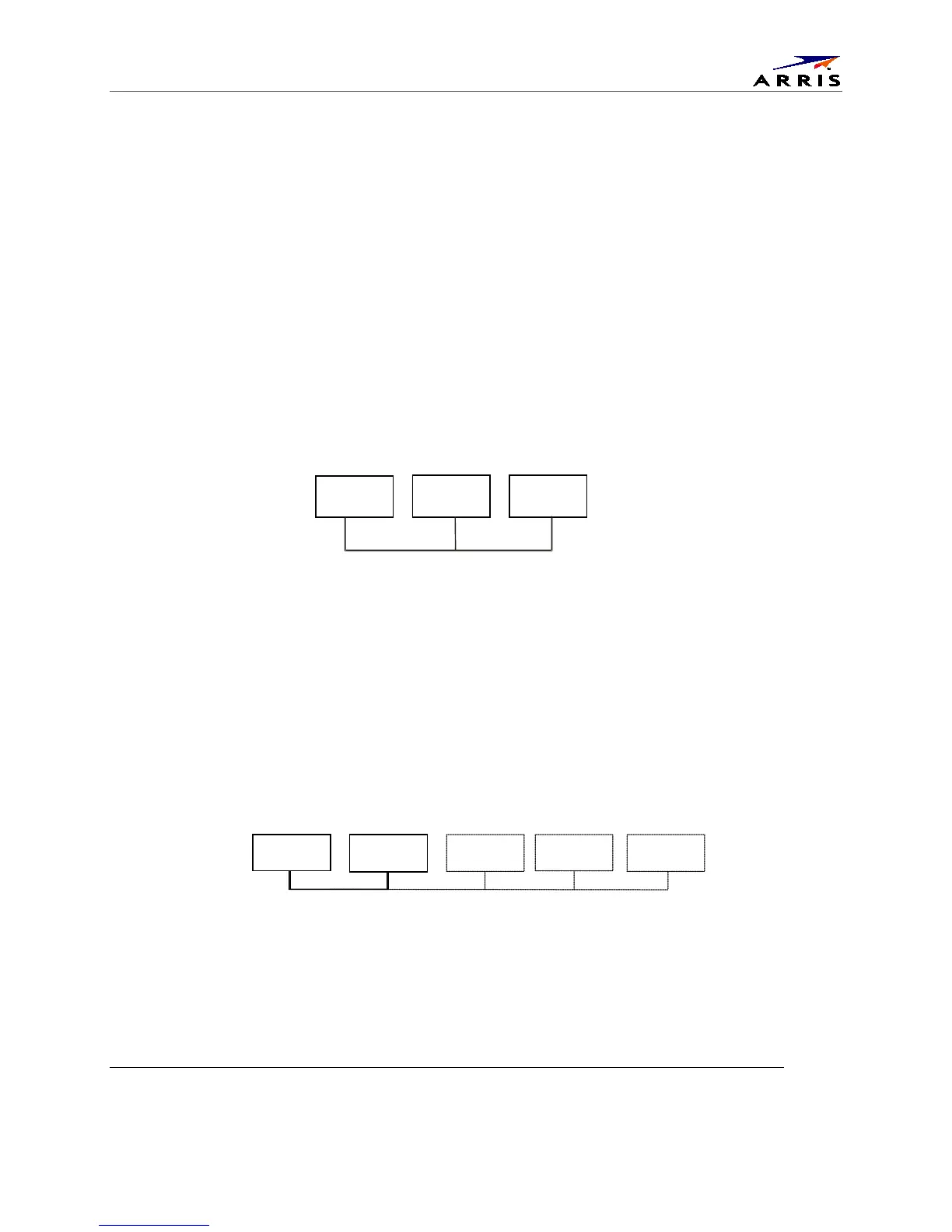
Figure 8 – Network with multi-room DVR playback and additional set-tops
IPC1100
VMS1100
IPC110
IPC1100
IPC1100
IPC1100 client
IPC1100 client
(outlet A)



 To Next Page