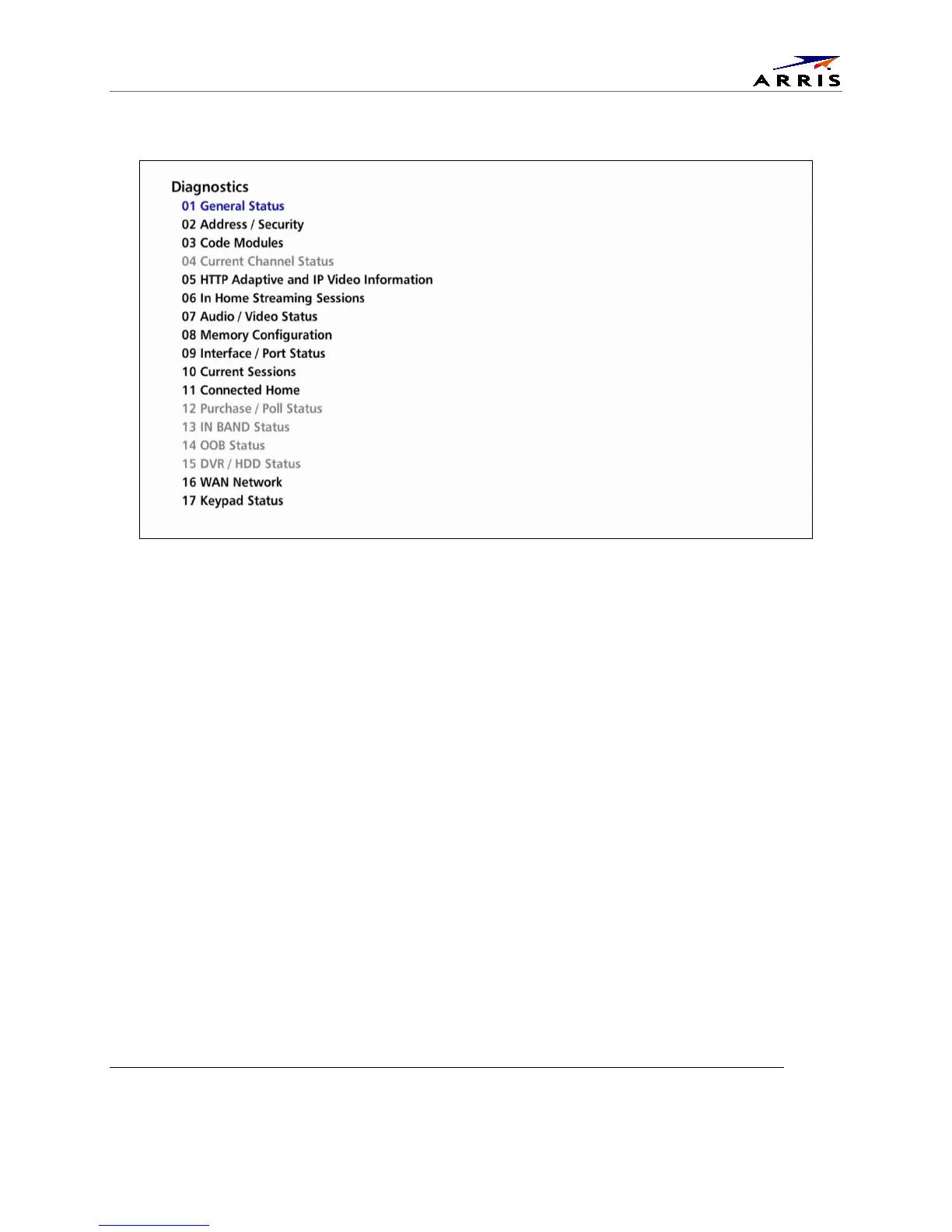
Diagnostics
IPC1100 Advanced IP Client Video Set-top • Installation and Operations Manual
365-095-24769 x.1 10/13
Figure 25 – Example of the front panel display for the main menu
You can use the following keys to navigate the diagnostics menus:
3. Press channel ▲, channel ▼, cursor ▲, or cursor ▼ to select 01 through 17.
4. Press cursor ◄, cursor ►, select or enter to execute the selected diagnostic.
5. Select Exit from the Remote or press Power to exit.



 To Next Page