Diagnostics
IPC1100 Advanced IP Client Video Set-top • Installation and Operations Manual
365-095-24769 x.1 10/13
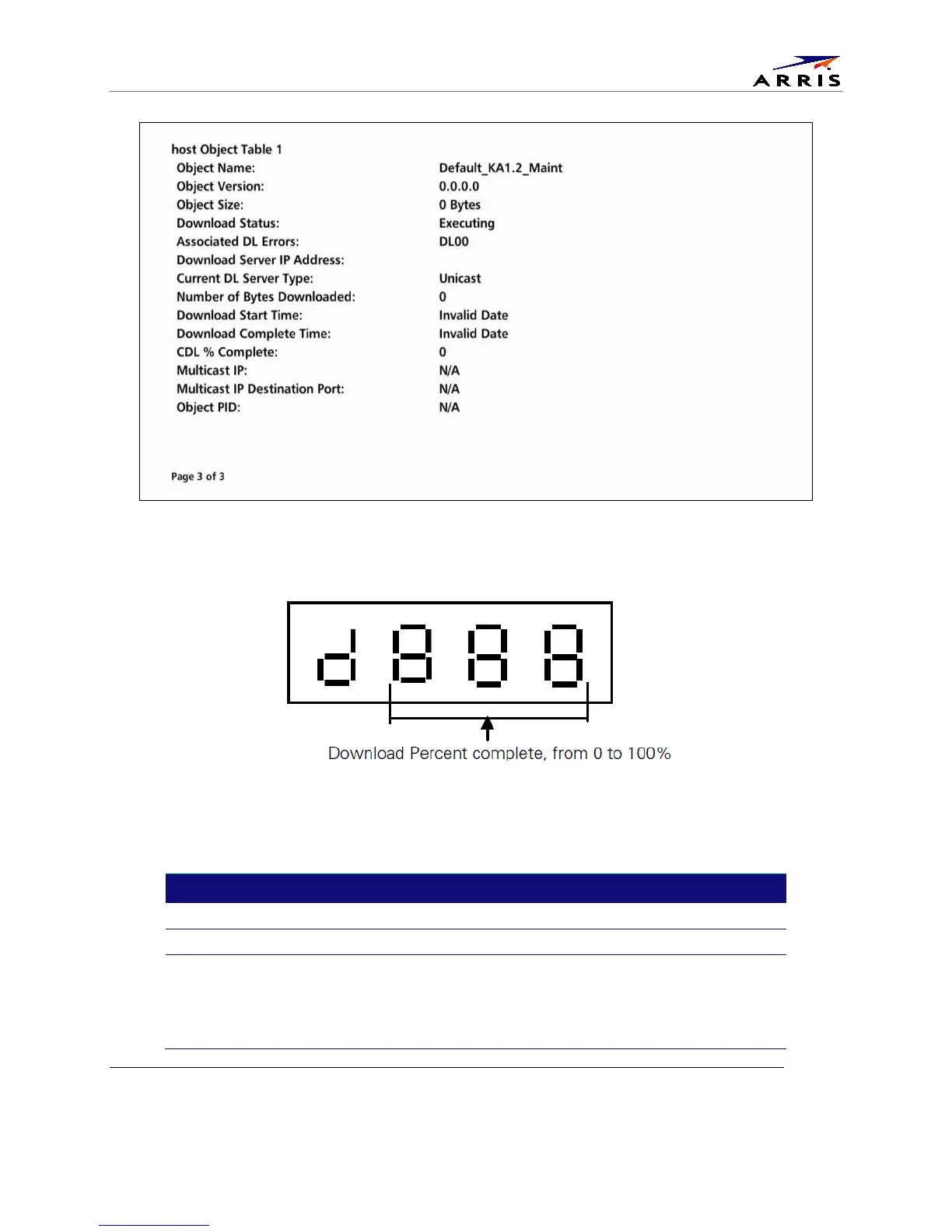
If a download is in progress, the completion percentage for the current download will display on the
IPC1100 front display panel.
Figure 27 Example Front Panel Display for Code Download status
The Code Modules fields are
Field
Description
Group ID Identifies the product configured Group.
Identifies the product configured Region.
Download Path
Primary method for Code download. Options are:
"Multicast"
"Unicast"
"N/A"
‘Undefined”



 To Next Page