Diagnostics
IPC1100 Advanced IP Client Video Set-top • Installation and Operations Manual
365-095-24769 x.1 10/13
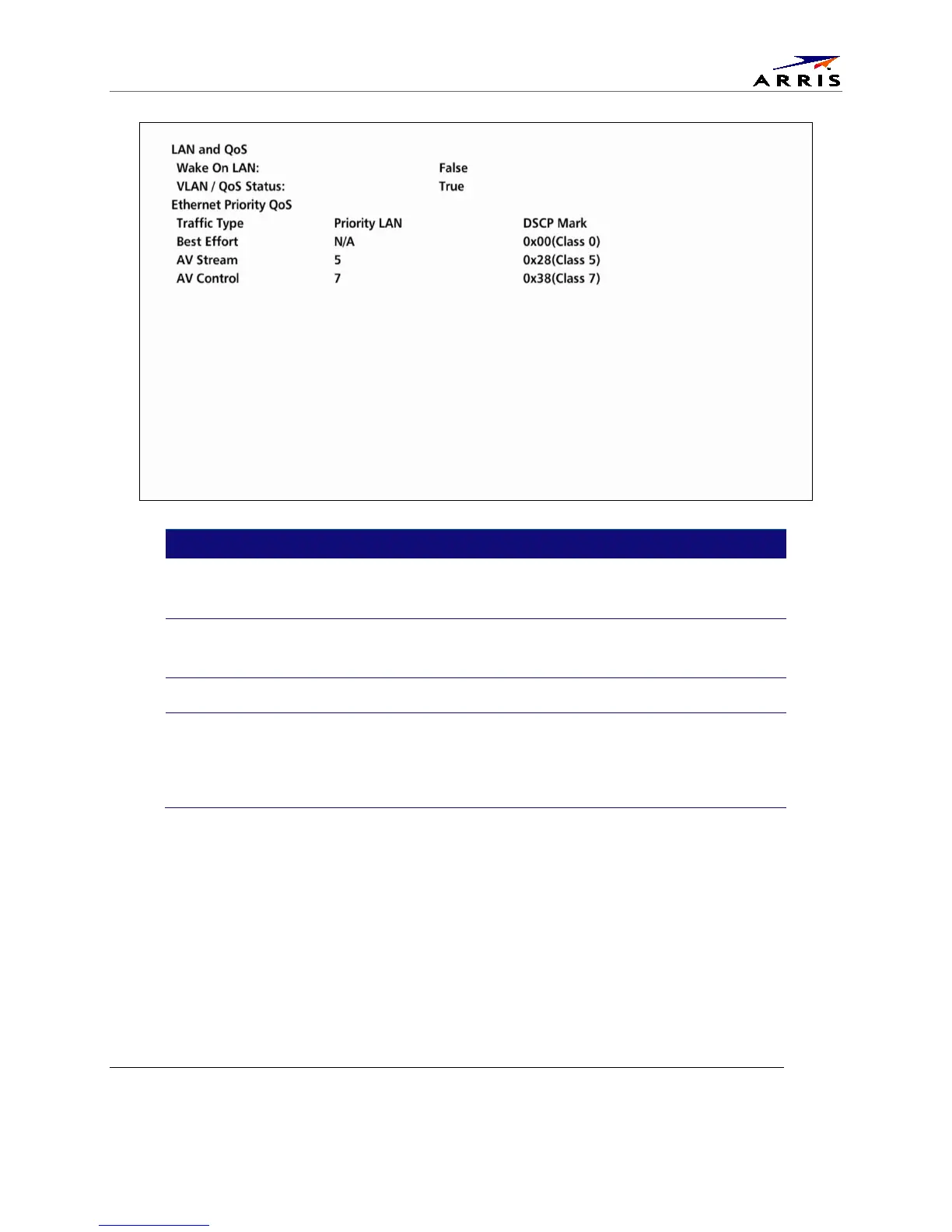
Field Description
Indicates whether the WOL feature is enabled.
TRUE = Enabled
FALSE = disabled
Status VLAN/QoS This parameter indicates whether VLAN 802.1p status is enabled.
TRUE = Enabled
FALSE = Disabled
Traffic Type Traffic type that is to be tagged.
The priority code point setting of a particular traffic type as defined by IEEE
802.1p. The possible values are 0-7.
N/A is used to indicate that Priority is Not Assigned.
DSCP Mark DSCP value to be used.



 To Next Page