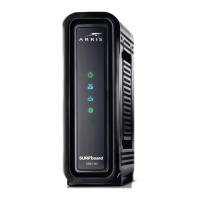
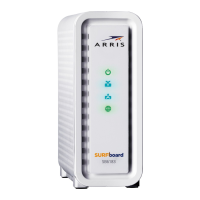
5. Check that the Power, Receive, Send, and Online front panel LEDs on the SB6183 light
up in sequenal order. See Front panel (page 10) for addional LED status informaon.
■ If all four LEDs did not light up Solid and you are not connected to the Internet, you
may have to contact your service provider to reacvate your SB6183 or check for
possible signal issues.
■ If you sll cannot connect to the Internet, the SB6183 may be defecve. Please call
ARRIS Technical Support at 1-877-466-8646 for assistance.
Chapter 3: Installing your SB6183
SURFboard
®
SB6183 DOCSIS
®
3.0 Cable Modem User Guide STANDARD Revision x.4 15











 To Next Page