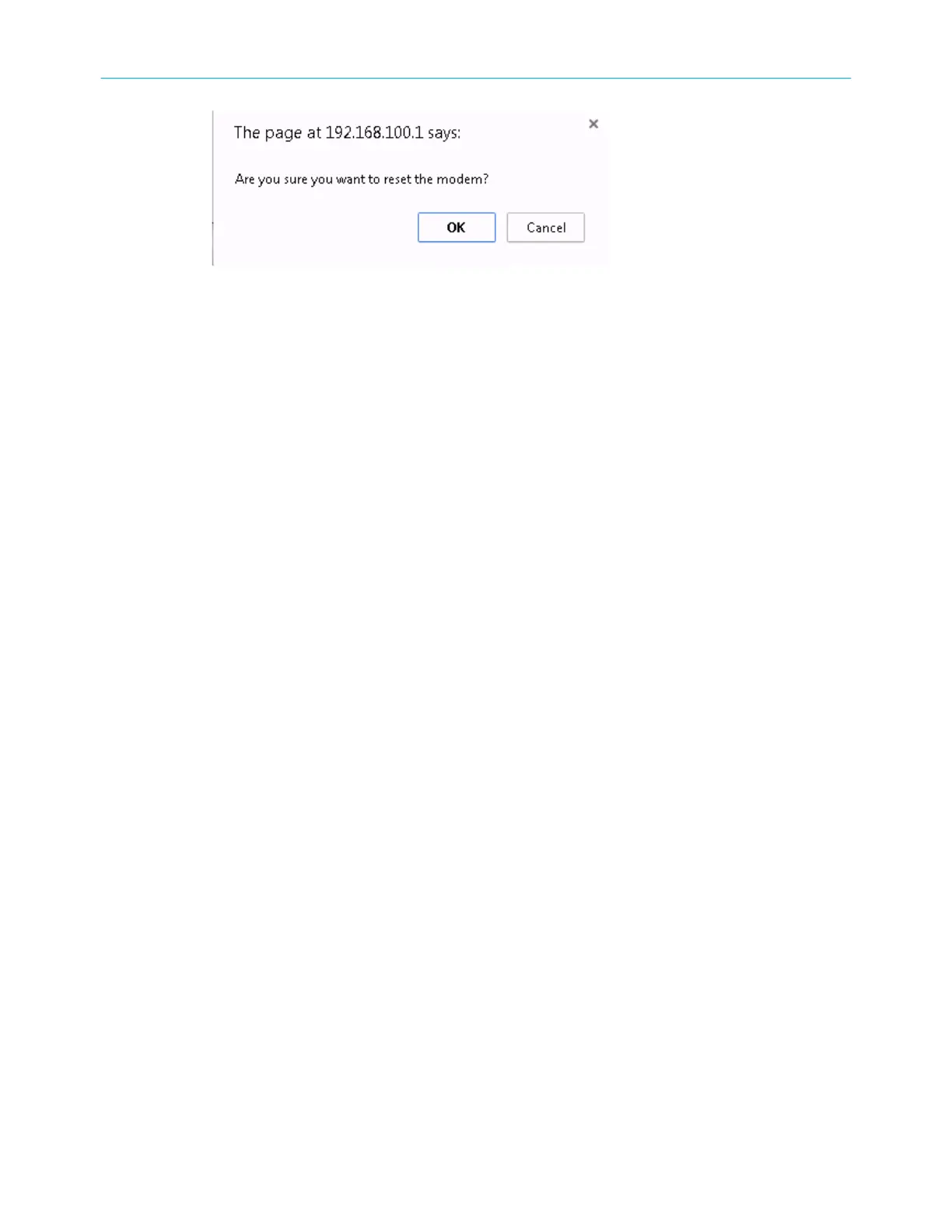
Cable modem-reboot dialog box
4.
Click OK.
The following message will display: The device has been reset… RELOAD.
5. Click RELOAD to open the SB6183 web manager.
Exit the SB6183 web manager
To exit the SB6183 web manager:
■ Click the Close buon in the upper right corner of the web browser window.
Chapter 5: Monitoring your cable modem and connected network
SURFboard
®
SB6183 DOCSIS
®
3.0 Cable Modem User Guide STANDARD Revision x.4 23











 To Next Page