Modem problem Possible soluon
Cannot access the
internet
■ Check that all cable and power connecons on your cable
modem and computer are properly connected.
■ Check that the Power and Online LED icons on the front
panel are lit up solid.
■ Contact your service provider for assistance.
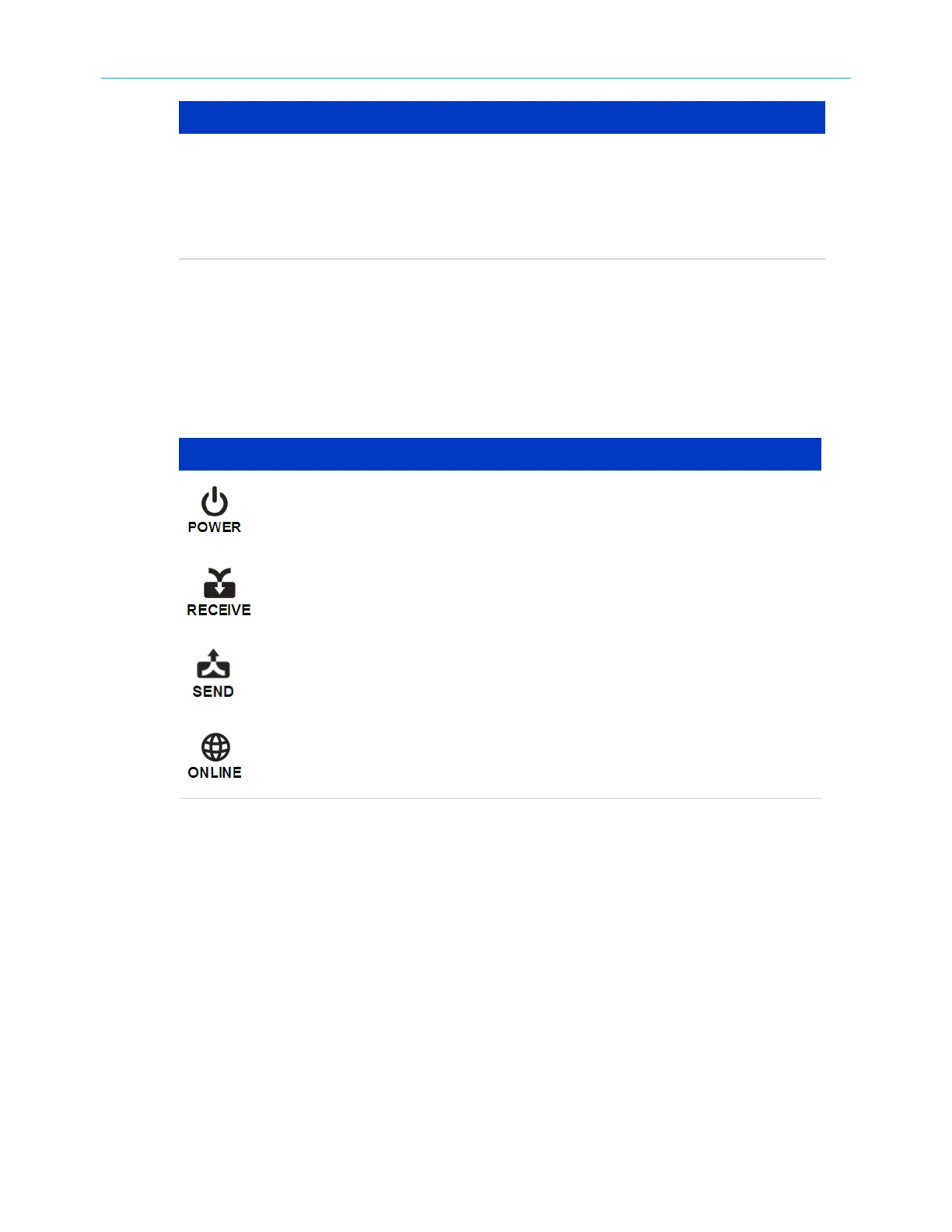
Front panel LED icons and error condions
The SB6183 front panel LED icons provide status informaon for the following error
condions:
Front panel LED icons and error c
ondions
LED Icon Status If, During Startup: If, During Normal Operaon
OFF SB6183 is not properly plugged
into the electrical outlet
SB6183 is unplugged
FLASHING Downstream receive channel
c
annot be acquired
Downstream channel is lost
FLASHING Upstream send channel cannot
be acquir
ed
Upstream channel is lost
FLASHING IP r
egistraon is unsuccessful IP registraon is lost
Chapter 6: Troubleshoong ps
SURFboard
®
SB6183 DOCSIS
®
3.0 Cable Modem User Guide STANDARD Revision x.4 25











 To Next Page