Chapter 5: Using the Cable Modem Web Manager
PN 365-095-30001 x.1 Touchstone CM8200 Cable Modem User Guide
Copyright 2016, ARRIS Enterprises, LLC. All rights reserved. 16
Note: If you cannot access the HTML pages in the CM8200 Web Manager, please
contact your service provider or ARRIS Technical Support for assistance.
CM8200 Web Manager Screen Options
Menu Buttons and Links
You can use the web manager buttons or links to view the status and network configuration
screens for the CM8200.
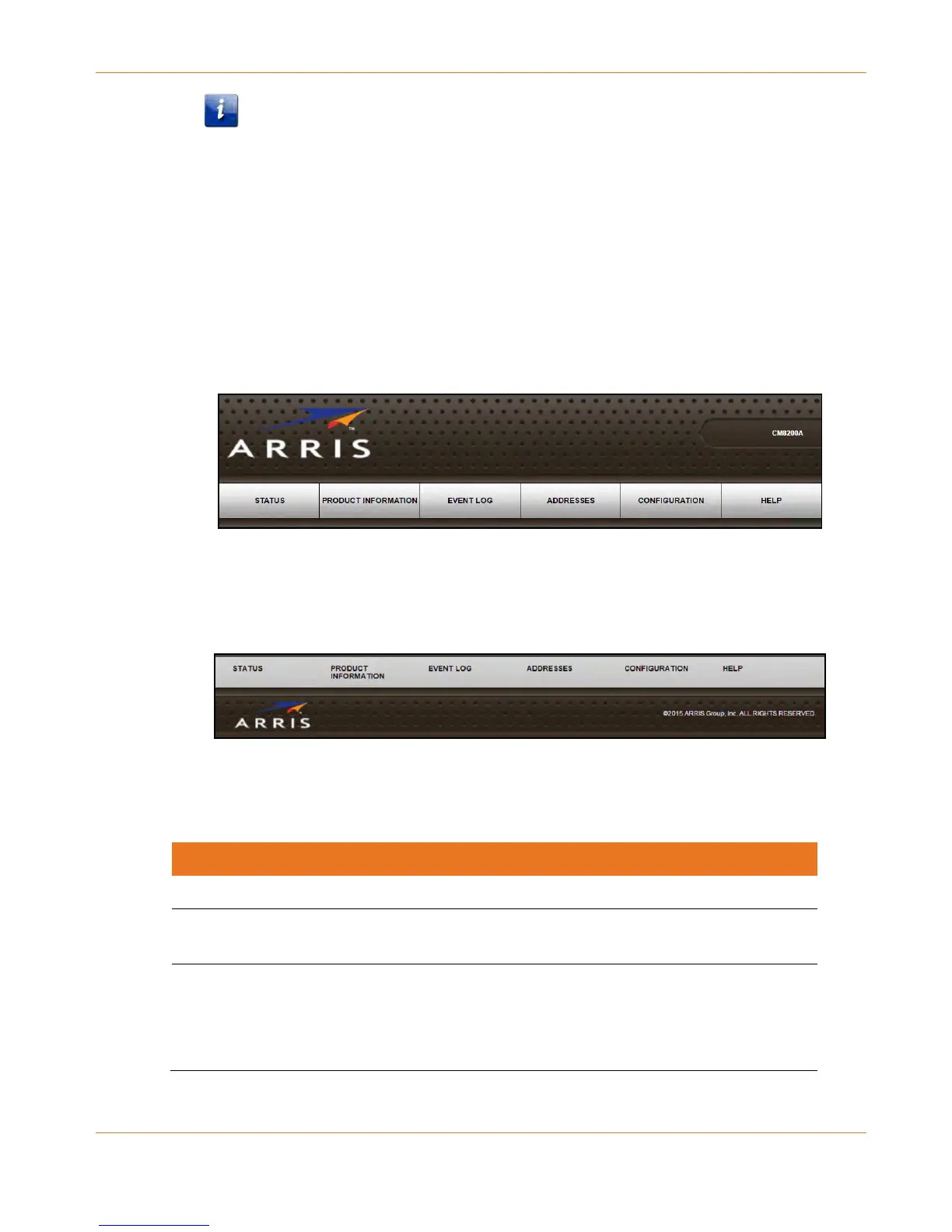
The CM8200 menu buttons are displayed along the top of the CM8200 Web Manager
screen. To display a specific web manager screen, click the menu button.
Figure 6: CM8200 Web Manager Menu Buttons
The CM8200 menu links are displayed along the bottom of the CM8200 Web Manager
screen. To display a specific web manager screen, click the menu link.
Figure 7: CM8200 Web Manager Menu Links
Table 4. CM8200 Web Manager Screen Options
Provides the current operational status of the cable modem.
Provides the current hardware and software-related information for
the cable modem.
Displays a listing of the time and actual events as they occur and are
detected by the cable modem.
This information may be useful to help diagnose and correct any
problems that may occur with the cable modem.













 To Next Page