PN 365-095-30001 x.1 Touchstone CM8200 Cable Modem User Guide
Copyright 2016, ARRIS Enterprises, LLC. All rights reserved. 8
Chapter 2
Getting Started
Introduction
The ARRIS Touchstone® CM8200 DOCSIS® 3.1 Cable Modem provides significantly higher
downstream (send) and upstream (receive) Internet connection speeds over the broadband
connection on your home or small business network. You use the CM8200 to directly connect
a computer to your LAN through an Ethernet connection.
This guide provides a product overview and instructions for installing and setting up your
CM8200 to get it connected on your home or small business network.
In the Box
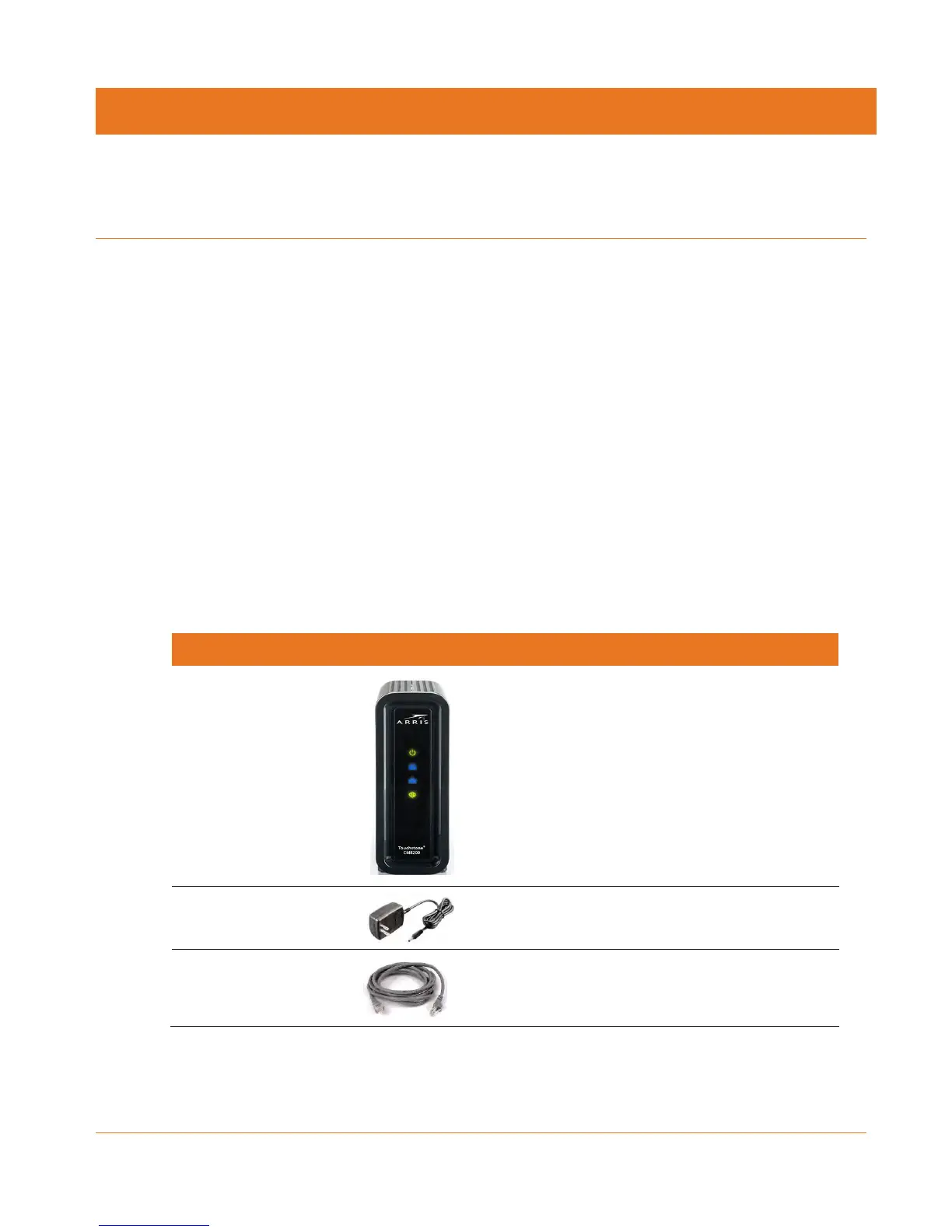
Before installing the CM8200, check that the following items are included in the box. If any
items are missing, please contact your service provider for assistance.
Table 1. CM8200 Package Contents
High-speed DOCSIS 3.1 cable modem
Power cord for an electrical wall outlet
connection
Standard Category 5 (CAT5e) or higher network
cable













 To Next Page