Chapter 6: Using the Data Gateway
Release 34 DRAFT 1.6 June 2017 Touchstone DG3450 Data Gateway User Guide
© 2017 ARRIS Enterprises LLC. All Rights Reserved. 32
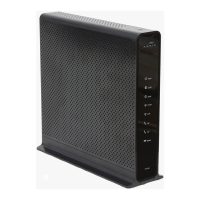
1. Reset button
2. USB
4. MoCA LED
5. Cable
6. Power
Resetting the Router to Factory Defaults
To reset the router to factory defaults, press and hold the Reset button on the back of the
Data Gateway for more than fifteen seconds. This restores the wireless setup configuration
and router configuration parameters to the factory defaults. You may need to do this if a
misconfiguration has locked out all access.














 To Next Page