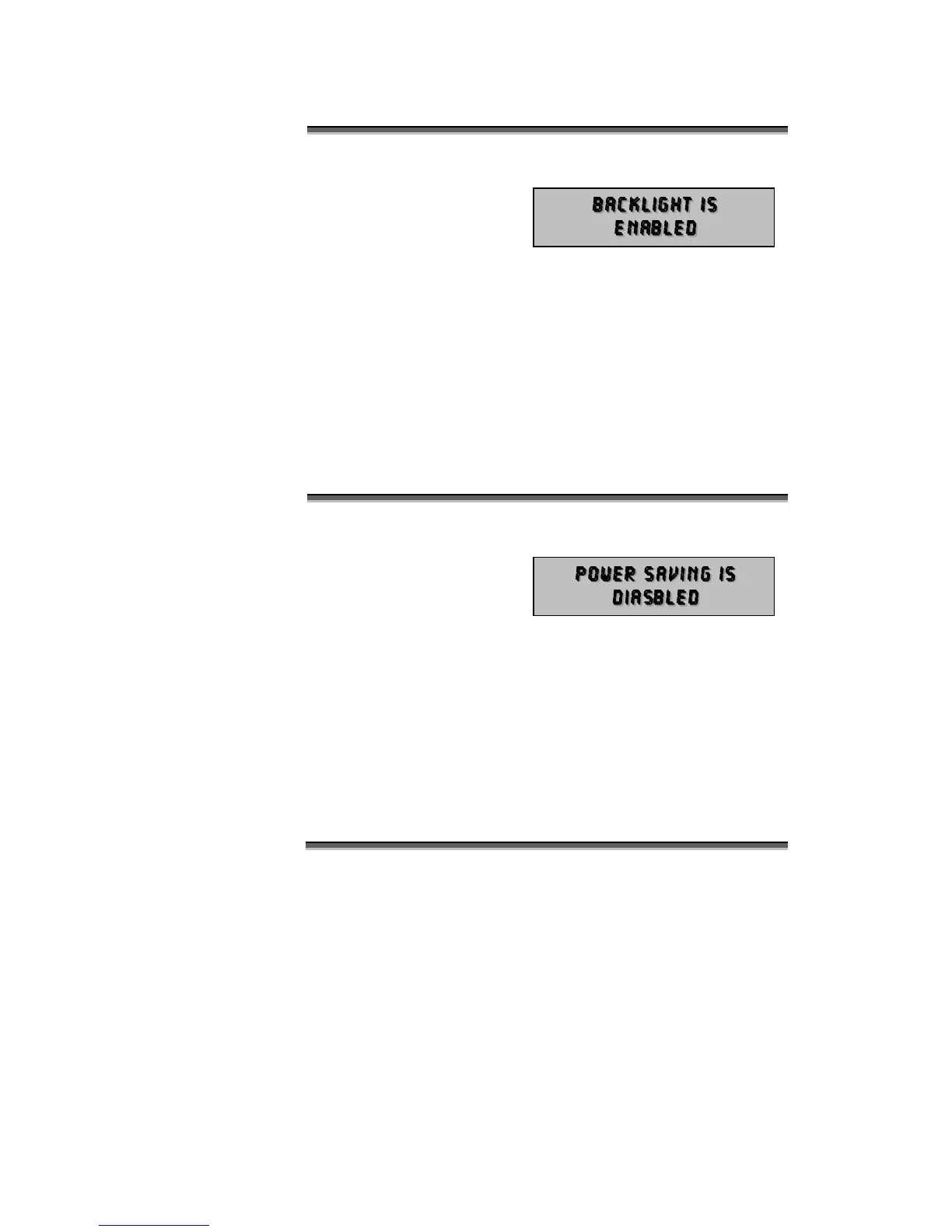
The BACKLIGHT menu is used to enable or disable the display
backlight. The Backlight
operates as follows:
DISABLE: The backlight
is off, giving the longest possible battery life.
ENABLE: When external power is connected the backlight is
on in all modes.
When operating on battery power the backlight is normally on, but
powers down after one minute of inactivity. The next key press will
re-enable the backlight.
The TOGGLE key is used to enable or disable the backlight
selection.
The POWER SAVING menu is used to enable or disable the power
save features of Micro-
Scope. The power saving
operates as follows:
DISABLE: The Micro-Scope will not enter power saving mode.
This feature is most important when Micro-Scope is
used as a signal booster or left in a remote location
as a DMX512 transmitter.
ENABLE: Micro-Scope will enter power save mode after about
two minutes of inaction. This will only occur if there
is no external power and no DMX512 input.
The TOGGLE key is used to enable or disable the selection.



 To Next Page