Artistic Licence Engineering Ltd. Micro-Scope 3a user guide
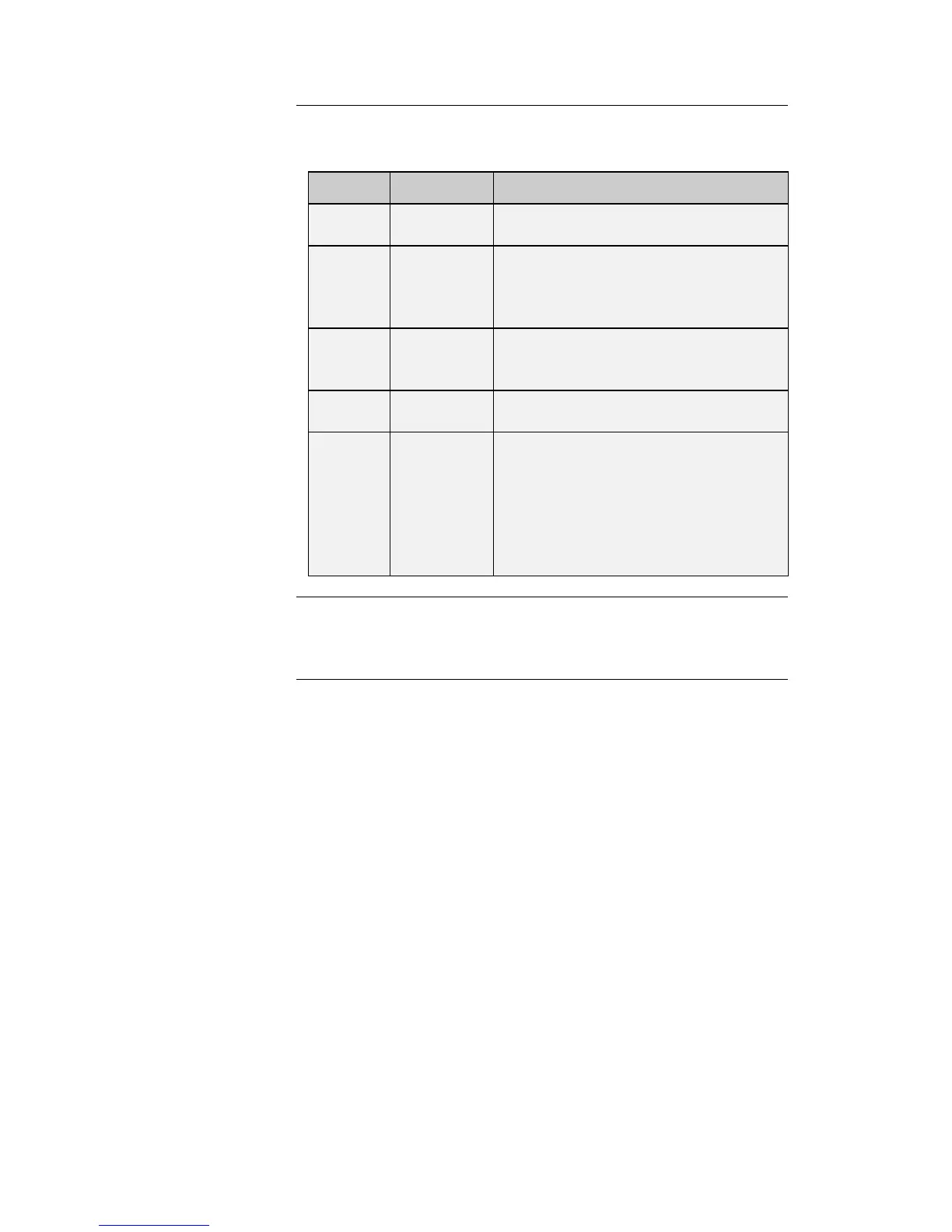
The columns of the Patch display provide the following information:
Lists the DMX512 channel number from
1 to 512.
The number of the moving lamp. Mic-
Edit generates this automatically,
numbering lamp 1 as the lowest DMX
channel value.
The text name of the moving lamp. This
corresponds to the name in the Fixture
Library Palette.
Describes the lamp function controlled
by this channel.
This is a seven character description of
the lamp channel function. This text is
displayed in the ‘Transmit Memory’
menu. When a lamp is patched, this field
is automatically updated from the lamp
function. This field can be edited to
override the default behaviour.
To delete a lamp from the patch, simply right click on the lamp. A
popup menu is displayed offering this option.



 To Next Page