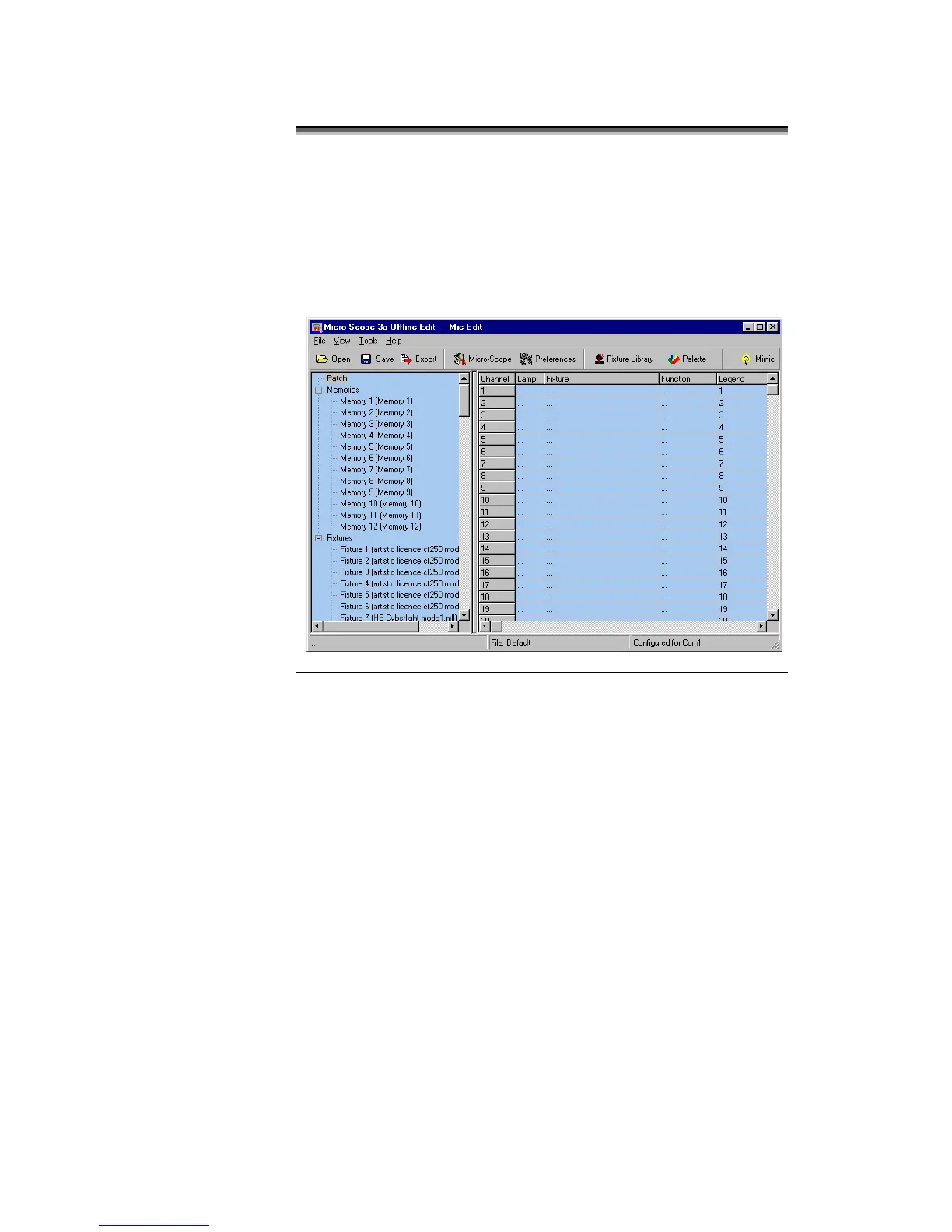
Mic-Edit displays the following screen when started.
The left panel of the screen displays the information store. This lists
all the data that will be downloaded to Micro-Scope 3a. This is
referred to as the Show Panel.
The right panel is used to display the spreadsheet or fader style
information for editing presets and lamp personalities. This is
referred to as the Edit Panel.



 To Next Page