Artistic Licence Engineering Ltd. Micro-Scope 3a user guide
To edit a Memory, select the
required Memory in the Show
Panel. Depending upon the setting
in the Preferences menu, the Edit
Panel will display either a
spreadsheet or an array of faders.
EDITING
MEMORIES BY
SPREADSHEET
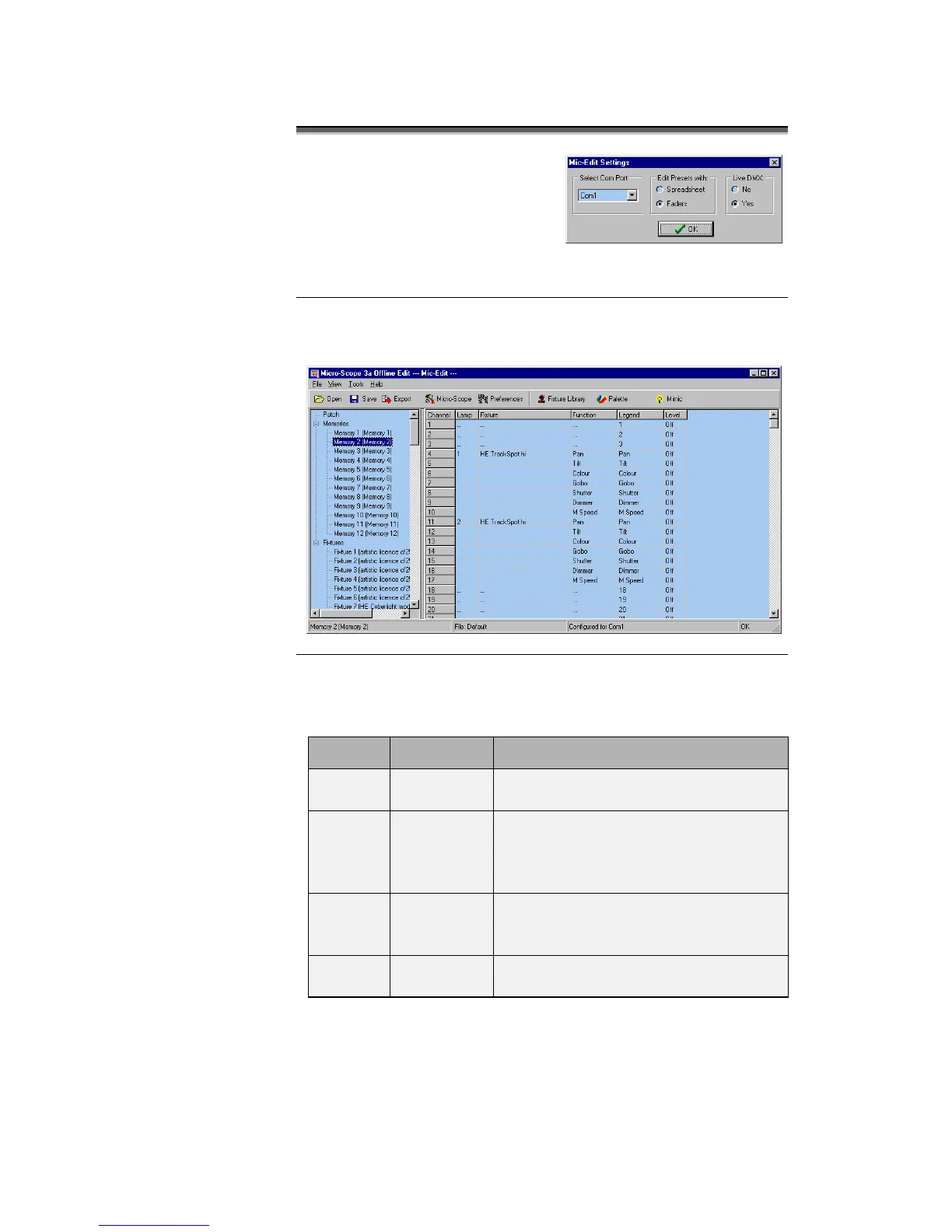
When editing memories in spreadsheet mode, the Edit Panel displays
as shown below:
The columns of the Memory spreadsheet are identical to those
displayed in Patch mode, with the exception of column 6.
Lists the DMX512 channel number from
1 to 60
The number of the moving lamp. Show-
Edit generates this automatically,
numbering lamp 1 as the lowest DMX
channel value.
The text name of the moving lamp. This
corresponds to the name in the Fixture
Library Palette.
Describes the lamp function controlled
by this channel.



 To Next Page