Artistic Licence Engineering Ltd. Micro-Scope 3a user guide
This is a seven character description of
the lamp channel function. This text is
displayed in the ‘Transmit Memory’
menu. When a lamp is patched, this field
is automatically updated from the lamp
function. This field can be edited to
override the default behaviour.
The level of this channel in this Memory.
The level can range from 0 to 255. Off
is identical to zero level.
EDITING
MEMORIES BY
FADER
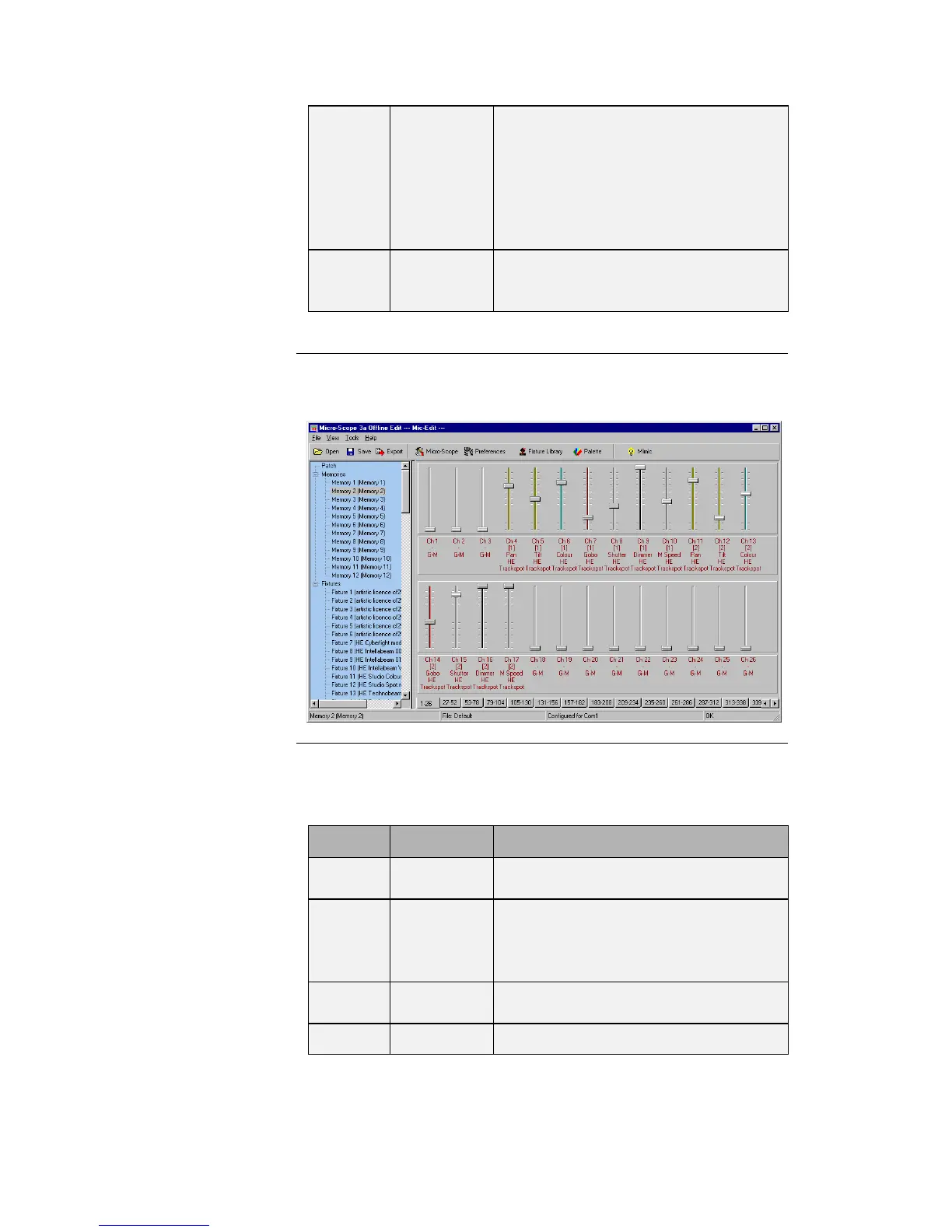
When editing memories in fader mode, the Edit Panel displays as
shown below:
Each channel of each moving lamp or dimmer is displayed as a fader.
Below each fader, a 5 line text display describes the function:
The Channel number ranging from 1 to
512.
The Lamp Number ranging from 1 to
512. Channels that are not patched do
not have a lamp number but can still be
programmed.
A text description of the lamp attribute
controlled by this fader.
The name of the moving lamp.



 To Next Page