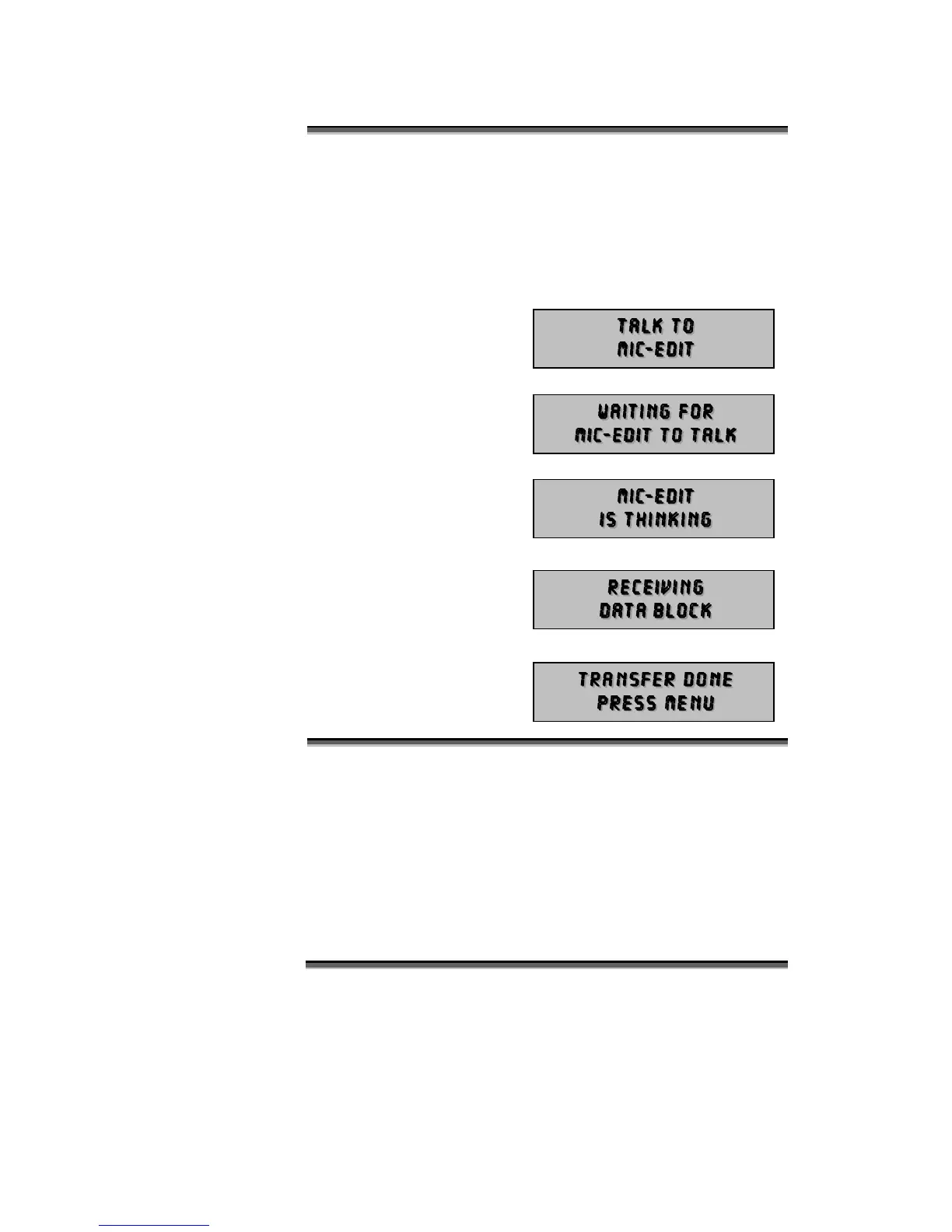
The TALK menu is used to start communication with the PC Mic-
Edit Software. Please note that Mic-Edit is an optional item not
included with the standard Micro-Scope. It is included with Micro-
Scope Pro.
Enter this mode prior to pressing the Download button on Mic-Edit.
Micro-Scope displays:
When the Mic-Edit Download
button is pressed, Micro-
Scope displays:
When the transfer starts,
Micro-Scope displays:
Followed by:
When Mic-Edit has finished
sending data, the following
message is displayed:
V7.1 was released in 2009 and is current. The following errata
should be noted:
In menu 3 – Set Start Codes. If received DMX is not
present, pressing the Toggle key will set the start
address to 160. This can be corrected either using menu
4 or by cycling power.



 To Next Page