Artistic Licence Engineering Ltd. Micro-Scope 3a user guide
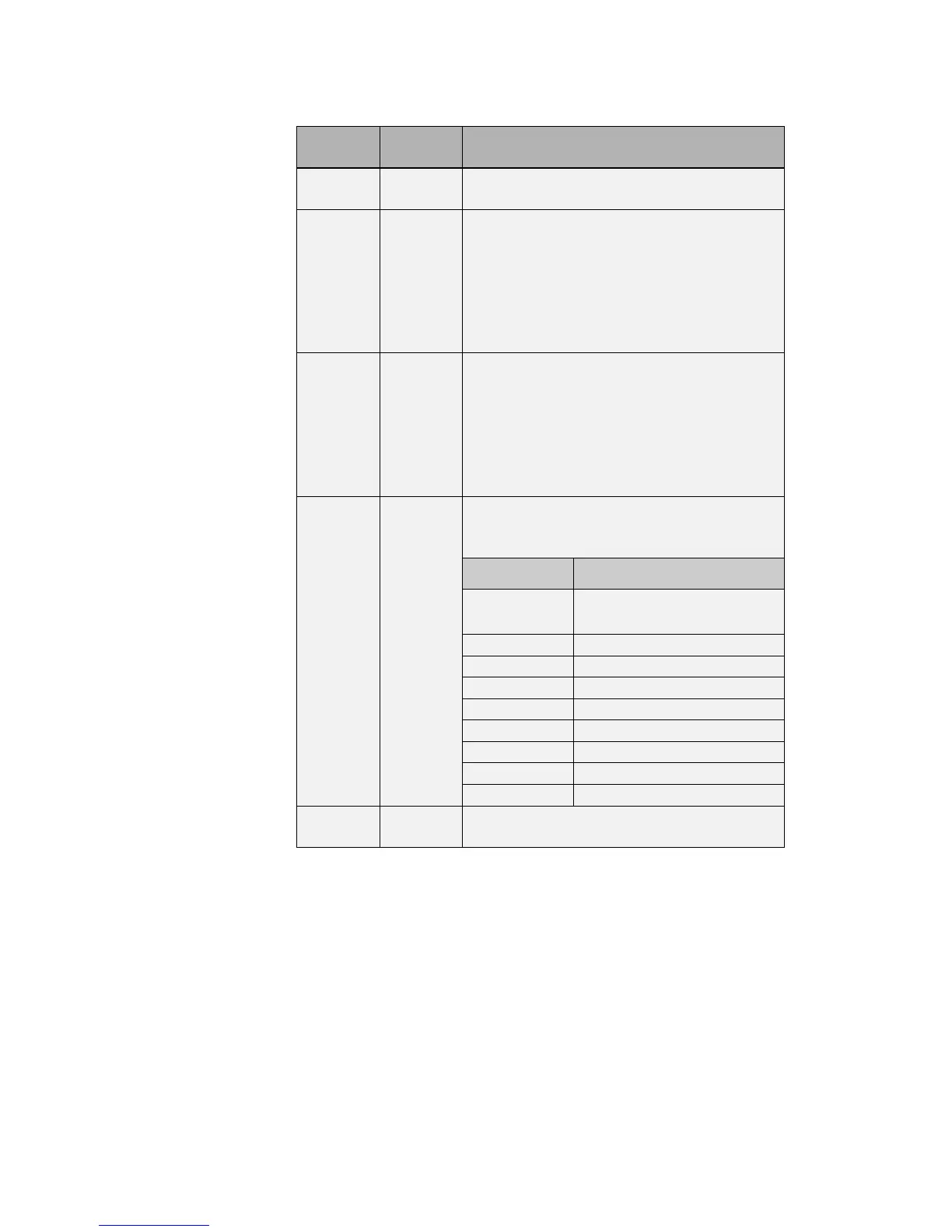
This is the channel address for this lamp
attribute. Numbering is in the range 1 to 38.
This is the minimum value of data that is
valid for this attribute. Normally this is
zero, however some fixtures (the MadScan
for example) mix attributes on a single
channel. If intensity is controlled over the
range 128 to 255, you must enter a value of
128 in this field.
This is the range of values of data that is
valid for this attribute. Normally this is
255, however some lamps (the MadScan for
example) mix attributes on a single channel.
If intensity is controlled over the range 128
to 255, you must enter a value of 127 in this
field.
This field is for file compatibility with
Show-Control.The following are the default
abbreviations:
This is the default data value for each
attribute of each palette.



 To Next Page