ARTURIA – CS-80V – USER’S MANUAL
18
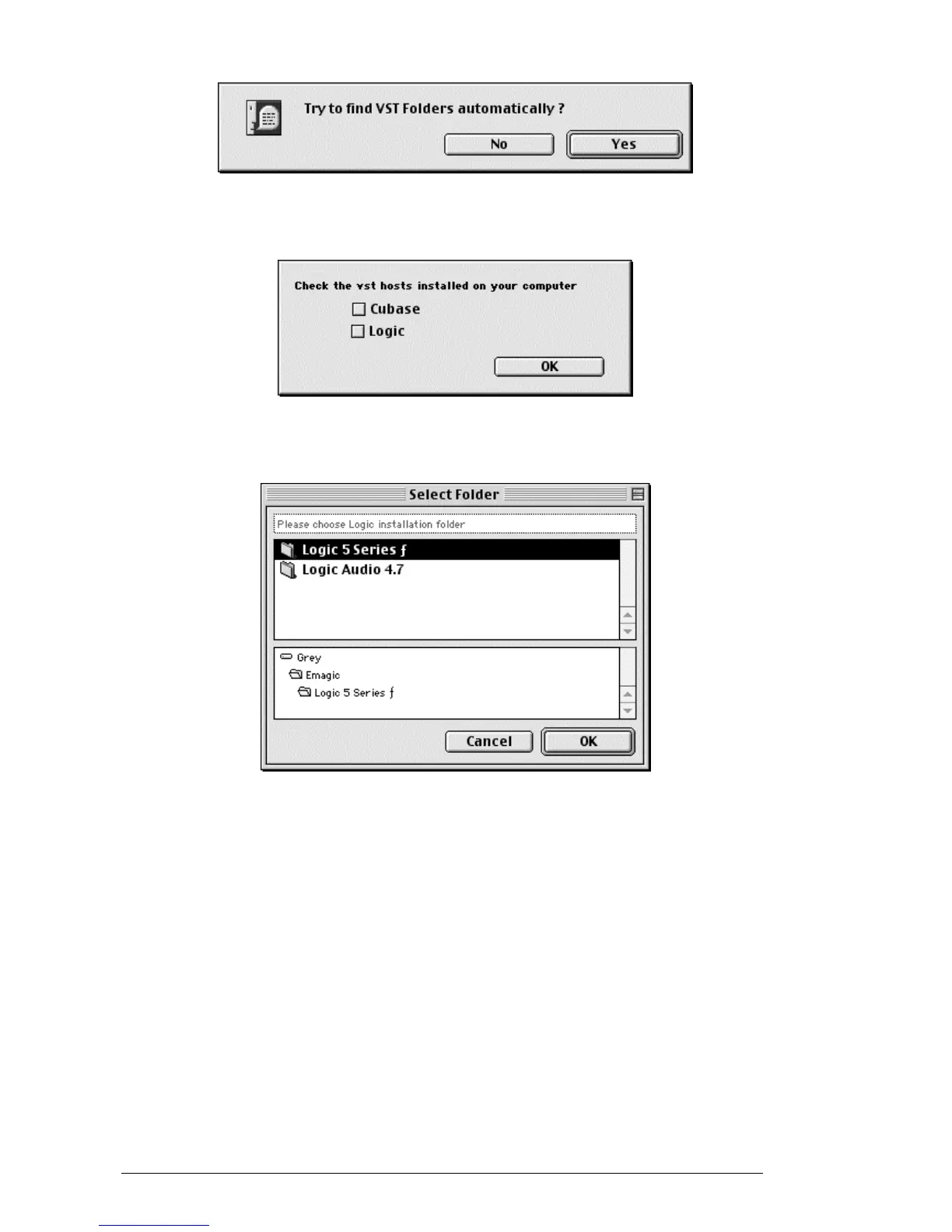
Auto detection of VST folders
Choose the applications for which you wish to install the CS-80V as a VST plug-in.
Choice of VST applications
For each of the selected applications, if several versions are present on your computer,
select the version for which you want to install the CS-80V as a VST plug-in.
Choice of the version of Logic Audio
The installation program now has enough information to complete the installation. In a
few seconds, you will be able to use the CS-80V.



 To Next Page