ARTURIA – CS-80V – USER’S MANUAL
79
8.5 DIGITAL PERFORMER™
8.5.1 Installation
During the installation procedure, check the MAS choice among the plug-in formats
offered. The CS-80V will be automatically installed in the MAS plug-in folder:
System Folder/Extensions/MOTU/Plug-ins
To use the CS-80V, you will need to increase the memory allotted to Digital Performer by
around 15 MB.
8.5.2 Opening the instrument
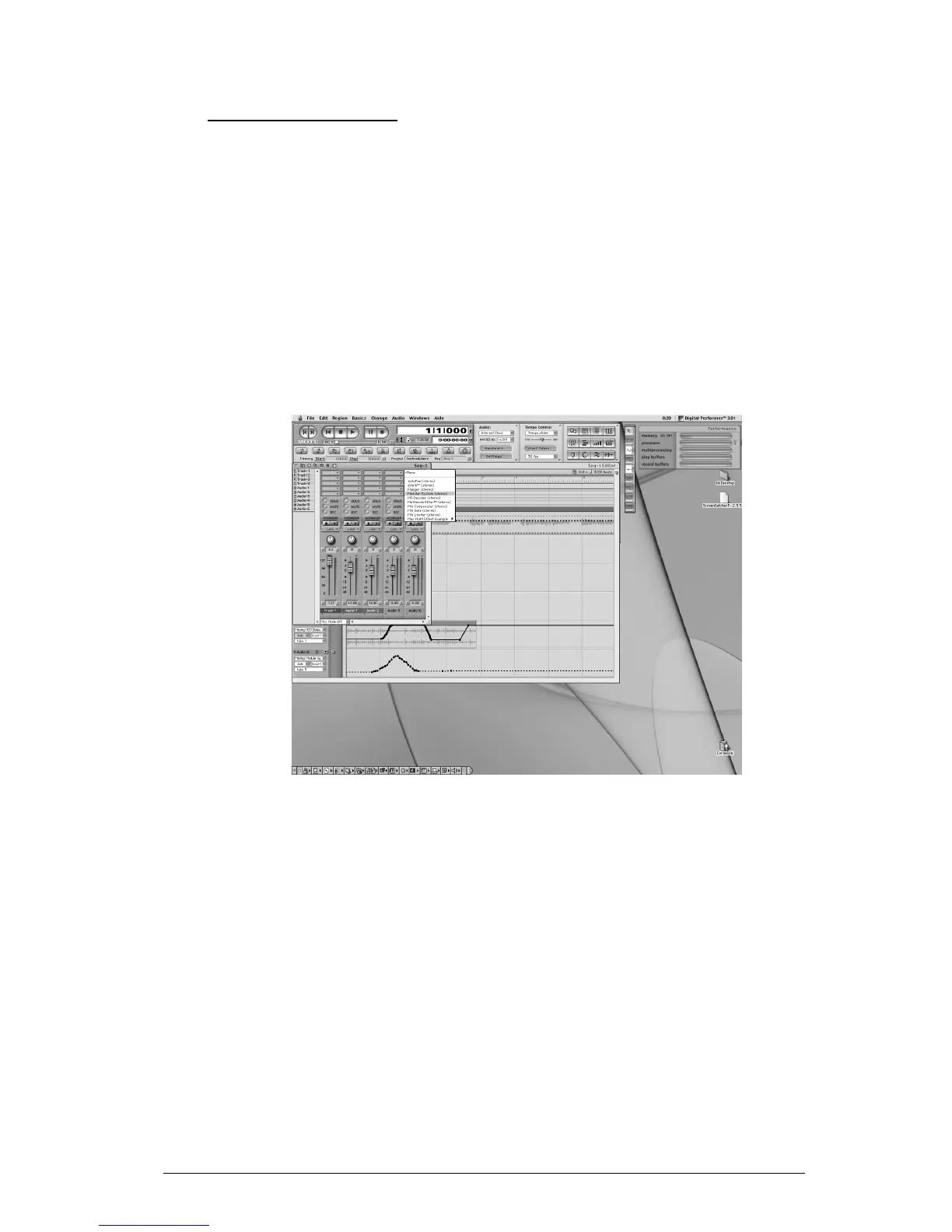
Access to the CS-80V plug-in is the same as for any other plug-in, through the insertion
of an audio track:
Opening the CS-80V in Digital Performer
The CS-80V can be loaded to a mono track (after insertion it becomes a stereo track) or
stereo track
We can now make the CS-80V «ring» by playing with the mouse on the virtual keyboard.
8.5.3 Connection to a MIDI node
So that the CS-80V can play information coming from a MIDI track, it must be associated
to a MIDI node through the appropriate menu:



 To Next Page