ARTURIA – CS-80V – USER’S MANUAL
47
5.13 GENERAL SETTINGS
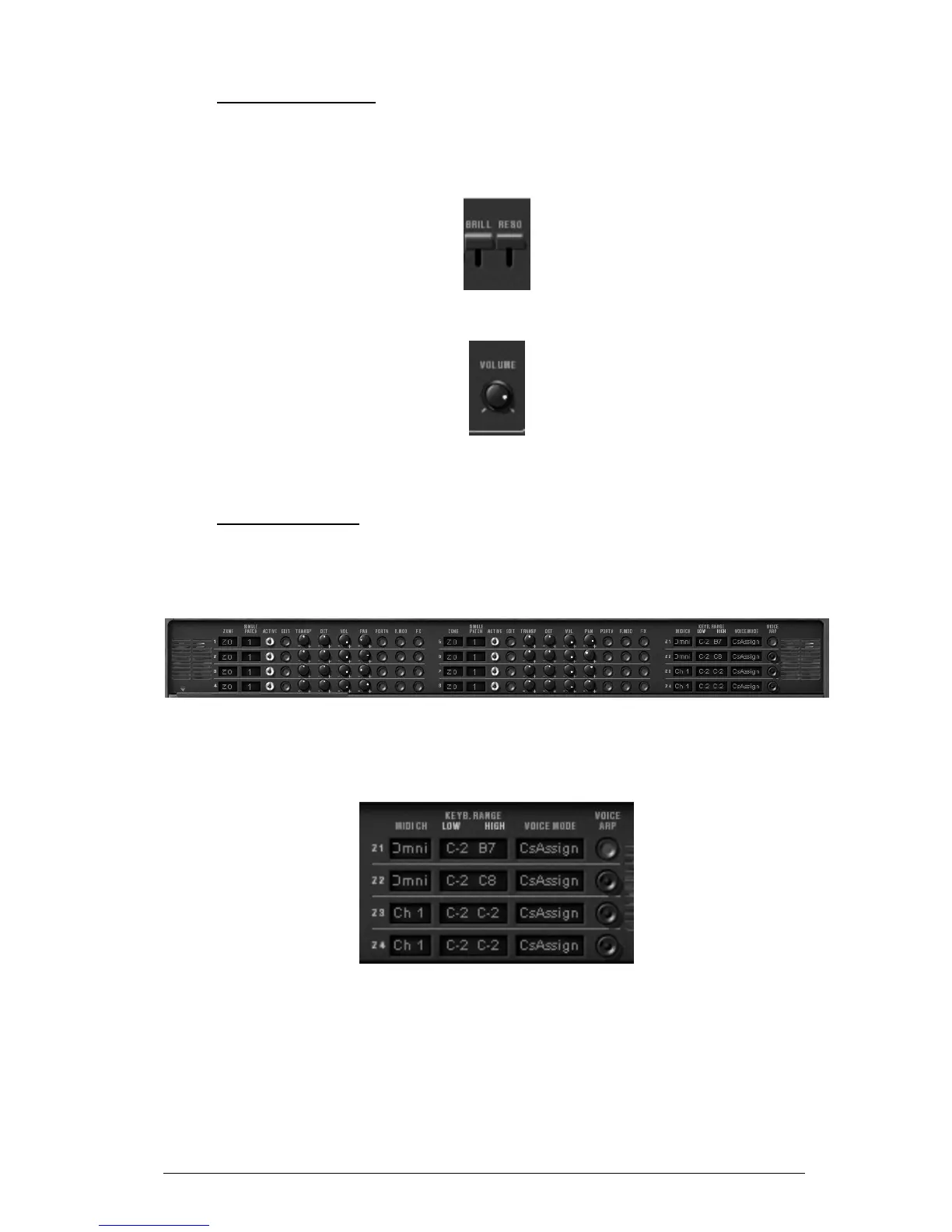
Three supplementary settings control the synthesizers general brilliance, resonance and
volume. They all effect polyphonic voices in the same way.
Brilliance and Resonance
General volume
5.14 THE MULTI MODE
When the Multi mode hatch is open, the playing mode is called «multiple». In this mode,
each of the eight polyphonic voices available can take a different sound and can be
commanded by four zones of MIDI control.
Open Multi mode hatch
Under the Multi mode hatch are two identical groups of four lines of settings and a
supplementary group of four lines. The two first groups set each of the eight voices,
while the last set the MIDI message control zones.
Control zones
The zones allow the independent control of the polyphonic voices. Each zone responds to
a MIDI channel, which can be assigned to the same or a differing channel. When a note
comes through the selected channel, it is only taken into account if it is between the
limits of the «KEYB RANGE» display. The zone will therefore activate the polyphonic
voices associated with it depending on the choice in the «VOICE MODE» display.
To modify the «KEYB RANGE» limits, double-click on the display and choose the low note
with a left click and the high note with a right click (Shift click for Mac)



 To Next Page