ARTURIA – CS-80V – USER’S MANUAL
21
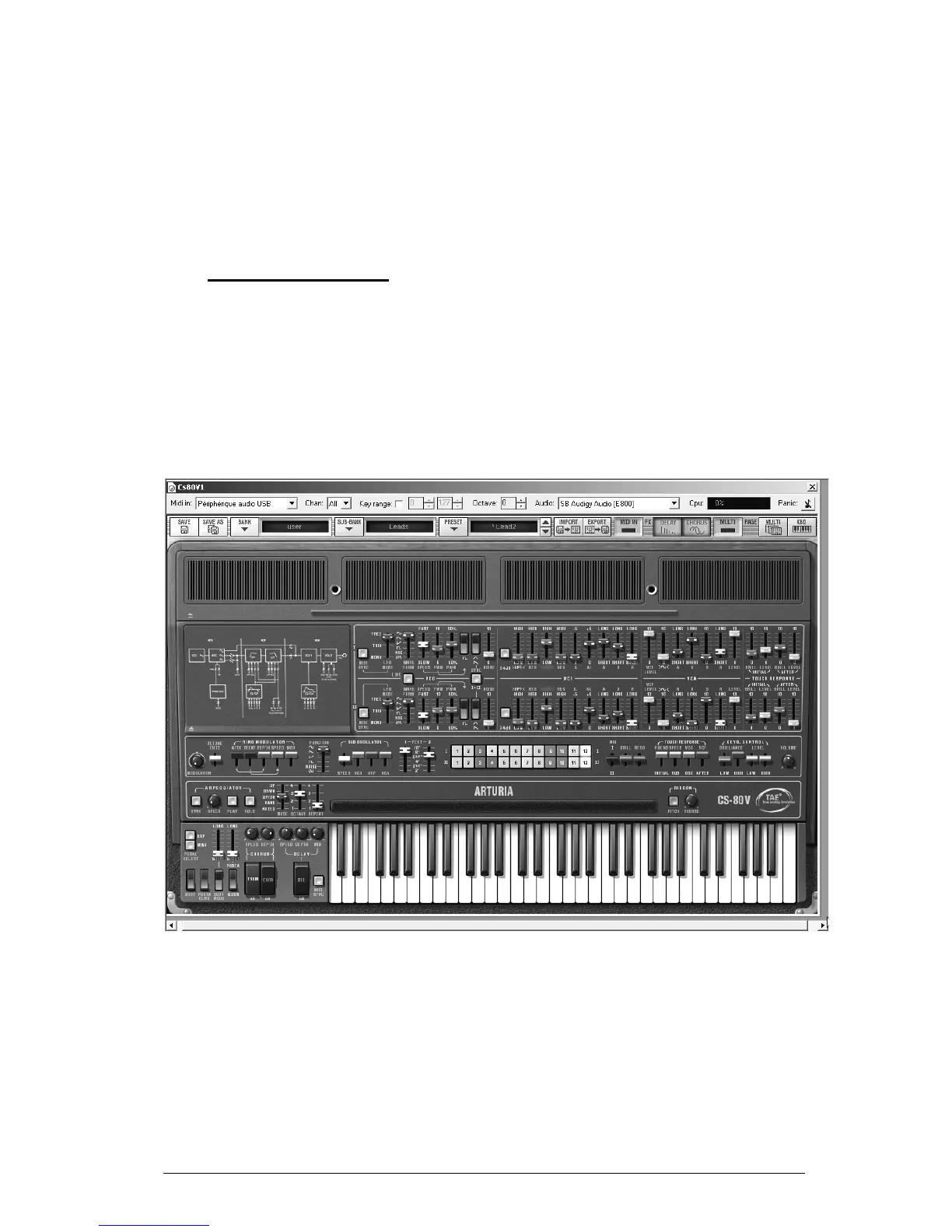
To choose another destination for the sound, click on the «Save as» icon and then
choose the destination. For example, select «new» in the choice of banks. 2 new bank
and sub bank locations as well as a new preset are immediately created. The names
«new bank», «new sub bank» and «new preset» appear in their respective displays.
Click on each of these displays to customize the name for each of these 3 parts,
bank, sub-bank, and preset.
3.2 METHODS OF PLAYING
The CS-80V offers 2 playing modes:
The «Single» mode allows you to play a single sound (here we will call it timbre)
redistributed across the keyboard.
The «Multi» mode allows you to play a group of single timbres distributed across 4
zones on the keyboard («split») or several single timbres superimposed across the
keyboard («unison»).
The single mode (the original CS-80)



 To Next Page