ARTURIA – CS-80V – USER’S MANUAL
80
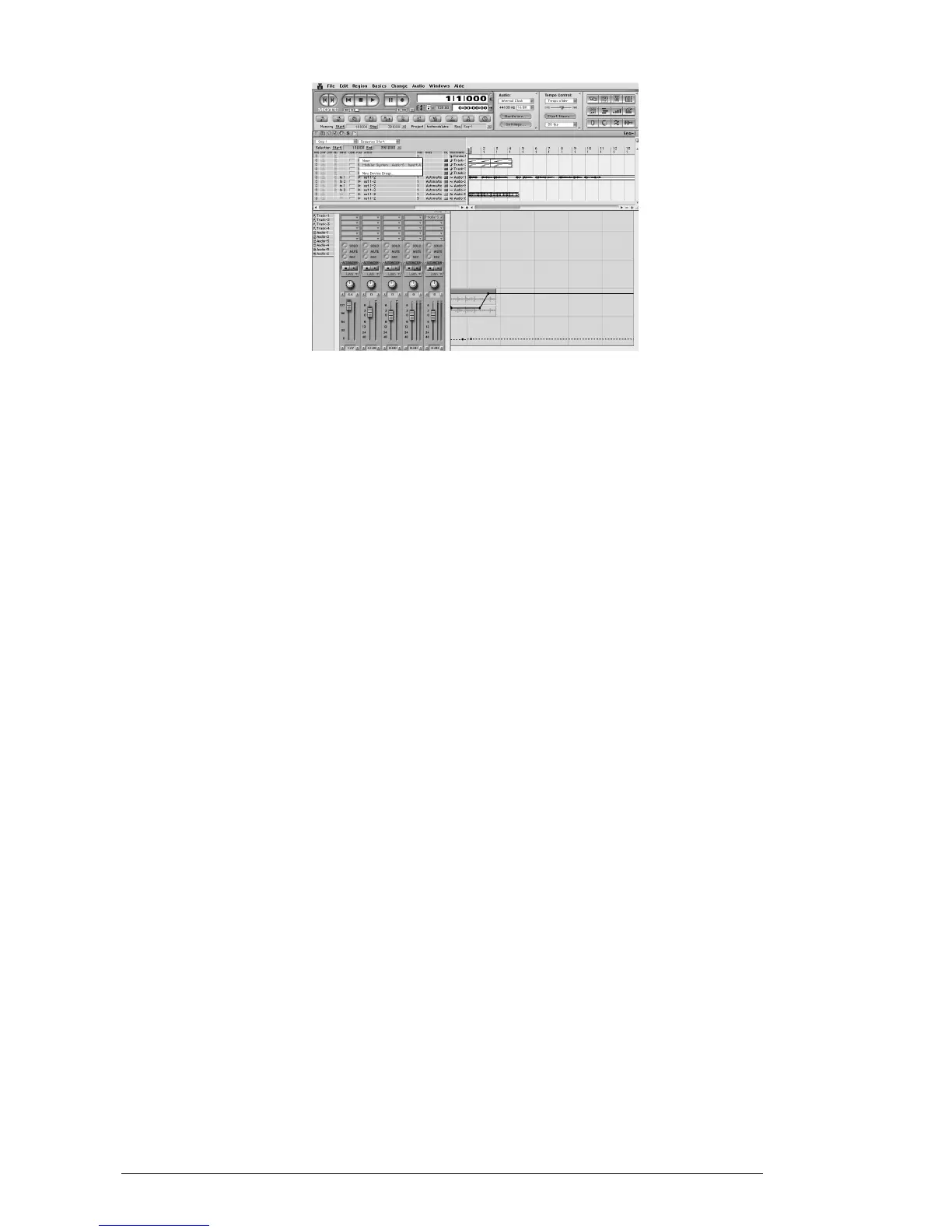
Connection of the CS-80V to a MIDI node
We can thus also control the CS-80V through a command keyboard (see the Digital
Performer manual for the connection of this type of device).
8.5.4 Saving presets
When the session is saved, the state of the CS-80V is saved as is, even if the
programming corresponds to no preset. For example, if you were working on a preset
«BassOne» on which you had changed settings (without saving them as «BassTwo»), the
next time you open the song, the CS-80V will load the preset «BassOne» plus the
changes.
The dropdown menu offered by Digital Performer to save the settings of a plug-in does
work with the CS-80V. Nonetheless, we recommend that you use the internal menu of
the CS-80V. This is for several reasons:
Presets saved in this manner can be used in any other sequencer, making the
exchange between users easier.
They will be compatible with the different versions of the CS-80V that will appear
later on.
8.5.5 Automation
Automation works with the CS-80V like any other MAS plug-in (refer to the Digital
Performer documentation for more details on the automation of plug-ins). The changes in
presets (an so the movement of cables) cannot be automated.



 To Next Page