ARTURIA – CS-80V – USER’S MANUAL
61
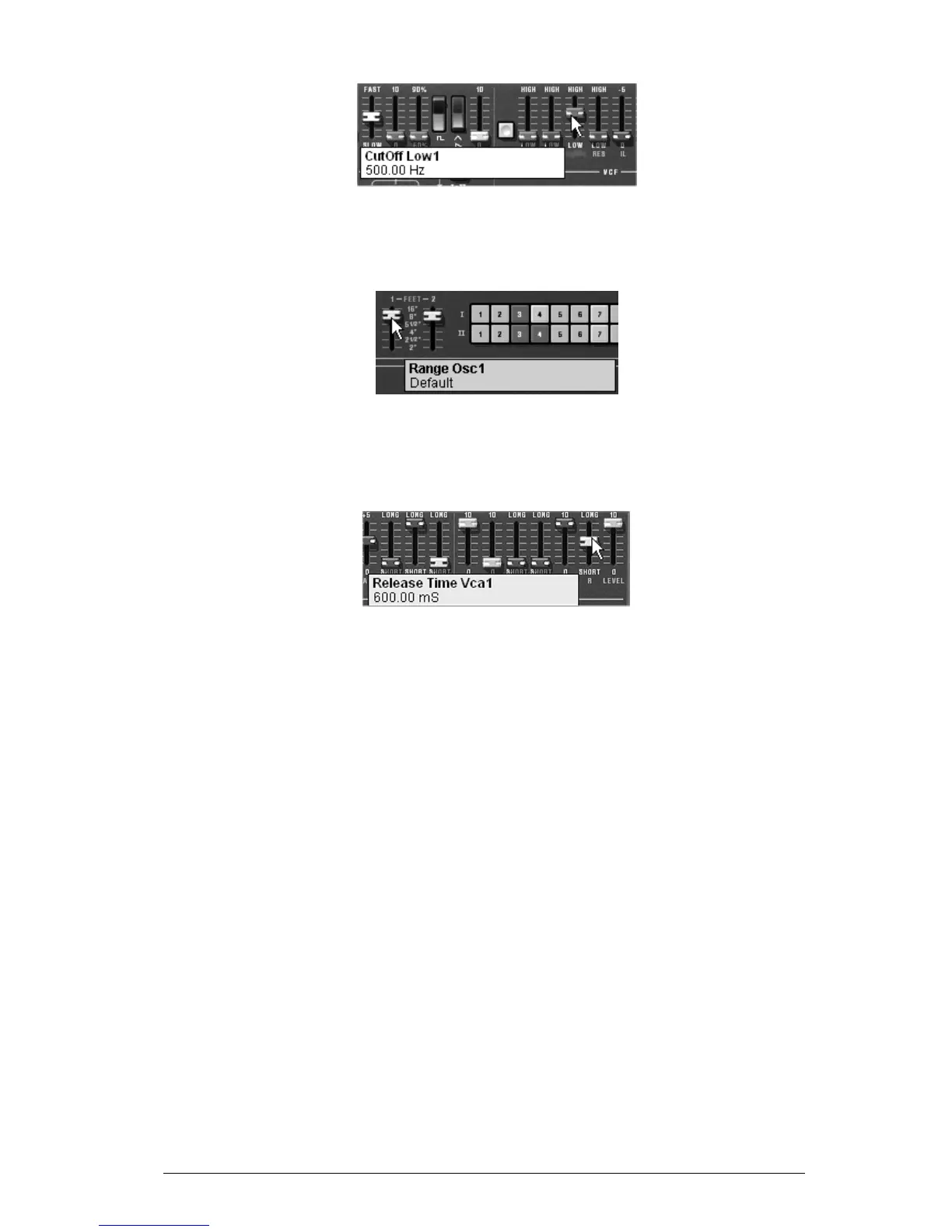
Increase the frequency of the low pass filter
Change the range of the oscillator with the «Feet I» potentiometer (for the moment
set to 8’)
Change the range of the oscillator
Now increase the release time («R») of the VCA1 so that the sound persists after the
release of the keys. Be sure to set the level of the general Sustain fader to 0, so that
the changes on the release time can be effective.
Increase the Release time of the VCA
7.1.2 The modulation matrix
We will discover one of the many additions to the CS-80V: the modulation matrix.
For this, load the «pad1» preset from the «templates» bank, sub bank «temp_syn». We
will program synthesis lines I and II as well as 6 modulations active on the sound:
2 oscillators
2 lightly resonant high pass and low pass filters
2 output VCAs
The filter and VCA envelopes are active
The modulation matrix will be active for:
Sub oscillator1 (LFO1) modulates the frequency of Oscillateur1
Sub oscillator2 (LFO2) modulates the cut-off frequency of low pass filter1
Sub oscillator2 (LFO2) modulates the cut-off frequency of low pass filter2
Velocity modulates the attack of VCA1 envelope
Velocity modulates the attack of VCA2 envelope
After touch modulates the cut-off frequency of high pas filters 1 and 2
The settings concerning the 2 lines of synthesis having already been programmed, we
will concentrate on the use of the modulation matrix.
On the matrix, begin by choosing the first source of modulation: «LFO1» (for low
frequency oscillator1).
Repeat for the first destination, choose «VCO1 Freq» (pour «Voltage Controlled
Oscillator1 Frequency».



 To Next Page