ARTURIA – CS-80V – USER’S MANUAL
35
The ribbon controller
4.2.5 Setting keyboard zones
Setting keyboard zones lets us define a zone on a master keyboard. This will present two
displays: one for the minimum limit of the zone and one for the maximum. To modify
these values, simply click on the value and vertically move the mouse.
Keyboard Zone settings
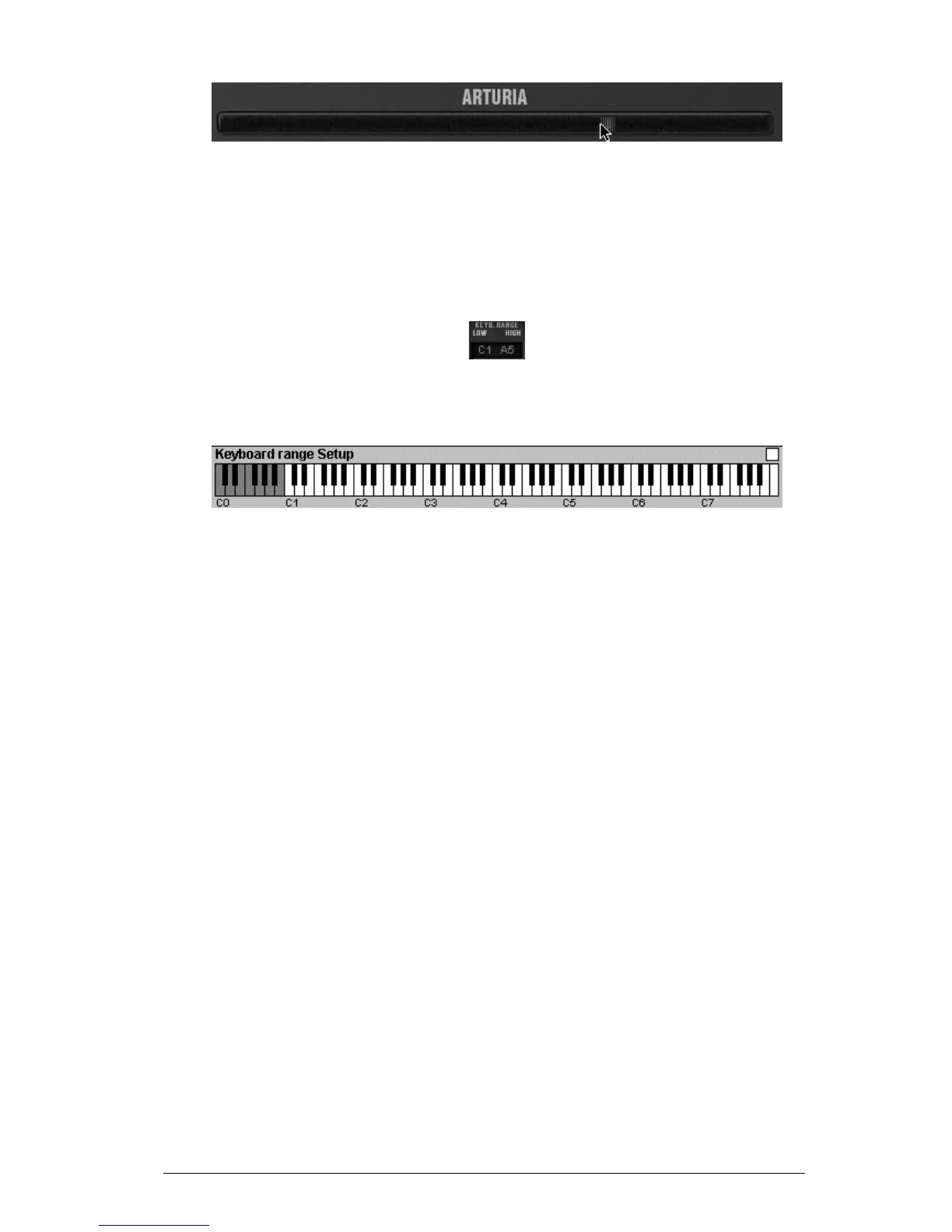
There is another solution for easier definition of keyboard zones. Just double click on the
zone to be modified, and a mini keyboard will appear on the screen.
The mini keyboard makes zone settings easier
We can define a zone by simply clicking on the keyboard, a click modifies the minimum
limit, and a right click or Shift+Click modifies the maximal limit. The white zone on the
keyboard represents the active zone.
4.2.6 Virtual Keyboard
The keyboard lets you listen to the synthesizer sounds without the need for an external
master MIDI keyboard, and without programming a melody in the sequencer. Just click
on a virtual key to hear the corresponding sound.
4.2.7 MIDI control
Most of the knobs, sliders and switches on the CS-80V can be manipulated with external
MIDI controllers. Before anything else, make sure that the MIDI device that you wish to
use is correctly connected to the computer, and that the sequencer or the CS-80V
application is correctly configured to receive MIDI events coming from the device.
Every instance of the CS-80V receives MIDI events transmitted on a given channel. This
reception channel is defined in a global manner for the synthesizer, either in your
sequencer, or in the independent CS-80V application (see the corresponding chapters).
On the reception channel, the CS-80V can receive up to 120 different MIDI controls. It is
possible to choose a reception control for each knob. For this, click on the knob that you
wish to control while holding down the Ctrl key. A configuration window appears and will
allow you to choose a MIDI control number. You can also click on the «Learn» button and
move one of your physical MIDI controllers. In this case, the control number will be
detected and configured automatically. To deactivate the MIDI control of a knob, simply
uncheck the «Active» option in the MIDI control window.



 To Next Page