ARTURIA – CS-80V – USER’S MANUAL
63
The 2 examples that we have looked at allow you to have the basics necessary for more
profound research. Don’t hesitate in trying other settings, the possibilities offered by the
CS-80V are quite numerous.
7.1.3 Use of real time controllers
As we have previously seen, the use of real time controllers is one of the strong points of
the CS-80V. They will allow you to apply a large variety of simple and quick modulations
to the sound all while playing the keyboard.
7.1.3.1 Velocity and after touch
These 2 controllers are directly linked to the playing on the keyboard. Velocity controls
the cutoff frequency («brilliance») and the VCA volume. After Touch controls the speed of
the vibrato modulation, and the VCA volume.
This was the configuration of the original CS-80.
But you will be able to go further, thanks to the modulation matrix, these controls are
among the sources of modulation.
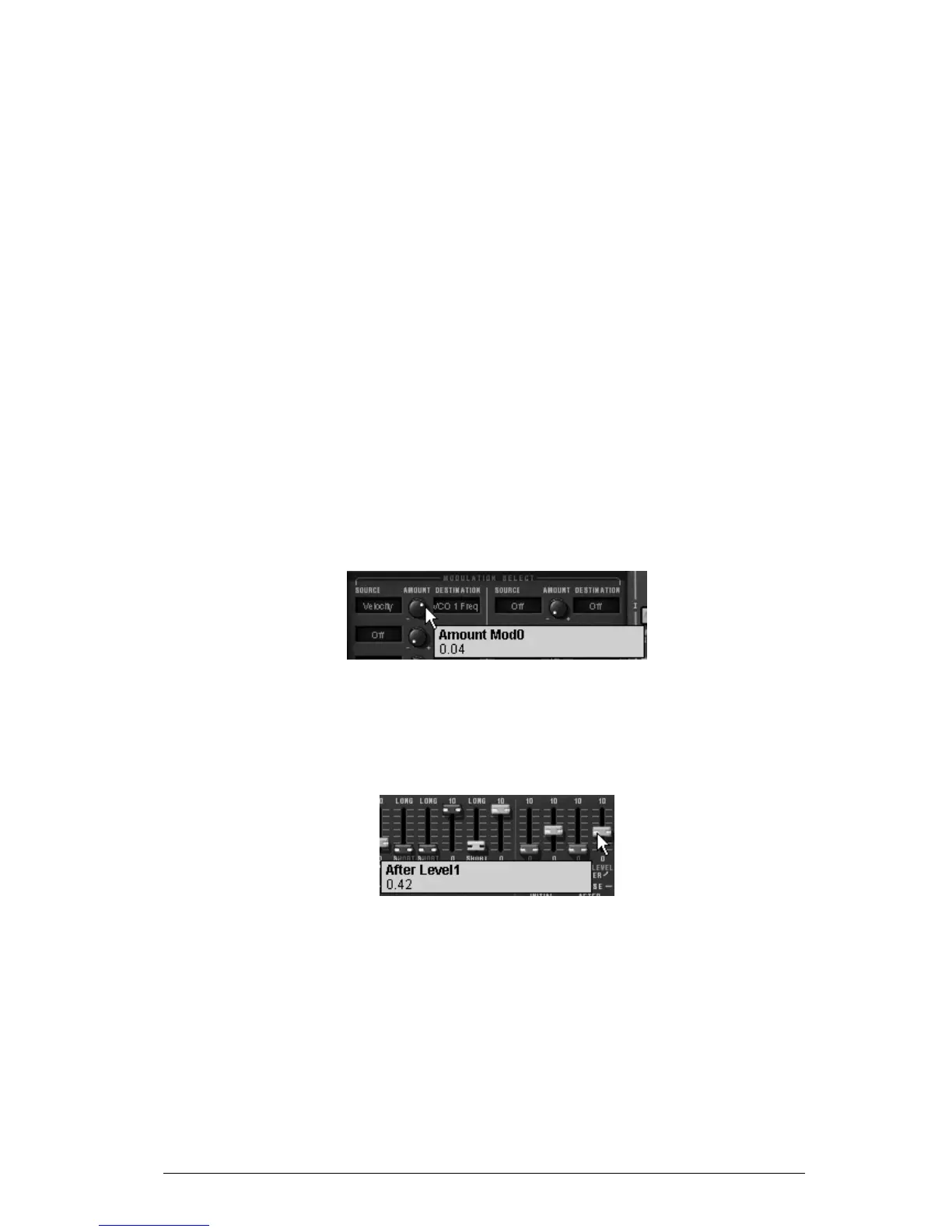
For example try to lightly vary the frequency of oscillator1 in relation to the second by
applying the velocity. You will obtain a different detuning at each note. This will
accentuate the «vintage» side of the synthesizer as each note corresponded to an
electronic card where the components could become unsettled with time.
Apply the velocity on the frequency of oscillator1
The after touch can be employed to accentuate one of the 2 voices of synthesis:
Apply the after touch on the VCA volume. When you press harder on a note on the
keyboard, the volume of voice 2 will progressively appear, this will create a morphing
effect between these 2 voices.
Apply the after touch on the VCA volume
7.1.3.2 The ring modulator
The ring modulator is essentially used to add harmonics that don’t originally exist in the
sound:
Lets use the example of the sound from a bell:
Load the preset «1_voice» which is, as we have previously seen, a very simple sound.
Increase the release time («R») on the envelope of VCA1 (towards 440 ms)



 To Next Page