ARTURIA – CS-80V – USER’S MANUAL
46
5.10 THE ARPEGGIATOR
The arpeggiator is used to transform a chord into a succession of individual notes.
The «SPEED» knob sets the speed for the arpeggio; the «SYNC» button allows us to
obtain a multiple or sub-multiple tempo of the host application. The «PLAY» button
triggers the arpeggiator, which when a note is played activates the notes one after the
other, but stops when there are no active notes held on the keyboard. The «HOLD»
button memorizes the notes played as long as it is active. The arpeggiator in «HOLD»
mode is stopped through the use of the «PLAY» button.
The «MODE» selector chooses the arpeggio mode: increasing, decreasing, back and
forth, random, and in the order that the notes appear.
The «Octave» selector presents the choice of the number of octaves that the arpeggiator
will traverse for each cycle. The «REPEAT» selector is to choose the number of cycles
repeated for each octave.
Arpeggiator settings
5.11 THE PRESELECTION BUTTONS
Pre-selections
The pre-selection buttons, like on the original CS-80 allow the selection of pre-set
sounds. These selections work like a help system, and as soon as a control is modified,
we find the «12» selection (panel) indicates that the audible sound corresponds to the
settings modified by the user.
Each pre-selection line corresponds to the control of each line of synthesis.
5.12 THE RIBBON
Ribbon
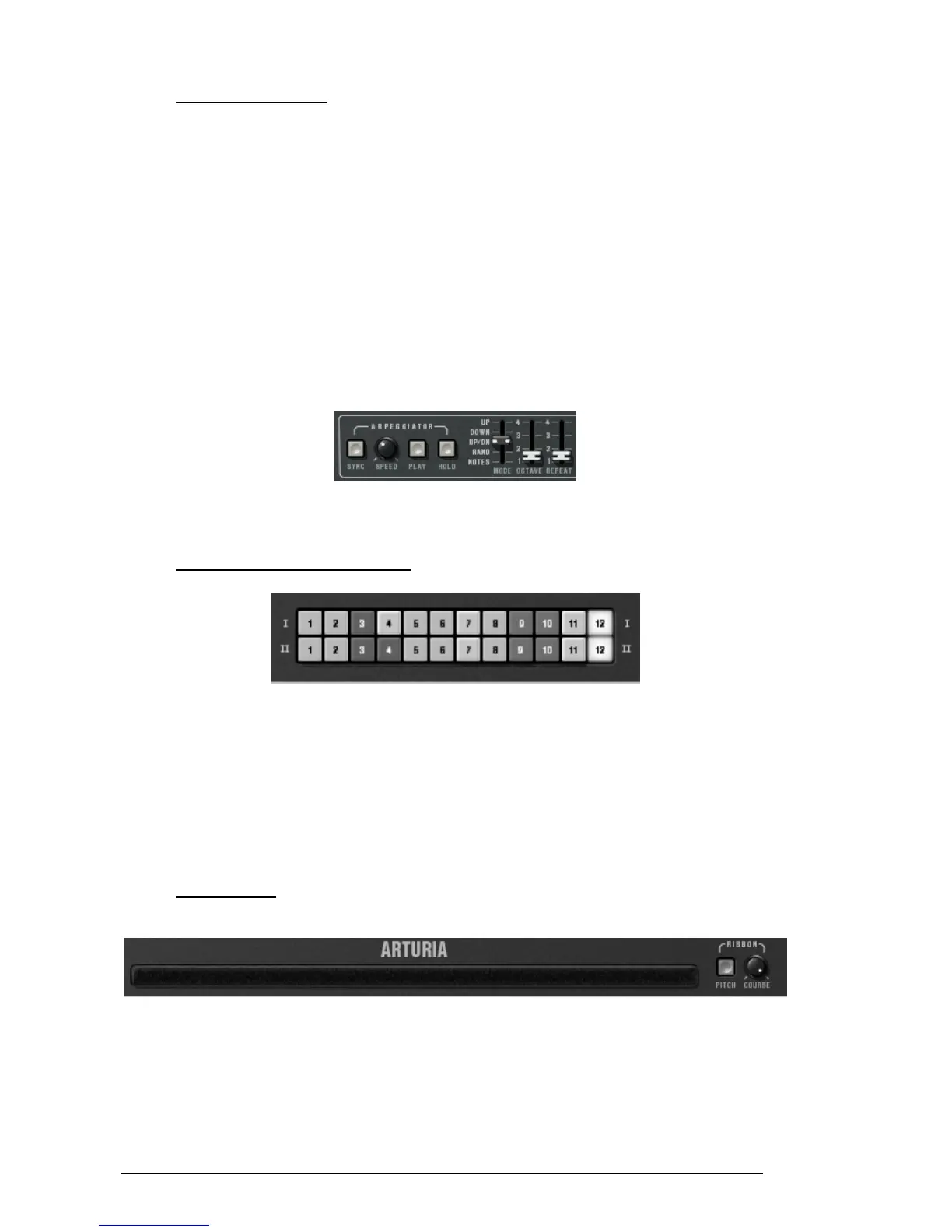
The ribbon works like a frequency variation wheel when the «PITCH» button is triggered.
The «COARSE» knob sets the amplitude for the frequency variation.
It responds to the Pitch bend MIDI message.



 To Next Page