ARTURIA – CS-80V – USER’S MANUAL
22
The Multi mode
The single mode presents the exact architecture of the original CS-80, which is a single timbre, distributed
across the whole of the keyboard with an 8 note polyphonic limit.
The Multi mode takes from the GX1, the «father» of the CS-80, which used 3 keyboards (2 polyphonic and 1
mono) and a separate pedal keyboard to play different sonorities distributed to each of the keyboards.
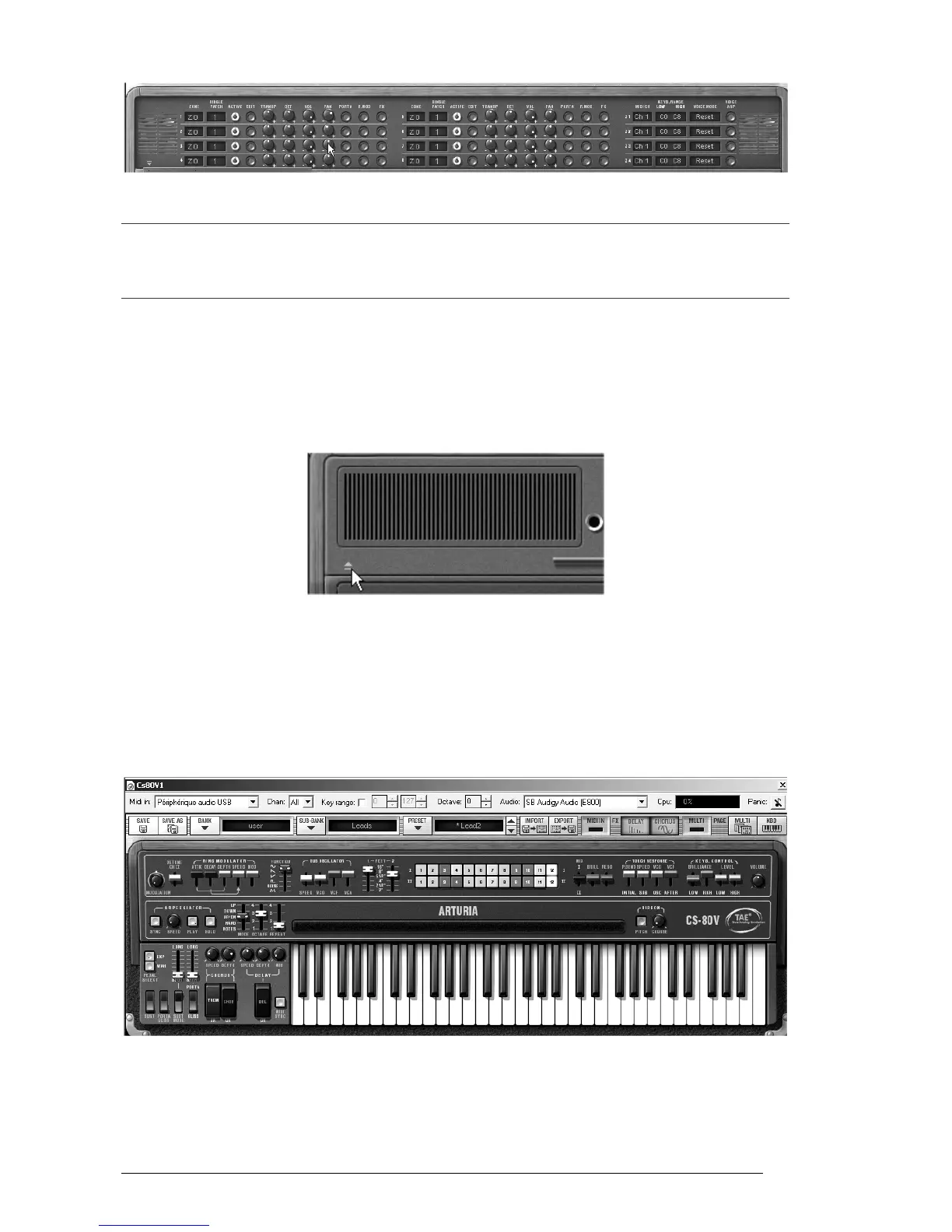
To get to the «Multi» mode, click on the button to open the hatch situated above the
synthesis parameters. A virtual LED display on the right of the tool bar now indicates
«Multi» mode is active.
To go back to «Single» mode, simply click on the close hatch button. The LCD display
now indicates «Single».
Opening the Multi mode hatch
You also have the option to keep the keyboard and its assignable controllers visible
on the screen by clicking on the «KBD» icon. The advantage being quick access to
real time controllers and sound presets while having a reduced work surface.
You can activate the reduced mode by clicking on the «Kbd» icon, which is on the
right of the tool bar.
The reduced mode



 To Next Page