15
3.2.4.1 WPS
WPS (Wi-Fi Protected Setup) is a wireless security standard that
allows you to easily connect devices to a wireless network. You
can congure the WPS function via the PIN code or WPS button.
NOTE: Ensure that the devices support WPS.
To enable WPS on your wireless network:
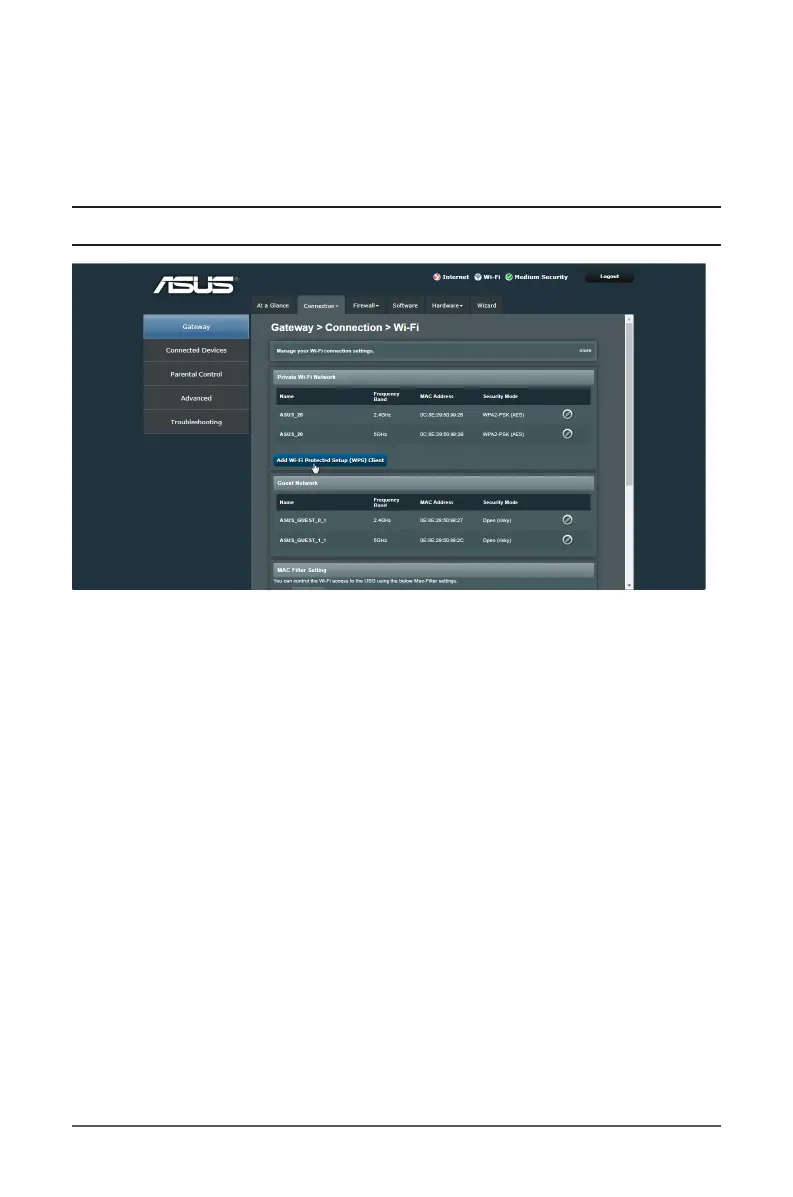
1. From the navigation panel, go to Gateway > Connection tab.
2. Select Wi-Fi from the dropdown menu.
3. Click on the Add Wi-Fi Protected Setup (WPS) Client
button.
4. In the Wi-Fi Protected Setup (WPS) eld, move the slider to
ON.
5. In the WPS PIN Method eld, move the slider to ON.
6. In the Connection Options, select Push Button or PIN
Method. If you select Push Button, go to step 7. If you select
PIN Method, go to step 8.
7. To set up WPS using the router’s WPS button, follow these
steps:



 To Next Page