16
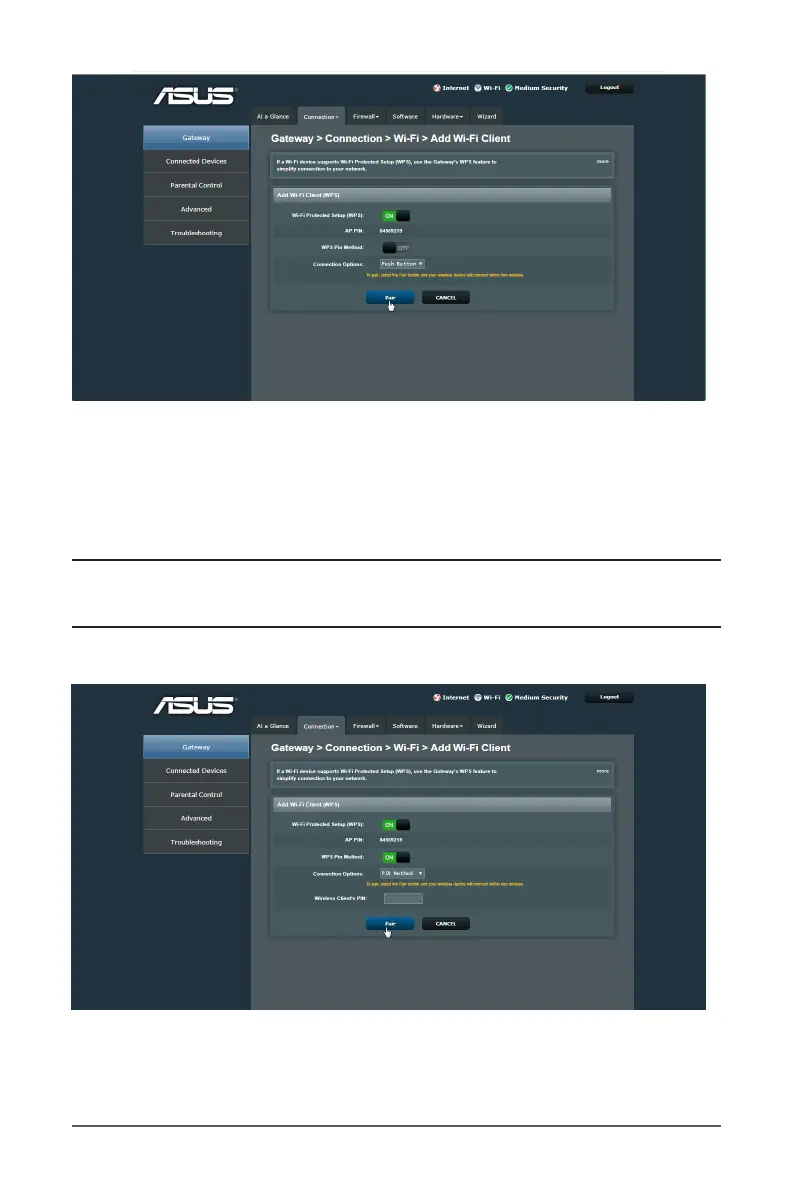
a. Click Pair or press the WPS button found at the rear of the
wireless router.
b. Press the WPS button on your wireless device. This is
normally identied by the WPS logo.
Note: Check your wireless device or its user manual for the
location of the WPS button.
8. To set up WPS using the PIN Method, follow these steps:
a. Locate the WPS PIN code on your wireless device’s user
manual or on the device itself.



 To Next Page