13
Chapter 2: Getting started DSL-N12E
Accessing the router’s web GUI
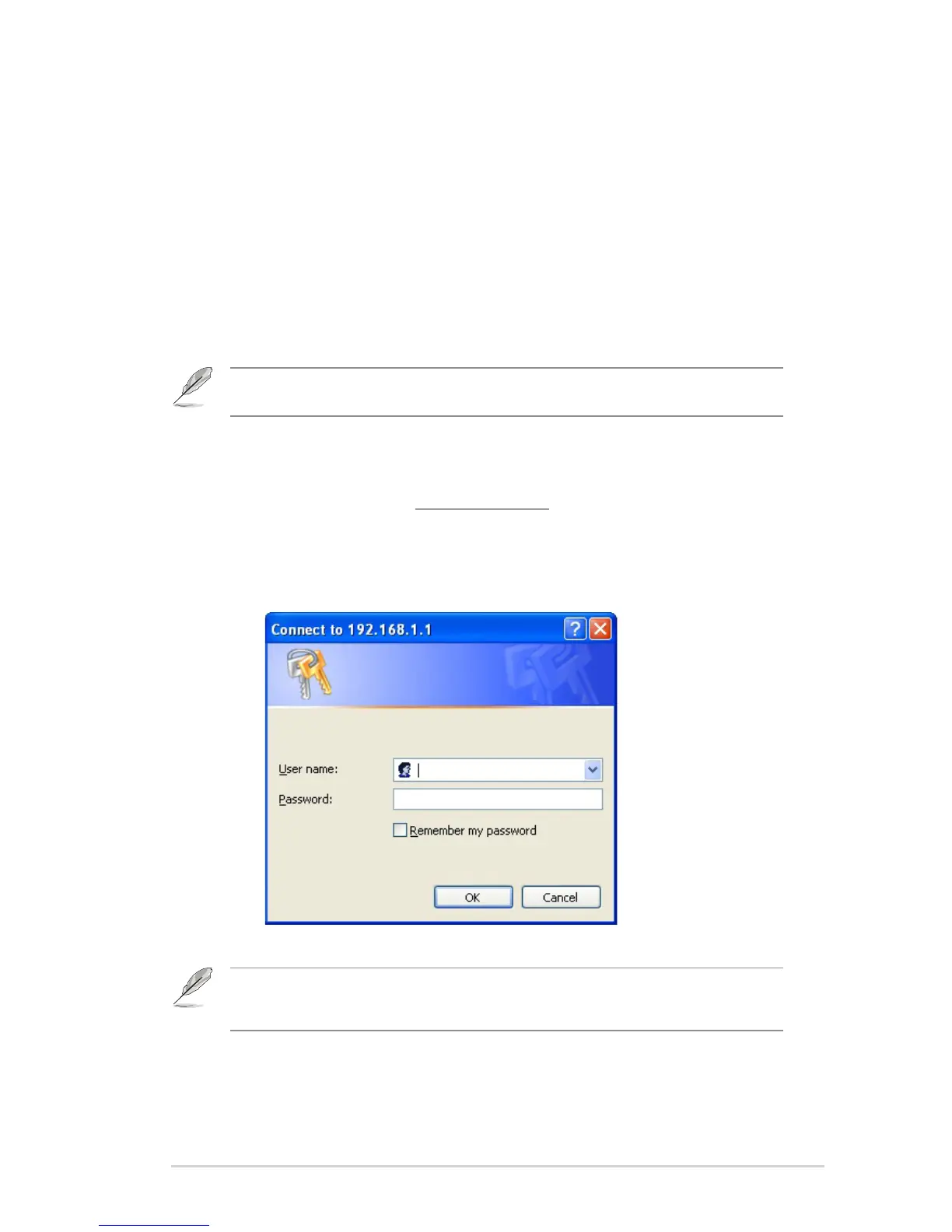
To access the router’s web GUI:
In your web browser, key in http://192.168.1.1.
Key in the user name and password. You may choose to log in as
administrator (user name/password: admin) or as an ordinary user (user
name/password: user/user).
1.
2.
2
Getting started
Setting up the wireless router
The ASUS Wireless Router includes a web graphics user interface (web GUI)
that allows you to congure the wireless router using your web browser on your
computer.
Note: For details on conguring your wireless router using the web GUI, refer to Chapter 4:
Conguring via the web GUI.
Note: When you log in as the administrator, the Quick Internet Setup (QIS) Wizard is displayed.
For details about the QIS Wizard, refer to the next section Using the Quick Internet Setup
(QIS).



 To Next Page