41
Chapter 4: Conguring via the web GUI DSL-N12E
Conguring the administration settings
The Administration page allows you to restore the wireless router to its default or
to its saved conguration settings, upgrade the rmware, view the system logs,
create, edit, or delete user accounts, and congure the system settings.
Restoring the wireless router’s settings
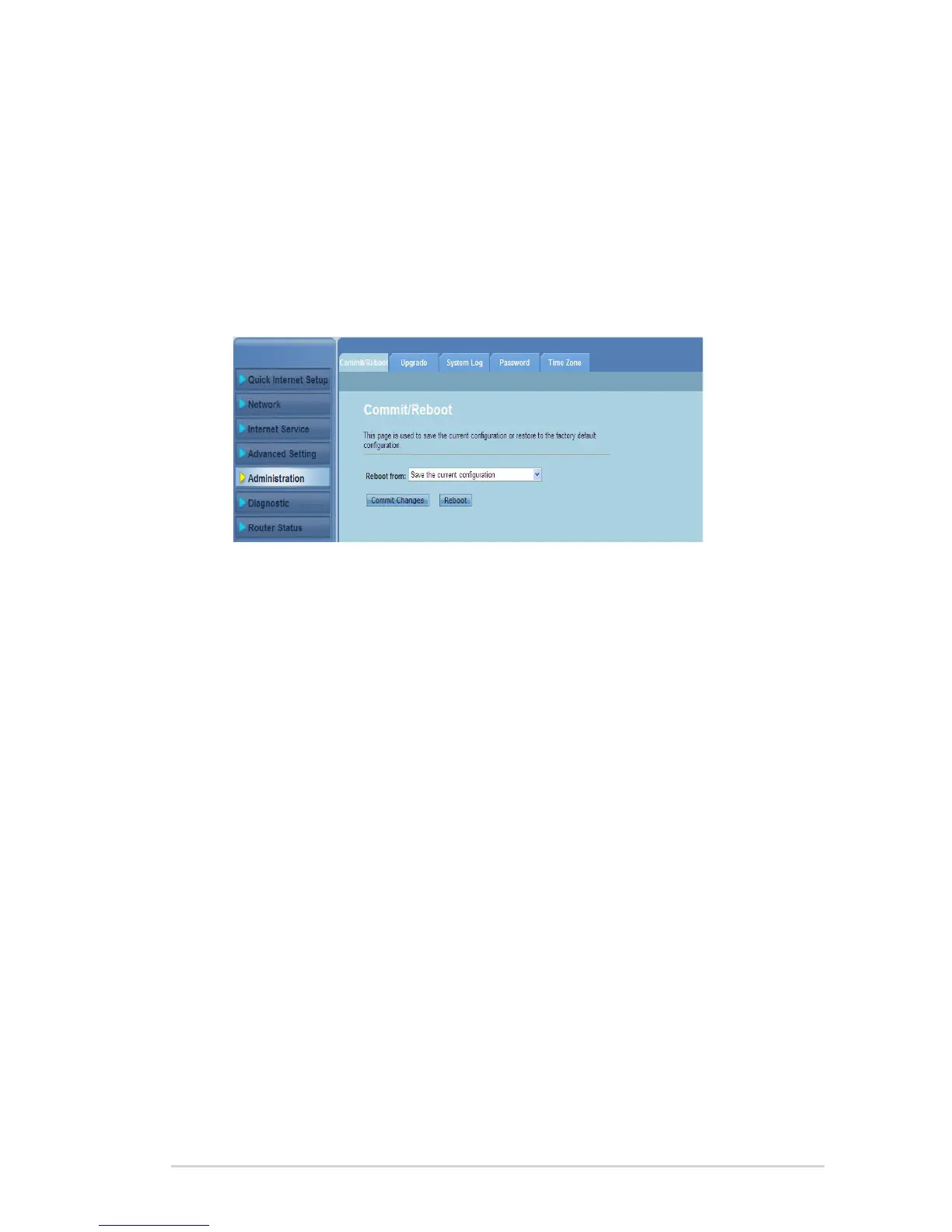
The Commit/Reboot page allows you to restore the wireless router to its default
settings or to a previously saved conguration settings.
To congure the Commit/Reboot settings:
Click Administration > Commit/Reboot tab.
In the Reboot from dropdown list, you can save the current conguration
or restore back to its default setting by selecting from the options Save the
current conguration or Restore to the factory default conguration.
Click Reboot to load the selected conguration and reboot the router’s
system.
1.
2.
3.



 To Next Page