42
DSL-N12E Chapter 4: Conguring via the web GUI
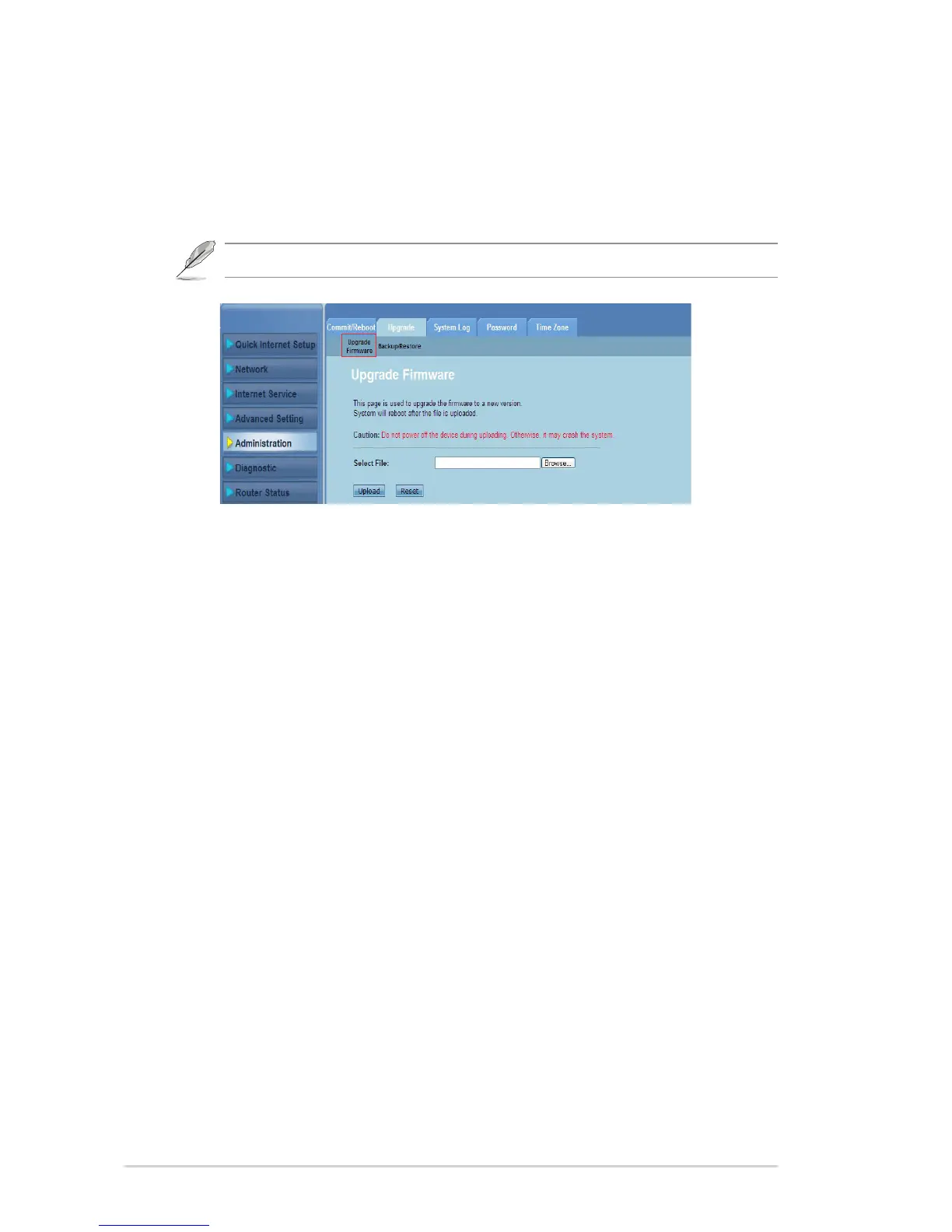
Upgrading the rmware
The Upgrade Firmware page allows you to upgrade the wireless router’s rmware
version.
NOTE: Download the latest rmware from the ASUS Support site at http://support.asus.com.
To upgrade the rmware:
Click Administration > Upgrade tab > Upgrade Firmware.
In the Select File eld, click Browse to locate the new rmware le on your
computer.
Click Upload. Wait for a few minutes for the uploading process to complete.
1.
2.
3.



 To Next Page